
How to Fake a Met Gala Red Carpet Appearance with AI from a Selfie in 2026
"Did you see Zendaya's look?" my sister texted me on the first Monday in May.
"Yeah," I typed back, "but honestly, I think my archive Mugler inspired piece was better."
"Wait, what? Are you in New York?!"
Three minutes later, I dropped the photo in our chat. The silence that followed was deafening—and entirely validating.
I didn't actually go to the Met Gala this year (obviously—my invite was tragically lost in the mail, right alongside my billion-dollar trust fund), but I did spend the entire weekend figuring out how to fake a Met Gala picture. And let me tell you—the rush of seeing yourself in a custom, gravity-defying gown, rendered flawlessly from a messy bedroom selfie, is completely unmatched.
Welcome to 2026, where creating a jaw-dropping AI red carpet photo is the ultimate May flex. We aren't just putting dog ears on our faces anymore. We are acting as our own creative directors, using AI to manifest haute couture that doesn't even exist in the physical world.
If you want to prank your followers, stop them mid-scroll, or just live out your high-fashion fantasy, you need to understand how the machine thinks. Here is exactly how I used PixViva to crash fashion's biggest night—without ever leaving my couch.
The Blank Canvas: Why Your Base Selfie Matters
I started this experiment on a rainy Tuesday, feeding standard, everyday selfies into PixViva. My first few attempts were... tragic. (Think less "Anna Wintour approved" and more "prom dress from a 2012 mall catalog.") I realized quickly that the AI needs a very specific kind of canvas to work its magic.
When you feed a messy, dimly lit photo into a high fashion AI generator, the AI spends all its processing power trying to fix your terrible lighting instead of building you a masterpiece.
The Principle of the Flat Light
If you want a convincing AI fashion portrait, your base image is everything. The AI maps those avant-garde structures onto your existing geometry.
You need flat, even lighting. (I stand facing a large window—no harsh overhead bathroom lights that cast weird, villainous shadows under your nose.)
Pull your hair back tightly. If you want the AI to generate structural, architectural headpieces, wet-look hair, or a sleek chrome helmet, your natural hair needs to be completely out of the way. Give the algorithm a blank skull and a well-lit face. That's your foundation.
Speaking Couture: Prompting for the Avant-Garde
Once I had the right base photo, I became obsessed with the textures. The 2026 Met Gala theme is "Synthetica: The Ghost in the Machine," so I knew I needed something futuristic but deeply romantic.
I spent four hours trying to get the AI to generate a dress made entirely of shattered glass and spun sugar. (Spoiler: The machine stubbornly insisted I was attending a 2009 bridal expo, burying me in generic white chiffon.) I had to get relentlessly specific with my words.
The Vocabulary of an Avant-Garde AI Filter
To trigger a true avant-garde AI filter effect, you have to speak the language of a Paris atelier. You cannot just type "cool futuristic dress" and expect magic.
You have to use terms like sculptural bodice, iridescent organza, structural boning, cascading tulle, asymmetrical silhouette, 3D-printed chrome details.
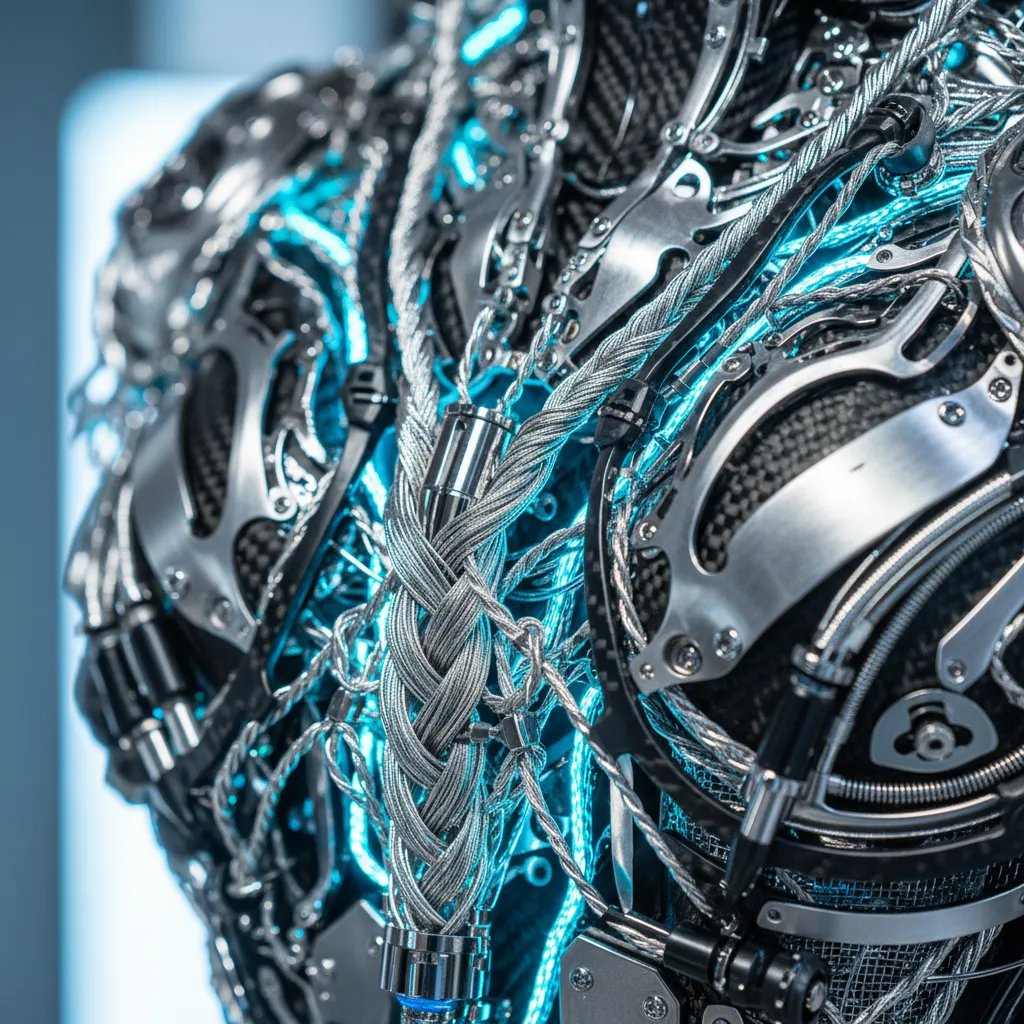
In PixViva, I found that layering materials in the prompt creates that authentic, custom-made feel. I finally broke through with this prompt: "A gravity-defying gown constructed from woven metallic silver threads and translucent silicone petals, high-neck structural collar, biomechanical haute couture."
Suddenly, I wasn't just wearing a dress. I was wearing art. That is how you get a celebrity event AI selfie that actually looks expensive.
The Devil in the Details: Accessories and Makeup
My dress looked incredible, but my face still looked like I was about to go grocery shopping. The juxtaposition of a million-dollar dress with "no-makeup makeup" completely ruined the illusion.
I went back into PixViva and started tweaking the negative prompts. (This is where the restless experimenter in me really took over—I must have generated fifty variations of metallic eyeliner alone.)
Elevating the Portrait
When creating a fake Met Gala picture, the styling above the neck is what sells the story.
I added phrases to my prompt like bleached eyebrows, sharp graphic chrome eyeliner, glossy contoured skin, architectural ear-cuff made of polished steel.
The AI needs permission to go weird. If you don't explicitly tell it to give you editorial makeup, it will default to standard Instagram beauty standards. Push the boundaries. Tell it to give you a metallic lip. Tell it to render a headpiece made of fiber-optic cables. The beauty of a high fashion AI generator is that gravity and physics do not apply.
The Beautiful Chaos: Nailing the Paparazzi Flash
At this point, my outfit and makeup were flawless. But the photo still looked fake. Why? Because the background looked like a serene, highly controlled photography studio.
The Met steps are an arena. It's chaotic, aggressive, and visually overwhelming. I needed the steps. I needed the screaming photographers. (I needed the sheer, blinding panic of a hundred camera flashes going off at the exact same millisecond.)
The Science of the Celebrity Event AI Selfie
The secret to a convincing AI red carpet photo isn't just the outfit—it's the environmental lighting. A fake Met Gala picture lives and dies by the flash.
You have to prompt for the specific, unforgiving lighting conditions of a red carpet. I started using phrases like harsh direct flash photography, overexposed foreground, deep shadows behind the subject, paparazzi flash glare.
For the background, you cannot just say "the Met Gala." The AI will make it look like a cartoon. Instead, prompt for blurred museum steps, out-of-focus crowd in tuxedos, bokeh effect, nighttime event lighting, camera flashes in the distance.
The contrast between the hyper-sharp, flash-lit subject in the foreground and the chaotic, blurred background is what tricks the human eye. It mimics the exact depth of field of a Getty Images photographer shooting on a 85mm lens.
The Drop: Executing the Prank
When I finally had the perfect image—a biomechanical silver masterpiece set against the blurred chaos of the paparazzi—I didn't caption it with anything crazy on Instagram.
I just posted it with a single, cryptic sparkle emoji. (Let them wonder, right? Let the silence do the heavy lifting.)
The DMs were instantaneous. My phone actually got hot from the notifications. "HOW." "WHO ARE YOU WEARING." "IS THIS REAL?!"
The Final Polish for Social Media
If you're going to drop an AI red carpet photo, treat it like a real PR moment. The AI will often give you an image that is too perfect. Real life has grit.
Before you post, take your PixViva masterpiece and add a tiny bit of film grain to it. Real red carpet photos, especially those taken in the dark with harsh flash, are never perfectly smooth. They have noise.
Crop it weirdly. Sometimes a slightly off-center crop makes it look like a candid shot snatched by a frantic photographer, rather than a perfectly composed digital painting.
Stepping Into the Fantasy
Experimenting with this tech isn't just about tricking your friends (though, let's be honest, watching the confusion roll into your comment section is incredibly satisfying).
It's about stepping into a fantasy. It's about taking the visual language of the world's most exclusive event and democratizing it. You don't need a Vogue editor's approval to wear haute couture anymore. You just need a decent selfie, a wild imagination, and the right prompts.
Go open PixViva. Upload that flat-lit selfie. Start speaking couture to the machine, and don't stop until it gives you something that takes your breath away.
I'll see you on the steps.
Ready to see yourself in a new light?