
How to Create a Viral AI Family Studio Portrait from Casual Phone Photos in 2026: The Complete Guide to Matching-Outfit Professional Family Pictures with Gemini, ChatGPT & Free Tools
Wrangling five family members into matching white linen while a toddler screams, the dog bolts, your teenager refuses to smile, and the photographer's $350 invoice hits your inbox before anyone's even seen a proof — that doesn't work. Booking a studio session three weeks out for a single Saturday morning slot that requires everyone to be fed, rested, styled, and emotionally cooperative at exactly the same moment — that doesn't work either. Coordinating schedules across siblings, in-laws, and grandparents who live in different time zones just to get one decent group shot — absolutely not.
What does work is the phone photo already sitting in your camera roll, the one where everyone is actually present and genuinely laughing, transformed into a polished, studio-lit AI family portrait with coordinated outfits in about fifteen minutes. Completely free.
This is the AI family photo trend flooding TikTok in 2026, and it's not just a gimmick. Families are saving $300 or more on professional sessions by using tools like Gemini, ChatGPT, and dedicated platforms like PixViva to turn casual snapshots into portraits that look like they came from a holiday card shoot. Here's exactly how to do it — for groups of three to eight people — with every face preserved, every outfit matched, and every background dialed in.
Why the AI Family Portrait Trend Took Over TikTok
The math is brutal. A mid-range family photography session in 2026 runs between $250 and $600 depending on your city, and that's before prints, digital files, or retouching fees. You get maybe forty-five minutes of shooting time, a handful of edited images two weeks later, and the persistent anxiety that someone blinked in every single frame.
Meanwhile, creators on TikTok started posting side-by-side comparisons — the chaotic kitchen selfie on the left, the magazine-worthy AI family studio portrait on the right — and the internet lost its collective mind. The appeal isn't hard to understand. You already have the raw material. You just need the right process.
The key insight most tutorials miss: this isn't about generating fictional people who vaguely resemble your family. It's about enhancing a real photo with real faces into a portrait that looks intentionally composed. Face preservation is everything.
Step One: Choose Your Source Photo Wisely
Before you touch any AI tool, the source image matters more than any prompt you'll write. You need a photo where every family member's face is clearly visible, reasonably well-lit, and not obscured by sunglasses, hands, or another person's head. Front-facing or slight three-quarter angles work best. Blurry profiles do not.
Here's what to look for in your camera roll:
- Resolution: At least 1080px wide. Most modern phone photos exceed this easily.
- Faces: Every person's eyes, nose, and mouth should be unobstructed.
- Lighting: Even indoor lighting beats harsh outdoor shadows. Overcast day photos are gold.
- Grouping: Everyone roughly in frame, even if the composition is terrible. AI handles layout. You handle attendance.
The photo doesn't need to be beautiful. It needs to be clear. Big difference.
Step Two: Craft a Face-Preservation Prompt for Groups
This is where most people's AI family photo attempts fall apart — they use vague prompts like "make this a studio portrait" and get back six strangers in matching sweaters. The trick is specificity and constraint.
For ChatGPT (GPT-4o with image input)
Upload your group photo and use a prompt structured like this:
"Using the exact faces, skin tones, hairstyles, and facial features of each person in this uploaded photo, create a professional studio family portrait. There are [number] people. Preserve every face with photographic accuracy. Dress everyone in [outfit description]. Use a [background description]. Studio lighting, soft shadows, high resolution."
The phrase "exact faces" combined with "photographic accuracy" signals the model to prioritize likeness over artistic interpretation. For groups of five or more, add: "Maintain the relative height differences and age appearances of each person."
For Gemini AI Family Picture Generation
Gemini handles multi-face compositions slightly differently. Upload your image and try:
"Transform this casual family photo into a professional studio portrait. Keep every person's real face, real hair, and real body proportions unchanged. Change only the clothing and background. Outfits: [description]. Background: [description]. Lighting: soft professional studio with rim light."
The key phrase for Gemini is "keep unchanged" — it anchors the model to your source image rather than hallucinating new features. Worth repeating.
Step Three: Nail the Matching Outfit Swap
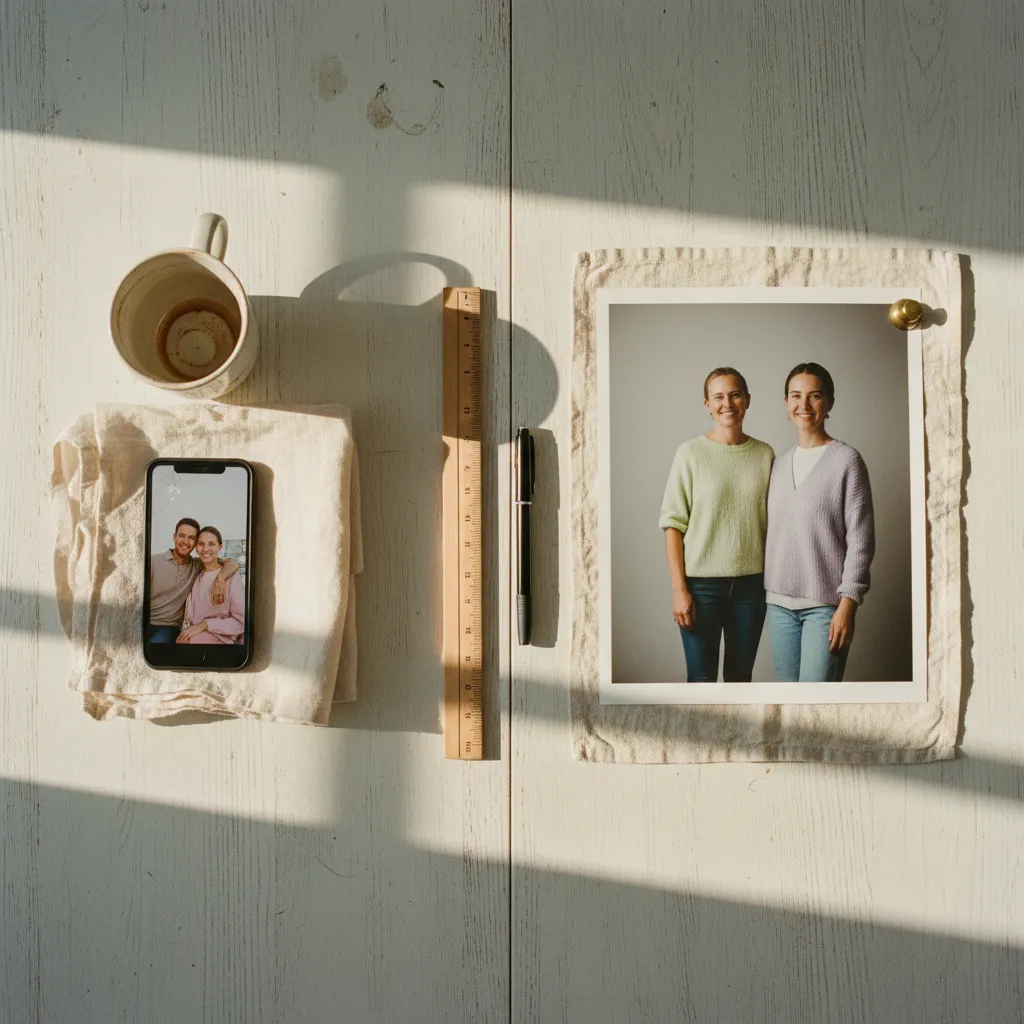
The coordinated outfit is what makes an AI family portrait look intentional rather than edited. It's the visual glue that transforms "photo with a filter" into "portrait worth framing." Three palettes dominate the trend right now, and each signals a different mood.
All-White Linen
Clean, timeless, and devastatingly effective against a light gray studio backdrop. Use the prompt phrase: "matching relaxed white linen outfits, slightly varied styles appropriate for each person's age and gender — button-down shirts, flowy blouses, simple dresses for children."
The word "varied" is critical. Identical outfits look uncanny. Coordinated but distinct looks natural.
Autumn Earth Tones
Rust, burnt orange, deep cream, olive. Perfect paired with a golden-hour outdoor background or warm wood studio set. Prompt phrase: "coordinated autumn-toned outfits in rust, cream, and olive — cozy knit sweaters and layered textures."
Soft Lavender
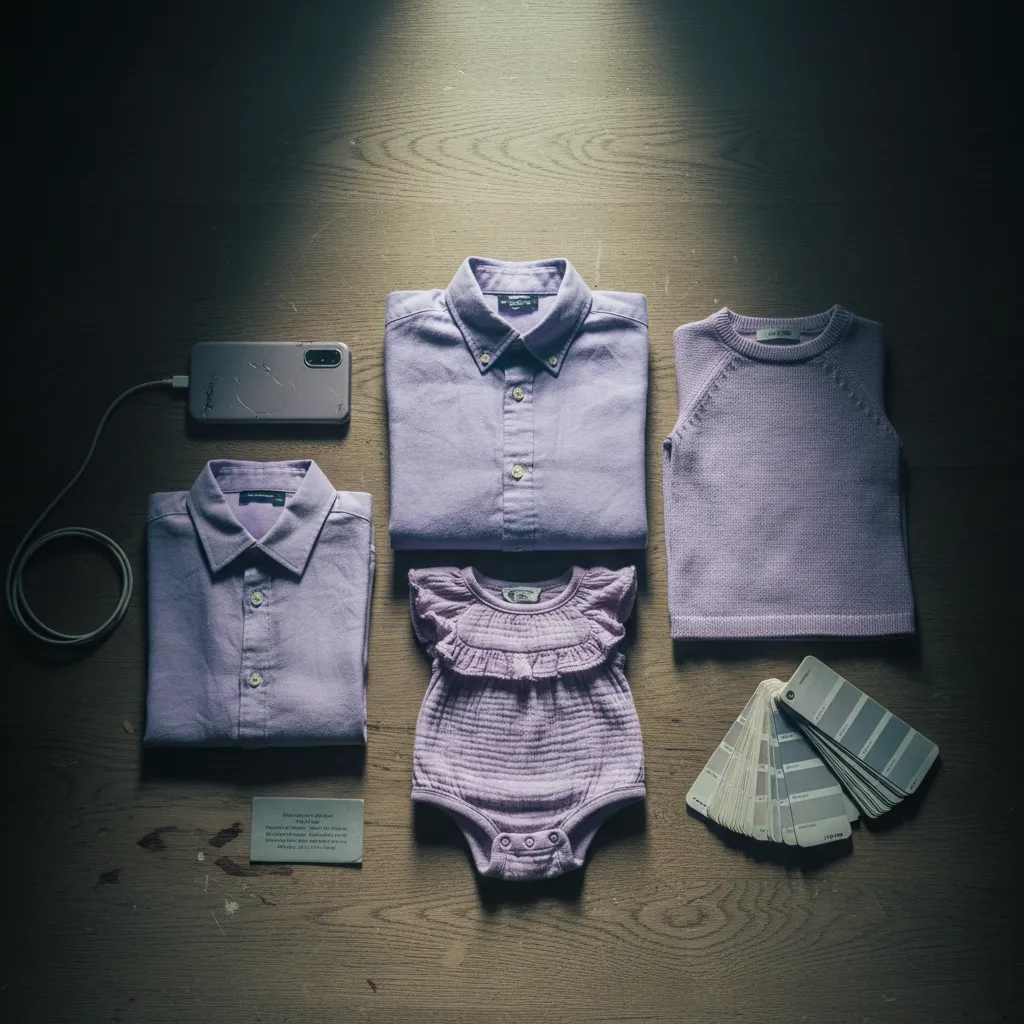
The sleeper hit of 2026. Lavender photographs beautifully in AI-generated studio lighting and pops against both white and dark backgrounds. Prompt: "matching soft lavender and muted purple outfits, elegant but comfortable, silk and cotton textures."
Don't describe exact clothing items for every person. Give the AI a palette and a vibe, then let it assign appropriate garments by age. Micromanaging eight outfits in a single prompt creates chaos. Trust the palette.
Step Four: Select the Right Background
Your background choice elevates the portrait from "nice edit" to "how did you do that." Two categories dominate.
Classic Studio
Use prompt language like: "seamless light gray studio backdrop, professional portrait lighting with soft key light and gentle fill, subtle shadow on background." This is the safest choice and the most convincing. It's what real studios use, so it triggers instant credibility.
Seasonal or Environmental
Autumn leaves, cherry blossom gardens, snow-dusted evergreen paths. These work beautifully but require one extra prompt instruction: "The family should be the focal point with the background slightly soft and out of focus, as if shot at f/2.8." Without that depth-of-field cue, the AI tends to render backgrounds with equal sharpness, and the result looks composited. Depth matters.
Step Five: The Face-Swap Polish That Makes It Real
Here's the truth most guides skip — even the best AI family photo prompt will occasionally drift on one or two faces, especially in larger groups. Grandma's jawline shifts. Your son's eyes change color slightly. The resemblance is close but not quite right. Close isn't enough.
This is where a dedicated face-swap refinement step becomes essential. Tools like PixViva are built specifically for this — you upload the AI-generated portrait alongside your original photo, and the platform maps each real face back onto the generated image with precision that generic chatbots can't match. Every family member actually looks like themselves, not like an AI's best guess.
For groups of six or more, this step isn't optional. It's mandatory. The larger the group, the more likely the AI drifts on at least one face, and one wrong face ruins the entire portrait. Run the polish step, compare side by side, and only then call it finished.
Prompt Cheat Sheet: Copy, Paste, Customize
For those who want to skip the theory and start generating, here's a consolidated prompt template that works across ChatGPT, Gemini, and most image-generation platforms:
"Using this uploaded photo as the exact reference for every person's face, hair, skin tone, and body proportions — create a professional studio family portrait of [number] people. Preserve every face with photographic realism. Dress everyone in coordinated [COLOR PALETTE] outfits with varied but matching styles appropriate for each person's age. Background: [CHOICE]. Lighting: soft professional studio lighting with gentle rim light and subtle shadows. High resolution, photographic quality, no artistic distortion of faces."
Swap the bracketed sections. Upload your clearest group photo. Generate three or four variations and pick the strongest one for face-swap refinement.
What This Actually Saves You
The dollars are obvious — $300 to $600 that stays in your pocket instead of going to a studio session you'll stress about for weeks. But the real savings run deeper than that.
You save the impossible scheduling coordination across multiple households. You save the emotional labor of getting everyone camera-ready simultaneously. You save the frustration of receiving final images where your daughter's eyes are closed in every shot. You save the guilt of not booking a family portrait for three years running because life kept happening.
An AI family portrait built from a real moment — a barbecue, a holiday gathering, a random Tuesday when everyone happened to be in the same room — captures something a studio never could. Authentic presence.
The matching outfits, the studio lighting, the polished background — those are the frame. The faces, the expressions, the way your family actually stands together when no one's posing — that's the portrait.
Stop waiting for the perfect session. The perfect photo already exists in your camera roll, wearing mismatched clothes and standing in bad light, waiting for you to see what it could become. Open it up, run it through the process above, and print the result.
Your family deserves a portrait on the wall. Not next season, not when everyone's schedule aligns, not when the budget allows for a photographer. Right now.
Ready to see yourself in a new light?