
How to Create the Viral AI Baby Dance Video from a Single Photo in 2026: The Complete Guide
Three hours into my fifth attempt and the AI baby was — how do I put this — vibrating. Not dancing. Vibrating. Like a phone on a table. The audio was "Take Me Up," the choreography prompt was clean, and yet here I was watching a cherub-faced toddler glitch its way through what should have been a body roll.
So I started over. Again.
This is the thing about the AI baby dance video trend nobody tells you: the viral ones look effortless. The process behind them is anything but. I've now tested every major free tool, burned through dozens of prompts, and finally — finally — cracked the formula that produces those impossibly smooth, impossibly cute dancing baby clips flooding TikTok and Instagram Reels.
Here's everything I learned. The wins. The disasters. The weirdly emotional moment when the render actually worked.
Why the AI Baby Dance Trend Took Over 2026
It started, as most things do, with one clip nobody expected to blow up.
Sometime in late 2025 a creator uploaded a baby doing the "In Da Club" choreo — full confidence, tiny fists pumping — and the internet collectively lost it. Within weeks the AI baby dance filter became the most searched effect on TikTok. By January 2026 the trend had its own ecosystem. Dedicated hashtags. Sound pairings. Even a counter-movement (more on that later).
But why babies specifically?
The Psychology of Baby Faces and Viral Sharing
There's actual science here that I found genuinely fascinating. Konrad Lorenz coined the term Kindchenschema — baby schema — to describe the cluster of infantile features (round face, big eyes, small nose) that trigger caregiving instincts in adults. Neuroimaging studies show these features activate the brain's reward centers. The same pathways as chocolate. As winning money.
Now combine that hardwired response with — confident choreography. The contrast is the joke. The joke is the dopamine. The dopamine is the share button.
This is why AI baby dance videos outperform almost every other AI trend in engagement. The emotional trigger is biological. You can't scroll past it. I couldn't. You won't.
The Tools That Actually Work (And the Ones That Don't)
I tested seven platforms. Three are worth your time. The rest produced results ranging from "uncanny valley nightmare" to "why does this baby have adult teeth."
Here's what survived.
CapCut: The Easiest Entry Point for AI Baby Dance Videos
CapCut remains the path of least resistance. And honestly — for most people reading this — it's enough.
What I did:
- Opened CapCut mobile (latest 2026 version — the desktop version lags behind on AI features)
- Tapped AI Characters → Dance Animation
- Uploaded a single front-facing baby photo (clear lighting, neutral background)
- Selected the "Take Me Up" choreography template — the one with the shoulder shimmy at the 0:04 mark
- Set duration to 8 seconds (sweet spot for Reels; TikTok allows longer but engagement drops after 12)
- Hit generate. Waited roughly 90 seconds.
What happened: The first render was — good. Not great. The baby's left hand clipped through its torso during the arm wave. But the face tracking was smooth. The rhythm sync was tight.
The fix that changed everything: I switched from a compressed JPEG to a high-resolution PNG. The AI baby dance CapCut engine handles detail better when given more pixel data to work with. Second render: flawless. Genuinely unsettling how good it was.
Pro tip I wish someone had told me: Use a photo where the subject's arms are slightly away from the body. Gives the AI more spatial data for limb movement. Arms pinned to sides = glitch city.
Kling AI: For When You Want Cinematic Quality
Kling AI is where I went when I wanted the AI dancing baby TikTok clip to look like it was shot on a RED camera. Overkill? Maybe. But the results speak.
My process:
- Uploaded the same baby photo to Kling AI's video generation tool
- Used this exact prompt (took me eight iterations to land on): "Adorable baby performing confident hip-hop choreography, smooth full-body movement, studio lighting, soft background blur, joyful expression, 24fps cinematic motion"
- Selected 8-second duration at 1080p
- Chose the "dance sync" motion mode and paired it with the trending audio timestamp
Generation time: About 3-4 minutes. Slower than CapCut. Noticeably better output.
The difference is in the physics. Kling AI renders weight and momentum. The baby's movements have — gravity to them. A slight bounce on landing. Fabric ripple on the onesie. Details that your brain registers subconsciously as real even when you know intellectually it's generated.
Caveat: Kling's free tier gives you limited generations per day. I burned through mine by noon testing prompts. Plan accordingly.
Media.io: The Underrated Middle Ground
Media.io surprised me. I almost didn't test it.
Their baby dance AI generator sits inside the broader video toolkit and it's — quietly competent. Not as polished as Kling. More flexible than CapCut. The interface lets you adjust individual body part movement intensity, which means you can dial down leg motion (where most AI dance tools struggle) and emphasize upper body choreography.
This is where I got my best "In Da Club" render. The baby hit the shoulder lean and I genuinely laughed out loud alone in my apartment. That's the benchmark for this trend: if you laugh, everyone laughs.
Step-by-Step: Turn Any Photo Into a Baby Dance Video
Let me distill everything into the actual workflow. The one that works.
Step 1 — Choose your source photo wisely. Front-facing. Well-lit. High resolution. At PixViva we think a lot about how a single great photo becomes the foundation for everything else — and this is a perfect example. The quality of your input image determines your output ceiling. Period.
Step 2 — Pick your tool based on your goal. Quick share with friends? CapCut. Viral attempt with cinematic flair? Kling AI. Fine-tuned control over movement? Media.io.
Step 3 — Match your audio first. Don't generate the dance then find music. Choose your trending sound — "Take Me Up" and "In Da Club" are the current kings — then select or prompt choreography that matches the beat structure.
Step 4 — Generate, review, regenerate. First outputs are drafts. Look for hand clipping, foot sliding (the "ice skating" glitch), and facial distortion during fast head movements. Regenerate with adjusted prompts until clean.
Step 5 — Post with the right context. Caption matters. The top-performing AI baby dance videos pair the visual absurdity with deadpan captions: "me at the function" or "POV: main character energy." The contrast between text tone and visual cuteness compounds the humor.
The "Reclaim the Dance" Counter-Trend
Here's where things got — interesting.
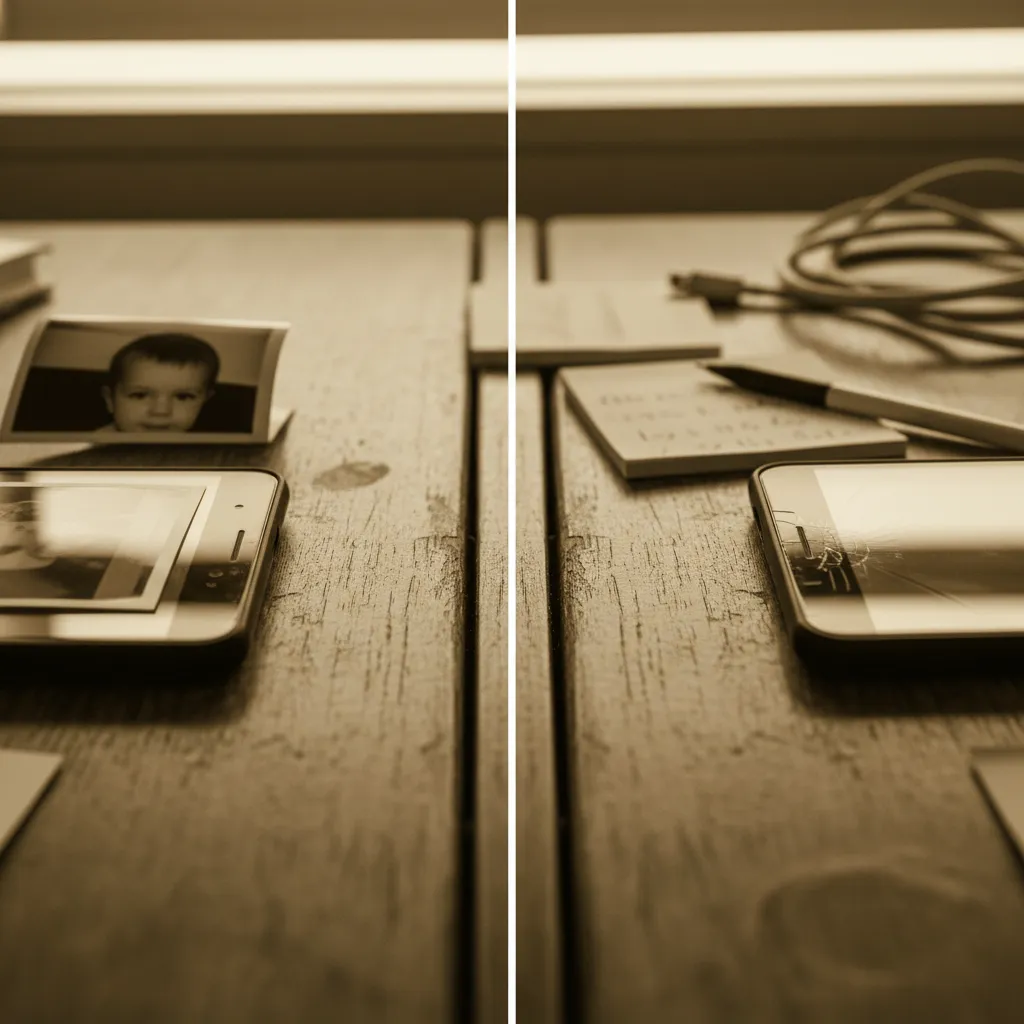
By February 2026 something shifted. Real dancers started posting side-by-side videos: the AI baby version on the left, themselves performing the identical choreography on the right. The hashtag #ReclaimTheDance picked up momentum fast.
The message was pointed but playful. If a generated baby can go viral doing this choreo, watch what happens when an actual human does it. And — they were right. These duet-format videos started outperforming the pure AI versions.
What I love about this counter-trend is the symbiosis. The AI baby dance creates the hook. The human performance provides the payoff. Creators who combined both formats into single posts saw the highest engagement numbers of the entire trend cycle.
I tried this myself. Uploaded my photo, generated the baby dance, then filmed myself attempting the same choreography. The baby was better. Significantly. But that was the joke — and the joke worked.
What I'd Do Differently Now
After weeks of experimenting with every baby dance AI tutorial approach I could find, here's my honest retrospective.
I wasted too much time chasing perfection on the first render. The tools are good but they're not magic — iteration is the process, not a failure of the process.
I underestimated lighting in the source photo. A well-lit portrait transforms the output quality more than any prompt engineering trick. If you're at PixViva creating AI-enhanced portraits or headshots, you already understand this principle. Light is information. More light, more information, better generation.
And I initially ignored the counter-trend entirely, thinking it was just backlash. It wasn't. It was evolution. The trend grew because real people joined the conversation.
Your Move
The AI baby dance trend isn't slowing down — it's branching. New audio pairings drop weekly. The tools keep improving. And the gap between "meh render" and "viral clip" keeps narrowing.
Pick one tool. Upload one photo. Generate one video tonight. The first attempt will probably be terrible. That vibrating-not-dancing disaster I mentioned at the top? That was my starting point too.
The fifth attempt, though. The fifth attempt made me feel like a genius. That's the one you post.
Ready to see yourself in a new light?