
How to Create the Viral AI C-Walk Dance Video from a Single Photo in 2026: The Complete Guide to the Keep It Gangsta Crip Walk Trend on TikTok
Have you watched someone's grandma C-Walk across a TikTok video this week, knowing full well that woman has never set foot west of Pittsburgh, and wondered how exactly we got here?
Because that's where we are in April 2026 — the AI C-Walk dance video trend has swallowed TikTok whole, millions of creators are uploading smooth West Coast footwork clips generated from a single standing photo, and the "Keep It Gangsta" audio is pushing past 400 million uses. The wild part isn't the volume, it's the quality, because these aren't the janky puppet-limb AI dance videos you remember from two years ago, they're fluid, weight-shifted, genuinely convincing clips that make your brain do a double-take before you remember that your coworker Dave absolutely cannot dance like that.
So the question you're actually asking isn't whether you should try it — you've already decided that — it's which workflow actually produces results worth posting, which tools are free versus paid, and how you avoid looking like everyone else's first attempt.
Let's walk through it.
Why This Particular Trend Hit Different
The Crip Walk AI from photo trend didn't appear out of nowhere, it's the convergence of three things that all matured at the same time: motion-control AI models that finally understand foot placement, CapCut templates that democratized the editing layer, and a nostalgic audio resurgence that made West Coast hip-hop aesthetically relevant again on the platform.
What makes the C-Walk specifically compelling for AI is the footwork itself — it's intricate but largely below the knee, which plays directly into the strengths of current AI dance video generators. Upper-body motion, facial expressions, hand gestures — those are still where AI stumbles and produces uncanny artifacts. But footwork? The models have gotten genuinely good at that, especially when you give them a clean standing photo with visible shoes and a solid surface.
The "Keep It Gangsta" audio by WC, which cycled back into relevance after a remix went viral in late March, gave the trend its identity and its hashtag. But the real fuel was creators realizing they could turn literally any photo — graduation shots, corporate headshots, vacation pictures — into a Crip Walk video, and the contrast between the subject and the dance is what makes the content shareable.
What You Actually Need to Start
Here's where most guides overcomplicate things, so let's strip it back to what matters.
You need a photo. Specifically, you need a full-body or at least waist-down standing photo where the subject's feet are visible, they're on a relatively flat surface, and the lighting isn't fighting you with harsh shadows that confuse the model's depth estimation. That's it for the input side.
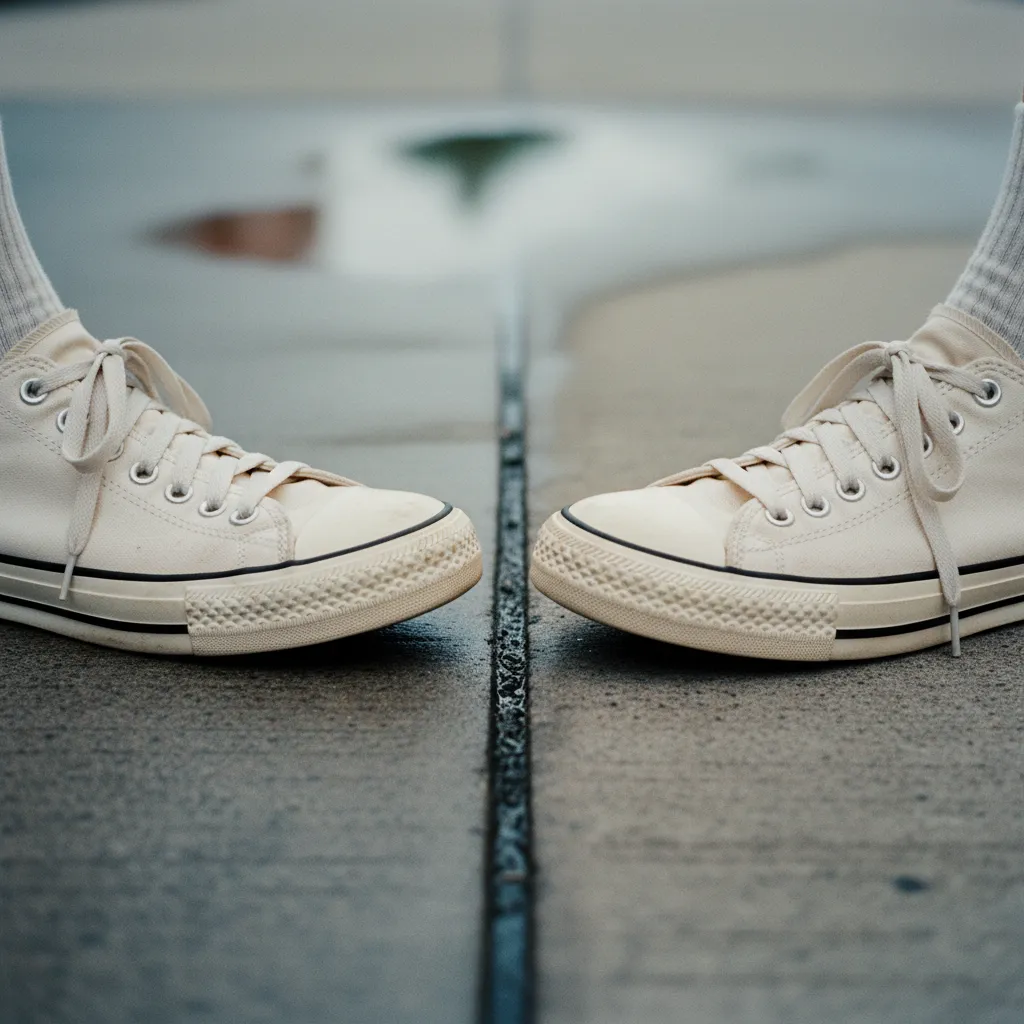
The photo quality matters more than people think, not in terms of megapixels but in terms of clarity at the feet and ankles. The AI dance video generator is mapping choreography onto those contact points, and if they're obscured by grass, cut off by the frame, or blurred by motion, the output degrades fast. A clean sidewalk shot in decent light outperforms a professional studio photo where the subject is wearing a floor-length dress every single time.
At PixViva, we've seen this firsthand — users who upload sharp, well-lit standing portraits get dramatically better results across every AI transformation, not just dance trends. The input photo is doing more heavy lifting than any filter or model selection.
The Free Workflow: CapCut Templates and TikTok's Built-In Filter
The zero-cost entry point is the C-Walk AI filter that TikTok rolled out in early April, which you can find by searching "Keep It Gangsta" in the effects tab or by tapping "Use This Effect" on any video already using it. You upload your photo, the filter processes it for about 15-20 seconds, and you get a 10-15 second clip synced to the audio.
Is it good? It's... fine, honestly. The TikTok native filter produces recognizable C-Walk footwork, it syncs to the beat reasonably well, and for a casual post it does the job. But the motion has a certain floatiness to it, the feet don't always plant with convincing weight, and if your photo has any complexity in the background the model sometimes warps the environment in ways that pull you out of the illusion.
CapCut templates offer a slightly more polished version of the same idea — search "C-Walk AI" or "Crip Walk photo" in the CapCut template library, and you'll find dozens of community-created templates that apply motion, add the trending audio, handle the transitions, and export in vertical format. The advantage here is the editing layer: you get speed ramps, zoom effects, and text overlays that mask some of the AI's imperfections, which is exactly why most of the viral versions you've seen on your feed look better than what the raw AI output actually produces.
The free workflow gets you 80% of the way there, and for most people, 80% is more than enough to participate in the trend and get engagement.
The Paid Workflow: Kling Motion Control and Runway
If you've scrolled past the casual posts and noticed certain C-Walk videos that look almost disturbingly real — the shoes crease, the weight shifts are believable, there's a subtle bounce in the upper body — those creators are almost certainly using Kling's Motion Control feature or Runway's Gen-4 motion mapping, both of which sit behind a paywall but produce results that are in a different category entirely.
Kling's approach lets you upload a reference dance video alongside your source photo, and the model transfers the motion with remarkable fidelity. So creators who want authentic Crip Walk choreography are sourcing reference clips from actual dancers — there's a whole cottage industry of reference videos being sold and shared for exactly this purpose — and the output inherits both the timing and the stylistic nuance of the original performance.
Runway's Gen-4 takes a slightly different approach, using text-to-motion prompts that you can refine, so you'd describe the footwork pattern and the model generates the motion from that description. It's less precise than Kling's reference-video method but more flexible, and it avoids the ethical question of mapping someone else's specific performance onto your image without credit.
Cost-wise, you're looking at roughly $8-15 per video on Kling depending on your subscription tier and the length of the output, while Runway runs about $12-20 for comparable quality. Not free, but for creators who are monetizing their content or building a brand, the quality difference justifies the spend.
Pairing with Audio for Maximum Reach
The technical output is only half the equation, and this is the part that separates videos that get 500 views from videos that get 500,000.
The "Keep It Gangsta" original audio is the safe, reliable choice — the algorithm recognizes it as trending, it signals to viewers immediately what the video is, and it benefits from the hashtag momentum. But the trend has already started fragmenting into sub-trends using adjacent West Coast tracks, remixes, and mashups, and some of the biggest recent hits have used unexpected audio pairings that create contrast.
A corporate headshot C-Walking to classical music, a wedding photo set to drill, a baby photo (yes, people are doing this) set to the original WC track — the audio choice is a creative decision that determines the comedic or aesthetic value of the post, and treating it as an afterthought is the most common mistake creators make.
Timing matters too, not just beat-sync within the video but posting timing relative to the trend lifecycle. We're in the growth-to-peak phase right now in late April 2026, which means the trend still rewards participation but is starting to favor novelty over straight replication. If you're posting in May, you'll want a twist — a different subject, an unexpected context, a creative audio pairing — because the algorithm will be deprioritizing vanilla executions of the format by then.
The Quality of Your Source Photo Is Everything
This keeps coming back to the same truth that applies to every AI visual trend, and it's worth saying plainly: the single biggest lever you have over the quality of your AI C-Walk dance video is the photo you start with.
Not the tool, not the template, not the audio — the photo.
A well-lit, sharp, full-body image with clear foot placement and a simple background will produce a compelling result on even the free TikTok filter. A dark, cropped, or cluttered photo will produce mediocre results on even the most expensive paid tool. This is the unsexy, consistent truth of every AI image-to-video workflow, and it's why having a strong base photo — the kind you'd get from a thoughtful portrait session or, honestly, from PixViva's AI-enhanced portrait tools — makes a disproportionate difference in the final output.
What to Actually Take Away from This
The AI C-Walk dance video trend is real, it's accessible at every budget level, and it's still in the window where participation gets rewarded by the algorithm. The free tools work well enough, the paid tools work impressively well, and the difference between a forgettable post and a viral one has less to do with which AI dance video generator you chose and more to do with the creative decisions around it — your source photo, your audio pairing, your comedic or aesthetic angle.
Start with the best standing photo you have, run it through the free workflow first to see how the format feels, and if the results excite you, explore the paid options for a polished version. The footwork is already choreographed, the audio is already trending, the template is already built — the only variable left is whether your photo gives the AI something worth working with.
Ready to see yourself in a new light?