
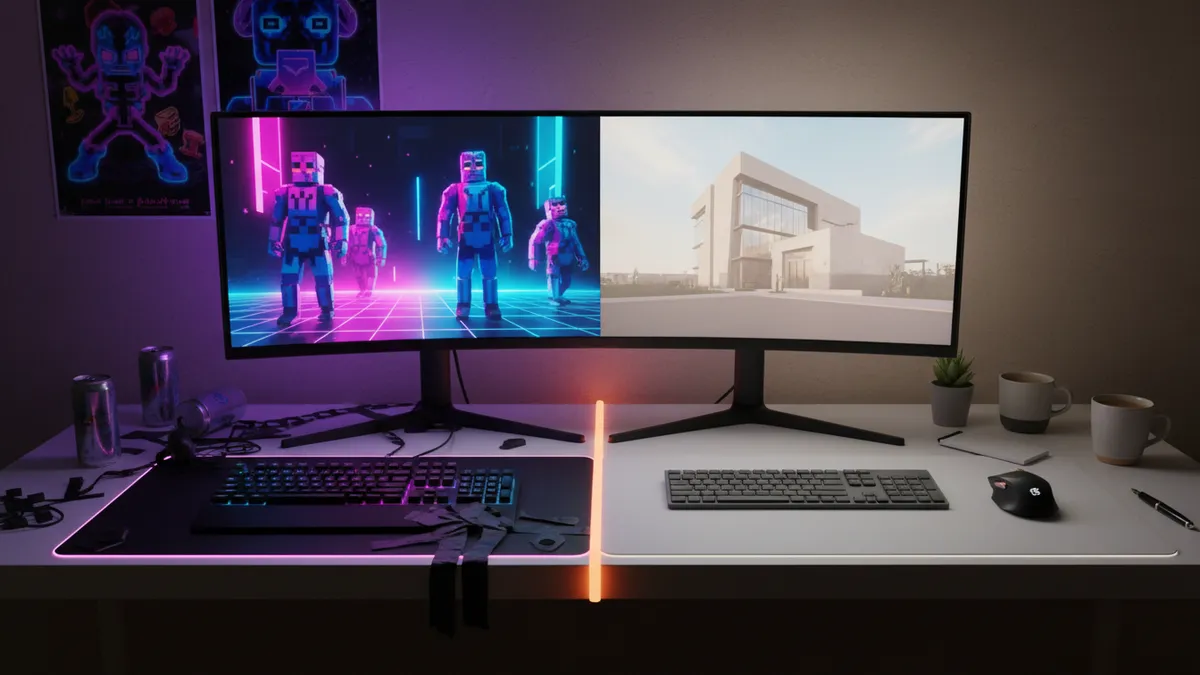
How to Turn Your Roblox Avatar Into a Realistic AI Human Portrait in 2026: The Complete Guide to the Gaming Avatar-to-Real-Person Trend on TikTok
Somewhere around March 2026, a fifteen-year-old in São Paulo uploaded a split-screen TikTok. Left side: her Roblox avatar — neon hair, oversized hoodie, platform boots. Right side: a photorealistic portrait of a human who looked exactly like that avatar would if she stepped out of the screen and onto a sidewalk.
The video hit nine million views in four days.
That moment crystallized something already rumbling beneath the surface. The Roblox avatar to real person AI trend wasn't emerging — it had already arrived. Millions of gamers across Roblox, Fortnite, and Minecraft are now feeding their digital identities into AI tools and getting back stunningly realistic human portraits. Not cartoon filters. Not vague approximations. Actual faces that carry the soul of a blocky avatar into the uncanny territory of real life.
This guide is the complete walkthrough. Prompts, tools, philosophy, and everything in between.
Why This Trend Matters More Than You Think
Before the how, the why.
For Gen Z and Gen Alpha, a gaming avatar isn't a toy. It's a self-portrait. It's the version of you that exists in a world you actually chose to inhabit.
When someone decides to turn their Roblox avatar into a human using AI, they're asking a genuinely fascinating question: what would my digital identity look like with a pulse?
That question is deeper than most trend pieces give it credit for.
Your avatar already encodes your aesthetic preferences — your color choices, your style instincts, the energy you want to project. AI simply translates that encoded identity into photorealistic pixels. It's not fabrication. It's translation.
And translation, it turns out, is wildly compelling content.
The Tools Powering the Gaming Avatar to Real Person Photo Trend
Not all AI tools handle this equally. The gap between "blurry mess" and "I'd believe that's a real person" comes down to which platform you choose and how you talk to it.
Here's the current landscape.
ChatGPT (GPT-4o Image Generation)
The ChatGPT Roblox avatar trend exploded specifically because GPT-4o made image generation conversational. You don't need to learn a syntax. You talk to it.
Upload a screenshot of your avatar. Describe what you want. Iterate in real time.
The strength here is creative control. You can say "make her look like she's in golden hour lighting, mid-laugh, wearing the exact outfit but in real fabrics" and it understands context at a level that feels almost collaborative.
The limitation: outputs sometimes drift from the source. Colors shift. Proportions generalize. You often need two or three rounds of refinement.
Dola AI
Dola AI has carved a specific niche in the Roblox avatar IRL AI prompt space. It's faster, more stylized, and optimized for the exact split-screen format TikTok creators want.
The tradeoff is flexibility. Dola AI Roblox avatar conversions look polished but follow a narrower aesthetic lane. If your avatar is highly unconventional, you might find the output defaulting to a more "standard" look.
Still — for speed and shareability, it's hard to beat.
PixViva
Here's where we come in, and here's why it's different.
PixViva approaches this from a portrait-first philosophy. Where other tools treat avatar-to-human as a novelty feature, we treat the output as something you'd actually want to use — as a profile picture, a social media avatar, a piece of identity you're proud of.
Upload your gaming avatar screenshot. Our AI interprets the color palette, style cues, and character energy, then generates a photorealistic portrait with the kind of lighting, composition, and skin-level detail that looks like it came from a professional shoot.
The result isn't just a gimmick for one TikTok. It's a portrait that holds up across platforms.
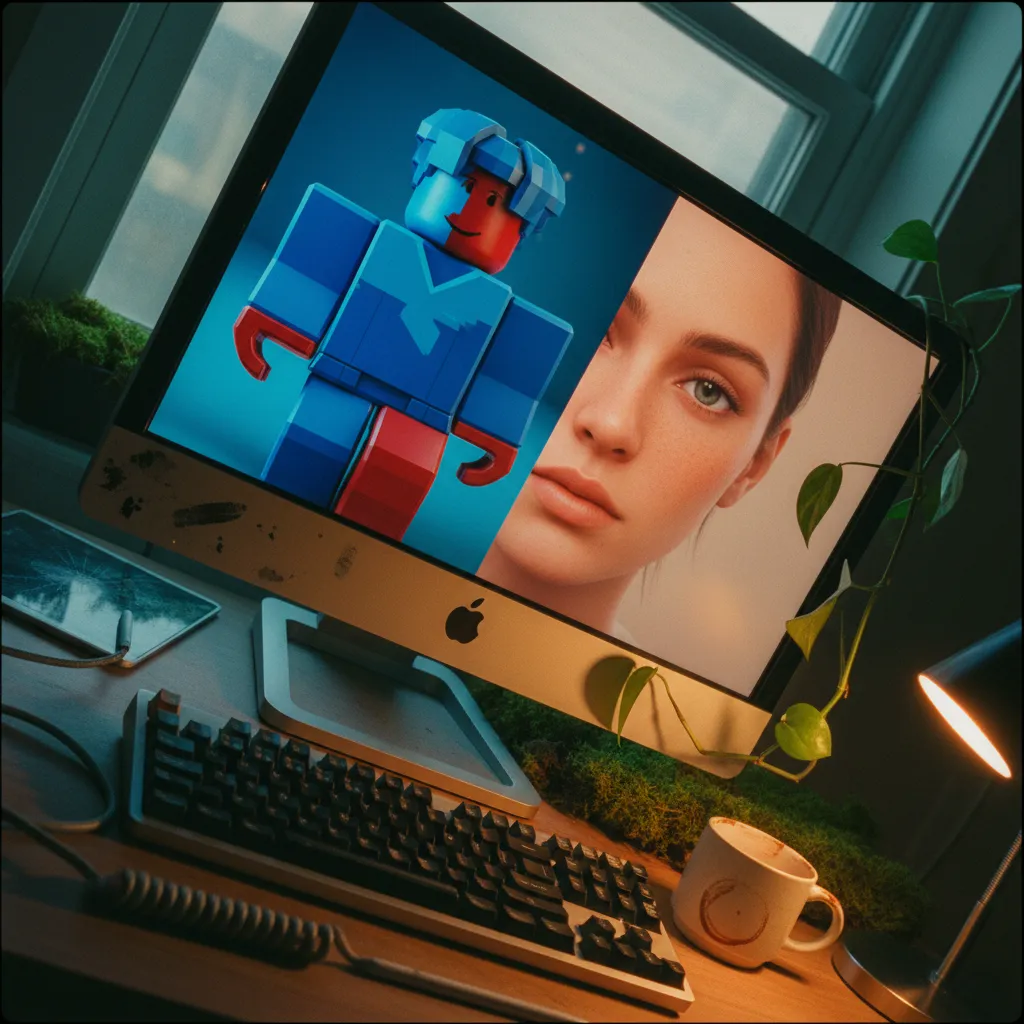
The Step-by-Step: How to Turn Your Roblox Avatar Into a Realistic Human
Let's get tactical.
Step 1: Capture Your Avatar Right
This is where most people sabotage themselves before they start.
Open Roblox. Go to your Avatar editor. Use the built-in screenshot tool or take a clean screen grab against a simple background. Front-facing. Full body or head-and-shoulders — both work, but be intentional about which one you want the AI to reference.
Avoid busy environments. The AI reads everything in the frame. A cluttered Roblox world behind your avatar introduces noise that muddies the translation.
Clean input. Clean output. Every time.
Step 2: Write a Prompt That Actually Works
This is the craft layer. The prompt is your creative brief to the AI.
Here's a framework that consistently produces strong results for the AI gaming avatar real life conversion:
The Core Prompt Structure:
"Transform this Roblox avatar into a photorealistic portrait of a real human. Maintain the exact hair color, hairstyle, clothing style, and color palette. The person should look [age range], [mood/expression]. Use [lighting style] lighting. The photo should look like it was taken with a [camera style — e.g., 'portrait lens with shallow depth of field']. Realistic skin texture, natural proportions."
Fill in the brackets with your specifics.
Pro-level additions that elevate the output:
- Specify fabric textures: "The hoodie should look like heavyweight cotton, slightly wrinkled."
- Name a photography style: "Annie Leibovitz-style dramatic lighting" or "soft window light, editorial fashion."
- Describe the eyes: "Confident, looking directly at camera, slight warmth."
The more specific your prompt, the less the AI has to guess. And AI guesses tend toward generic.
Step 3: Iterate Without Mercy
First output is a draft. Treat it that way.
Study what the AI got right and what drifted. Did the hair color shift? Say so. Did the outfit lose a detail? Call it out. Most tools — ChatGPT especially — improve dramatically with specific feedback on the first attempt.
Three rounds is normal. Five rounds for something you genuinely love is not unusual.
Patience here is the difference between "cool" and "this is actually me."
Step 4: Upscale and Refine for Real Use
If you want this as an actual profile picture — and you should, because that's the whole point — you need the final image at a resolution that doesn't collapse into blur on a phone screen.
PixViva outputs are already optimized for social media dimensions. If you're working with another tool, run the final image through an AI upscaler before posting.
Crop intentionally. A portrait with breathing room around the face reads as more professional than one crammed edge-to-edge.
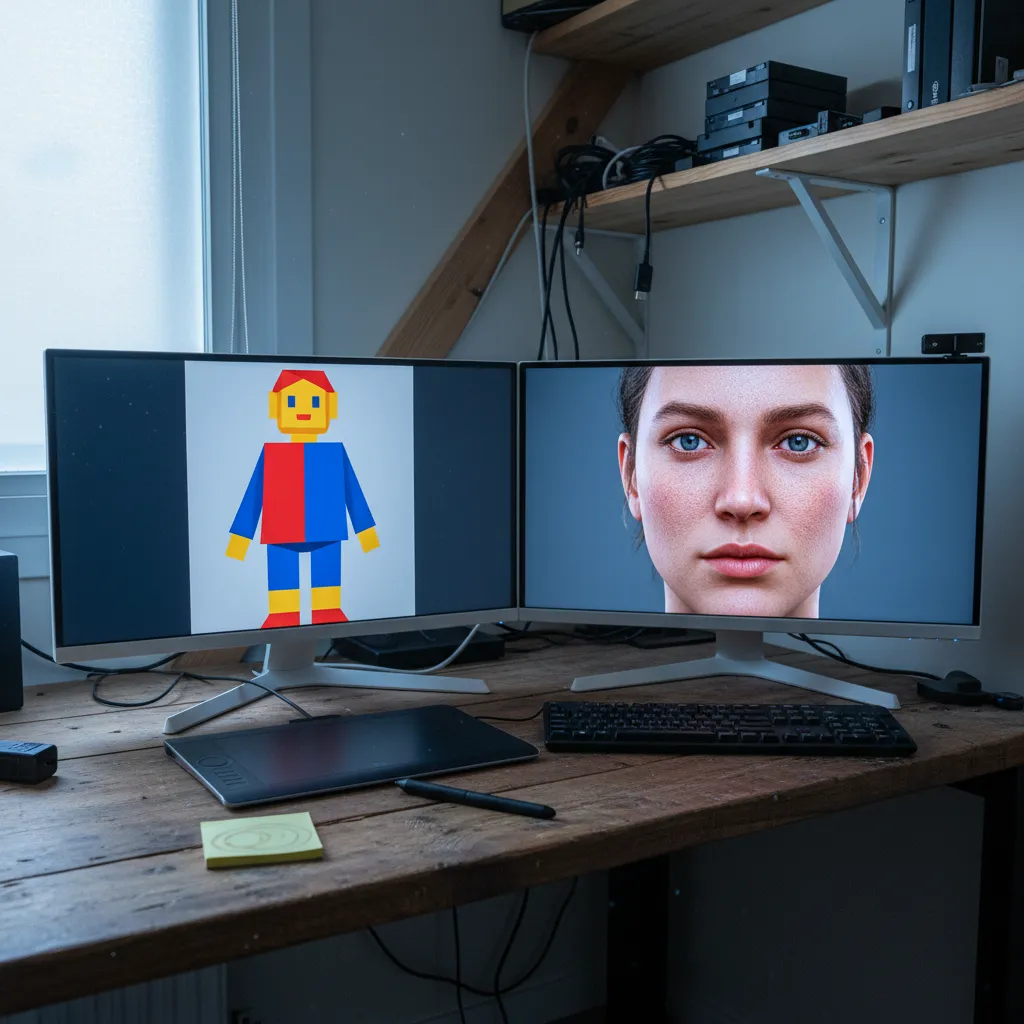
Beyond Roblox: Fortnite, Minecraft, and Every Avatar In Between
The same principles apply across games. The trend started with Roblox because of its massive Gen Alpha user base and its distinctly blocky aesthetic — the contrast between avatar and realistic output is more dramatic, which makes for better content.
But Fortnite skins translate beautifully. The detail is already higher, so AI has more to work with.
Minecraft is the wildcard. Turning a 16-pixel face into a photorealistic human requires more creative prompting, but the results are often the most surprising and shareable precisely because the gap is so wide.
The underlying mechanic is identical: upload, describe, refine, share.
What Your Avatar Says About You (That You Didn't Realize)
Here's the part that stops me.
When thousands of people turn their gaming avatar into a real person photo and post it, they're collectively doing something unprecedented. They're showing the world who they feel like, translated into a face that could exist.
The avatars people build aren't random. The color choices are emotional. The outfits are aspirational. The hairstyles are declarations.
AI doesn't invent the identity. It just renders the one you already built in a medium people instinctively trust more — a human face.
That's why the comments on these TikToks aren't just "cool effect." They're "this actually looks like you." Even though "you" is a digital character someone assembled from a menu of options.
Identity is identity. The medium was never the point.
Common Mistakes That Flatten the Magic
Using a dark or cluttered screenshot. AI needs visual clarity to extract accurate colors and shapes.
Prompting too vaguely. "Make this realistic" gives the AI nothing to anchor to. Specificity is your superpower.
Accepting the first result. The people getting viral-quality outputs are iterating. Always.
Ignoring lighting in the prompt. Lighting is literally the difference between a flat image and a portrait that breathes. Name it. Describe it. Insist on it.
Forgetting the eyes. Eyes are where photorealism lives or dies. If they look glassy or vacant, regenerate. A great AI portrait has eyes that hold your gaze.
Where This Goes Next
We're still early.
Right now, the trend is static portraits. Within months, expect real-time video translations — your Roblox avatar's movements rendered onto a photorealistic human in live streams.
Expect gaming companies to build this in natively. Why wouldn't they? The content is free marketing.
And expect the line between "avatar" and "portrait" to keep dissolving until the question isn't "which one is the real you" but "why does that distinction still matter?"
Your Move
Your avatar already exists. The version of it that looks back at you with a real human face is one screenshot and a good prompt away.
Whether you use PixViva to get a portrait-quality result you'll actually set as your profile picture, or experiment with ChatGPT prompts until something clicks — the process itself is worth it.
Because somewhere in the gap between your digital self and a photorealistic face, you'll see something you recognize.
And that recognition? That's the whole point.
Ready to see yourself in a new light?