
How to Turn Your Selfie Into a Viral AI Chibi Pinch-Cheek Mini-Me Video in 2026: The Complete Guide to the Palm-Sized Character Trend on TikTok and Instagram
The AI chibi pinch cheek effect is the single most shareable visual format on social media right now.
That statement might seem bold. It might seem premature. But the numbers tell an unambiguous story — the chibi portrait TikTok trend in 2026 has accumulated over 2.8 billion views across platforms in under three months, and the growth curve hasn't even begun to flatten. What started as a niche aesthetic experiment in Southeast Asian creator circles has become a global phenomenon, and if you haven't made your own AI palm-sized character video yet, this guide will walk you through every step before the trend peaks.
What Exactly Is the AI Chibi Pinch-Cheek Effect?
Picture this. A real human hand, palm open, cradling a tiny version of you — oversized head, impossibly round cheeks, miniature body — while fingers gently squeeze those chubby cheeks. The mini-me looks up with wide, glistening eyes, maybe pouting, maybe giggling, and the whole scene radiates an almost unbearable cuteness that makes people stop scrolling and hit share.
That's the effect in a single frame. The AI big head chibi selfie format takes your actual face, preserves your recognizable features, and transforms everything else into an exaggerated, doll-like character that fits in someone's palm. Some versions are static images — gorgeous on their own — but the videos are what have truly gone viral, adding subtle animations like blinking, cheek-squishing, and tiny breathing movements that push the adorableness into territory your brain genuinely struggles to handle.
Why Your Brain Can't Resist Sharing It
There's a reason this works so well. It's not random.
Psychologists call it cute aggression — that overwhelming urge you feel when something is so adorable you want to squeeze it, pinch it, or gently crush it. Research from Yale University identified this phenomenon as a neurological dimorphous expression, where your brain responds to extreme positive stimuli with a seemingly contradictory physical impulse. The AI chibi pinch cheek effect literally engineers this response by design. The oversized head triggers caretaking instincts through neotenic proportions. The cheek-pinching action satisfies the aggressive impulse before you even feel it consciously. The result is a piece of content that creates an emotional feedback loop so potent that viewers share it reflexively — not as a decision, but as an urge.
This is why the trend moves so fast. This is why it converts passive scrollers into active sharers.
The Tools You Need: A Complete Breakdown
Creating your own AI mini me video from a selfie requires a workflow rather than a single tool. Each platform handles a different piece of the puzzle, and understanding which tool does what will save you hours of confused experimentation. Let's stack those blocks one by one.
Gemini AI: Crafting the Perfect Chibi Prompt
Google's Gemini has become the go-to starting point for generating the base chibi image. The Gemini AI chibi prompt approach works because the model excels at maintaining facial resemblance while applying dramatic stylistic transformation — something earlier models consistently failed at.
Here's a prompt structure that reliably produces strong results:
"Create a hyper-cute chibi-style 3D character based on this selfie. The character should have an oversized round head approximately 3x the body size, extremely chubby pinchable cheeks, large glossy eyes, and a tiny body sitting on an open human palm. Maintain the person's recognizable facial features, hairstyle, and skin tone. Soft studio lighting, shallow depth of field, photorealistic hand, cartoon character. 8K detail."
Upload your clearest selfie alongside this prompt. Front-lit, minimal shadows, face centered. The quality of your input photograph directly determines the quality of your output — Gemini can stylize brilliantly, but it cannot invent details from a blurry, backlit snapshot taken in a dim restaurant.
Dreamina: The Southeast Asian Secret Weapon
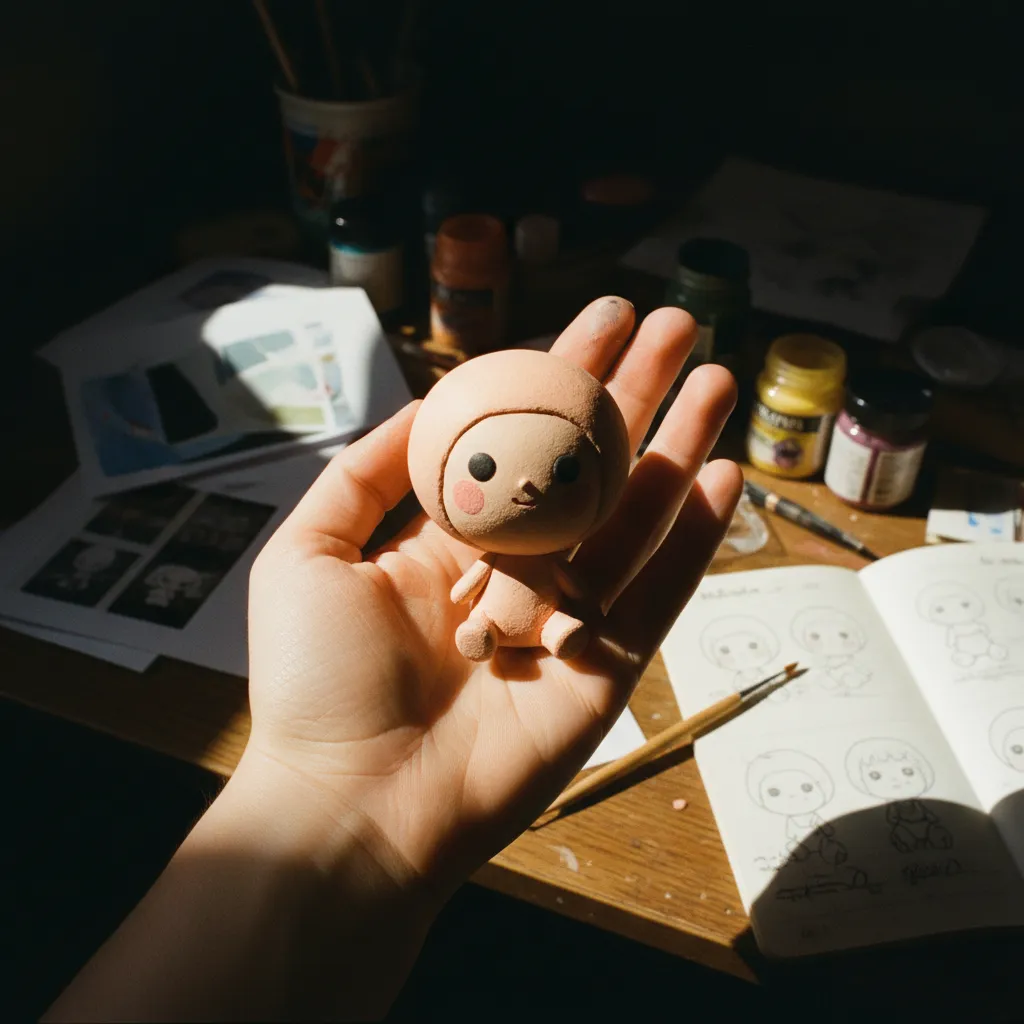
Dreamina, ByteDance's AI creative platform, has been quietly dominating this trend in the region where it started. Its chibi generation capabilities feel almost purpose-built for this aesthetic — the default stylization leans into the rounded, soft-focus, big-eyed look that defines the AI big head chibi selfie format.
The workflow is straightforward. Upload your selfie. Select the "3D Cute" or "Chibi Doll" style preset. Adjust the face similarity slider — typically 75–85% gives the best balance between recognizability and stylistic transformation. Generate. The platform's strength lies in its consistency; where other tools occasionally produce unsettling artifacts around the eyes or hairline, Dreamina maintains a polished, cohesive look that feels immediately shareable.
For creators seeking a polished starting point before animating, this is often the fastest path from selfie to stunning chibi portrait.
Media.io: Adding the Animation Layer
A static chibi image is charming. An animated one is irresistible.
Media.io's AI video tools handle the critical step of bringing your generated chibi to life. Upload your completed chibi image, select the animation type — "gentle breathing" and "look around" work best for the palm-cradled format — and let the platform generate a 3–5 second clip. The subtle movements it adds, those tiny blinks and slight head tilts, are precisely what separate a nice image from a viral AI palm-sized character video. The human eye is wired to pay more attention to things that move, especially small things that move in lifelike ways.
Keep the animations restrained. Overcooking the motion breaks the illusion instantly — you want your viewer to feel like they're holding a living, breathing miniature person, not watching a glitchy loop.
CapCut Templates: The Final Polish
CapCut has emerged as the finishing studio where everything comes together.
Search "chibi pinch cheek" or "palm mini me" in CapCut's template library, and you'll find dozens of purpose-built templates with synced music, zoom effects, and the signature cheek-pinching hand overlay animations. These templates are why the cute AI cheek pinch effect tutorial content looks so uniform and recognizable across TikTok — creators aren't individually choreographing the pinch, they're dropping their generated chibi clip into a pre-built sequence that handles timing, transitions, and audio automatically. The best templates add a gentle squeeze motion compressing the cheeks inward, a soft "boing" sound effect, and a slow zoom-out reveal from close-up cheek to full palm view.
Select a template. Drop in your Media.io clip. Export. Post.
Optimizing Your Post for Maximum Reach
The content is only half the equation.
Timing matters enormously with trend-driven formats like this AI chibi video generator content you'll be publishing. Post during the 6–9 PM window in your target audience's timezone — this is when leisure scrolling peaks and emotional sharing impulse is highest. Use hashtags that bridge the trend's origin and its current expansion: #ChibiChallenge, #MiniMeAI, #PinchCheekAI, #AIchibi, and #PalmSizedMe are all currently gaining momentum across both TikTok and Instagram Reels.
Tag the person the chibi represents. Tag friends in comments. Ask your audience to submit selfies for you to transform. Every layer of social interaction you build around the content multiplies its distribution potential, because platforms algorithmically reward posts that generate comments and tags — not just passive views.
Why This Trend Has Legs — And Why You Should Move Now
Some AI trends burn bright for a week and vanish. This one is different.
The chibi portrait TikTok trend in 2026 has structural advantages that give it unusual longevity. It's personalized — every new creator makes a unique version, so the feed never feels repetitive. It's emotionally potent — the cute aggression response doesn't fatigue the way humor or shock value does. It's technically accessible — you don't need design skills, expensive software, or hours of editing to produce something genuinely impressive. And it's endlessly extensible — couples are making matching pairs, parents are making family sets, pet owners are chibi-fying their dogs, brands are chibi-fying their mascots.
But accessibility is a double-edged sword. The easier a trend is to replicate, the faster it saturates. Right now the format still feels fresh enough that well-executed versions earn disproportionate engagement. Three months from now, the bar will be higher and the novelty will be thinner.
Elevate Your Starting Point
The entire chibi workflow hinges on one thing: the quality of your initial selfie.
A sharp, well-lit, expressive portrait gives every AI tool in the chain better material to work with. At PixViva, we specialize in AI-enhanced portraits that bring out your best features with professional-grade lighting, clarity, and composition — the kind of polished starting image that makes a chibi transformation look stunning rather than muddy. When your source photo is already optimized, every downstream step produces cleaner, more shareable results.
Your Move
The window is open. The tools are free or nearly free. The emotional mechanics are scientifically proven to drive shares.
The only variable left is whether you create your AI mini me video from a selfie this week — while the trend is still climbing — or three months from now, when everyone's already seen a thousand of them. Start with your best selfie. Run the workflow. Post it tonight.
Ready to see yourself in a new light?