
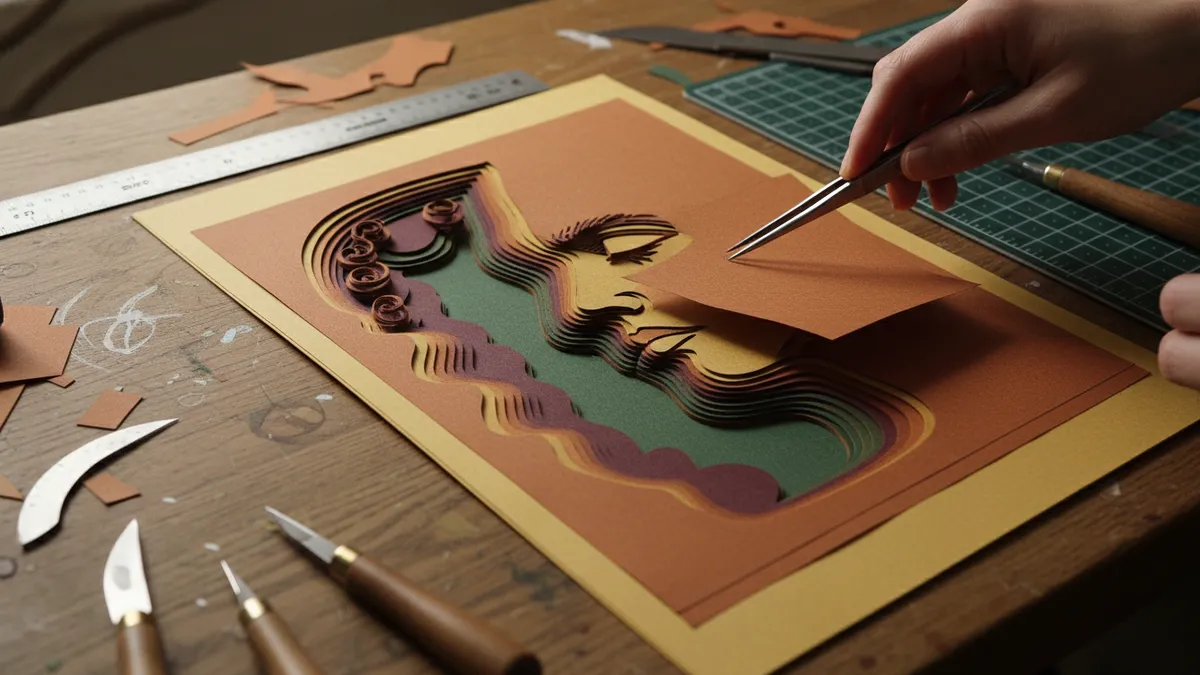
How to Turn Your Selfie Into a Viral AI Paper-Cut Layered Illustration Portrait in 2026: The Complete Guide to the Storybook Papercraft Trend on TikTok and Instagram
Neon glow filters that make everyone look like a cyberpunk extra — tried it. The "oil painting" presets that flatten your face into an uncanny wax museum exhibit — been there. Cartoon avatar generators that erase every feature that actually makes you you — done with those. The galaxy of flashy, high-saturation AI portrait trends has been spinning for years now, and most of them age about as well as a Snapchat dog filter screenshot from 2017. But then something quieter arrived; something that looked like it belonged in a children's bookshop window or pressed between the pages of a handmade anniversary card — and suddenly, everyone's feed changed.
The AI paper-cut layered illustration portrait is the trend that refuses to shout but somehow gets heard everywhere. It's the papercraft illustration TikTok trend that's been flooding "For You" pages and Instagram Explore grids since early 2026, turning ordinary selfies and couple photos into delicate, multi-layered storybook scenes with visible paper textures, soft dimensional shadows, and the kind of warmth that makes strangers in the comments section tag their partners. If you've been watching it bloom and wondering how people are actually making these — what tools, what prompts, what little tricks turn a flat phone selfie into something that looks hand-cut from cotton cardstock — this is your complete walkthrough.
Why the AI Storybook Aesthetic Couple Photo Took Over
A woman named Priya in Melbourne posted a paper cut couple portrait AI piece of herself and her fiancé on TikTok in January — it showed them standing under a cherry blossom tree, layers of pale pink paper fanning out behind them like a pop-up book, their silhouettes accurate enough to be unmistakably them but stylized enough to feel like a fairy tale. It got 2.3 million views in four days. Not because the algorithm was feeling generous; because people screenshot it, sent it to their group chats, and said, "We need to do this for our save-the-dates."
That's the engine behind this trend — it's functional and emotional in a way most AI art filters simply aren't. A paper-cut AI art selfie doesn't just look cool for three seconds of scrolling; it looks like something you'd frame, something you'd print on heavy stock and mail to your grandmother. The AI storybook aesthetic couple photo works because it carries the visual weight of handmade craft — those layered shadows, the slightly imperfect edges, the botanical details that seem to spill from the background — while requiring nothing more than a decent selfie and the right prompt.
The Tools That Actually Deliver: Gemini and Higgsfield
Not every AI platform handles this style well — and that's where a lot of people hit a wall before they even start. Generic image generators tend to interpret "paper cut" too literally, giving you flat clip-art shapes, or they ignore the layered dimensionality entirely and just slap a vaguely papery texture on a standard portrait. The two tools that have become the backbone of this trend are Google's Gemini (specifically its latest image generation capabilities) and Higgsfield, each with distinct strengths.
Gemini excels at understanding spatial layering when you describe it correctly — you can get genuine depth between foreground elements, mid-ground figures, and a receding background of paper-cut botanicals or architecture. A well-crafted Gemini papercraft prompt produces results with visible shadow between layers, which is what separates a truly convincing paper-cut portrait from something that just looks like a flat illustration with a texture overlay. Higgsfield, meanwhile, has become the go-to for video-format reveals — those satisfying clips where the camera slowly pans across the layered scene, catching the dimensional shadows, which is exactly the format that performs best on TikTok and Reels.
Crafting the Perfect Gemini Papercraft Prompt
Here's where the magic lives or dies — in the specificity of your language. A friend of mine spent an entire Saturday evening trying variations; her first attempt said "make this photo look like paper cut art" and got back something resembling a kindergarten collage. Her twelfth attempt produced something so beautiful her husband asked if she'd commissioned an actual artist. The difference was entirely in the prompt architecture.
The Core Structure That Works
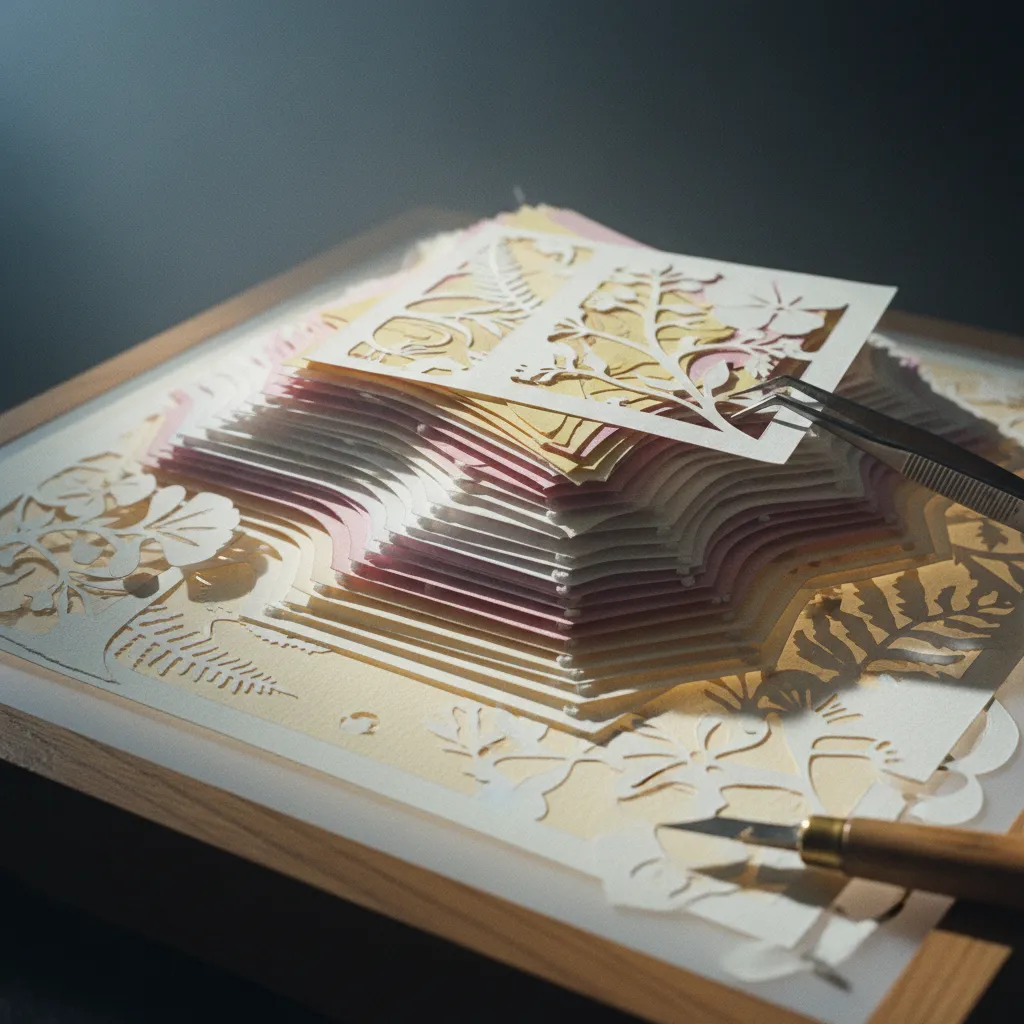
Start with the medium declaration, then the subject, then the scene, then the technical details — in that order. A strong Gemini papercraft prompt follows this skeleton: "A multi-layered paper-cut illustration portrait of [subject description], depicted as intricate cut-paper art with visible layers, soft shadows between each layer, [scene/setting], crafted from textured cardstock in [color palette], storybook aesthetic, delicate botanical details, warm ambient lighting casting gentle shadows on each paper tier."
The phrases that do the heaviest lifting are "visible layers," "shadows between each layer," and "textured cardstock" — these are the cues that push the model away from flat illustration and toward that dimensional, tactile quality. Adding "storybook aesthetic" anchors the overall mood; mentioning specific paper types like "cotton cardstock" or "watercolor paper" adds another layer of realism. Don't forget to specify your color palette — muted pastels, warm earth tones, or soft jewel tones all produce stunning results, while leaving it unspecified tends to default to oversaturated primaries that undercut the handmade feel.
Prompts for Couples vs. Individuals
For an AI storybook aesthetic couple photo, emphasize the relational composition: "...two figures facing each other beneath an arch of paper-cut wisteria, their silhouettes recognizable and detailed, surrounded by layered floral elements receding into the background..." The key is telling the model that both figures need to be recognizable — without that cue, one face often gets generalized into a generic shape. For individual portraits, lean into environmental storytelling: describe the setting layers — a foreground of paper-cut wildflowers, a mid-ground figure, a background of rolling hills or a cityscape skyline, each on its own visible paper tier.
Step-by-Step: Your First AI Paper-Cut Portrait Tutorial
Let's make this actionable — here's the workflow that produces consistently share-worthy results, whether you're working with Gemini, Higgsfield, or bringing your AI-generated base into a refinement tool like PixViva for portrait-specific enhancements.
Step 1: Choose the Right Source Photo
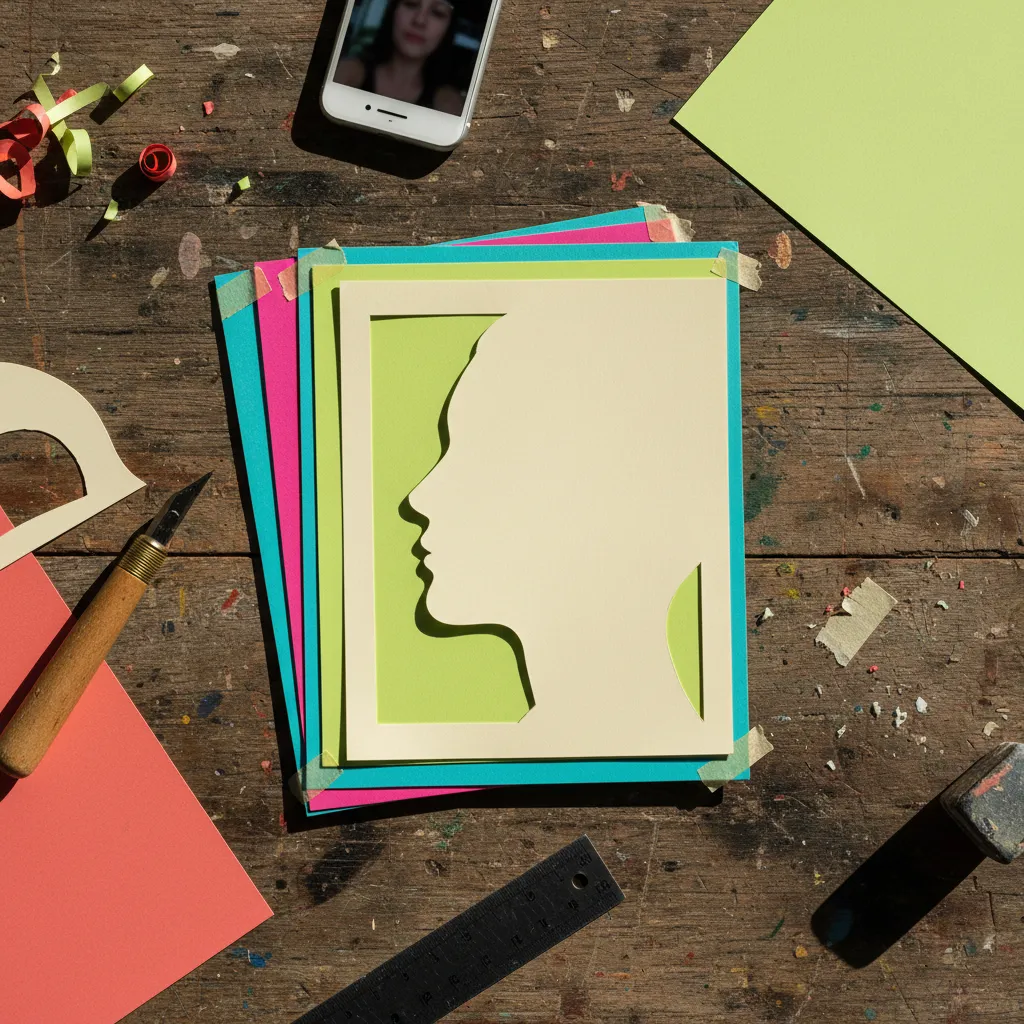
Not every selfie translates well into paper-cut AI art. The best source photos have clear separation between the subject and background, decent lighting on the face, and — this is the one people skip — a relatively simple outfit. Busy patterns on clothing confuse the layering algorithm; solid colors or gentle textures let the paper-cut aesthetic shine. Couple photos work best when both faces are on roughly the same plane — no one drastically behind the other — because the model needs to render both as foreground subjects.
Step 2: Run Your Initial Generation
Upload your selfie to Gemini alongside your crafted prompt. Run it twice — maybe three times — because the layering effect varies between generations and your second or third result often nails the shadow depth that the first attempt misses. Save every version; sometimes the background from one generation pairs beautifully with the figures from another, and compositing tools can merge them.
Step 3: Refine the Facial Details
This is where many people's paper cut AI art selfie results fall short — the overall scene looks gorgeous but the faces lose their specificity, becoming vaguely generic storybook characters instead of recognizably you. This is exactly the kind of refinement that a dedicated AI portrait platform like PixViva handles well; it's built to preserve facial identity and likeness through stylistic transformations, so your paper-cut portrait still looks like the person in the original photo rather than a beautiful stranger.
Step 4: Add the Motion Layer for Social
If you're posting to TikTok or Reels, a static image won't capture the dimensionality — you need that slow pan or gentle parallax that reveals the layers. Higgsfield can generate this motion directly, or you can use simple parallax tools to separate your finished illustration into depth layers and animate a camera drift across them. The AI layered paper art filter effect is exponentially more impressive in motion; the shadows shift, the depth becomes tangible, and the comments section fills with "HOW did you make this."
Timing It Right: Anniversaries, Valentine's Day, and Wedding Announcements
The practical genius of this trend is that it slots perfectly into life's milestone moments — and that's not accidental. The storybook quality, the handmade warmth, the way two people rendered in layered paper-cut art suddenly look like characters in a love story that's been told for generations; it all carries emotional resonance that a standard photo edit simply can't match. Couples are using these as digital save-the-date cards, as anniversary posts that actually stop the scroll, as framed prints gifted to parents and grandparents who don't know (or care) that AI was involved.
The Valentine's Day window is the obvious play, but the trend has legs far beyond February — engagement announcements get a fairy-tale quality; birthday tributes for a best friend become something they'll keep as their phone wallpaper for months; even solo portraits for professional profiles carry a distinctive warmth that says "I'm creative and I'm approachable" without a single word of bio copy. The papercraft illustration TikTok trend keeps evolving because people keep finding new reasons to use it.
Common Mistakes That Flatten the Magic
The biggest error is under-describing the layers — if your prompt doesn't explicitly mention "multiple visible paper tiers" or "shadows cast between layers," you'll get a flat illustration that merely looks like paper rather than feeling like a dimensional paper sculpture. Second mistake: using overly complex backgrounds that compete with the subjects; the best AI papercraft illustration portraits breathe, with negative space between elements that lets the eye rest. Third: ignoring color cohesion — specifying "muted sage green, dusty rose, warm cream, and soft gold" produces infinitely more harmonious results than letting the model choose randomly.
Another subtle trap is over-processing the final image with additional filters or sharpening — the paper-cut aesthetic thrives on softness; those gentle, slightly fuzzy edges where one layer meets another are what sell the illusion. Sharpening destroys it. Let the texture do the talking.
The Wholesome Counterweight
There's a reason this trend feels different from the hyper-glossy, chromed-out AI portrait styles that dominated 2024 and 2025 — it's rooted in something tactile, something your hands could theoretically make if you had infinite patience and a very sharp craft knife. It connects to a tradition of paper art that spans cultures and centuries; Chinese jiǎnzhǐ, Polish wycinanki, German scherenschnitte — all echoing in a trend that most people discovered through a thirty-second TikTok. That cultural depth, even when it's unconscious, is what gives these portraits their staying power.
So here's the move: find your favorite photo — the one where you're laughing too hard, or the one where your partner is looking at you instead of the camera — and give it the paper-cut treatment this week. Craft your prompt with the specificity this guide lays out; run it through Gemini or Higgsfield; refine the likeness with a tool like PixViva if the faces need sharpening; add that slow parallax motion for your Reel. What you'll get back isn't just another AI portrait — it's a small, layered, luminous scene that tells your story the way storybooks always have; gently, beautifully, and with shadows that prove there's real depth behind the surface.
Ready to see yourself in a new light?