
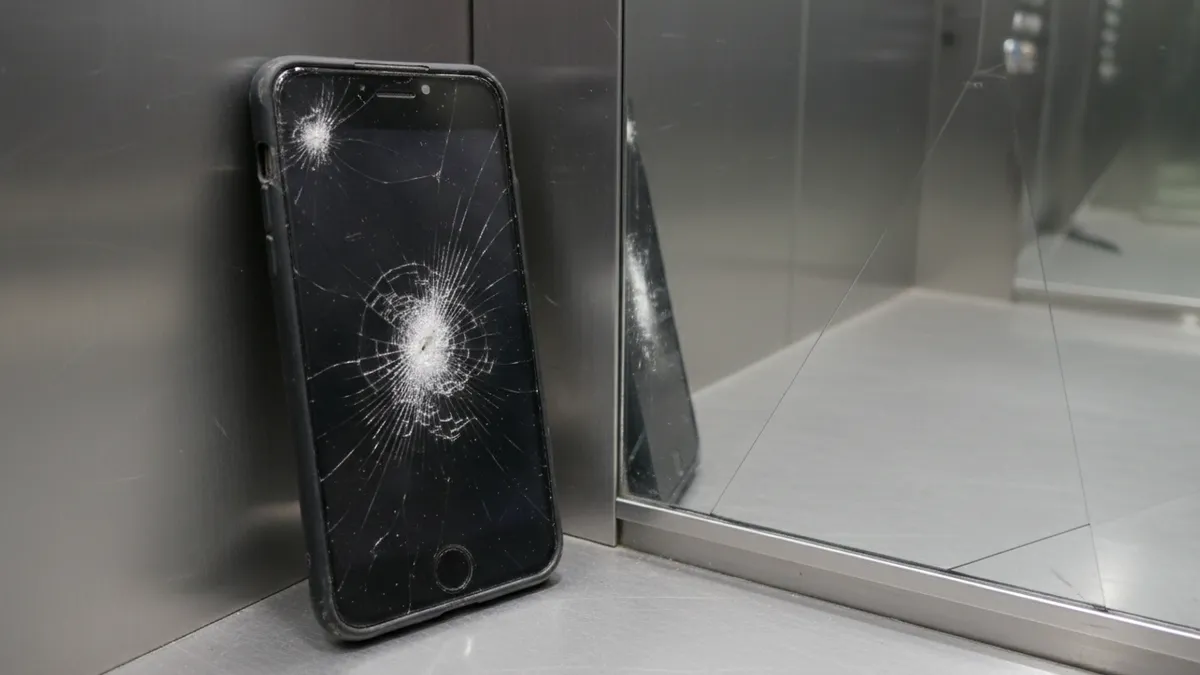
How to Turn Your Selfie Into a Viral AI Celebrity Elevator Selfie Portrait in 2026: The Complete Guide to the Glossy Lift-Mirror Trend on TikTok and Instagram
March 2026. Scroll any For You page right now—past the outfit checks, past the recipe dumps—and count the elevators. Mirrored walls. Low-angle security-cam framing. You. Standing next to a celebrity who was never actually there.
The AI celebrity elevator selfie has become the visual flex of the year. Not the backstage variant. Not the red-carpet composite. The elevator. Specifically: a sterile, metallic lift interior, overhead fluorescent wash, two people caught mid-glance in a mirror that stretches floor to ceiling. It reads as intimate. Unposed. Real.
Except it isn't. And that's the whole point.
This guide breaks down—layer by layer—how to create one that doesn't look like it was generated in thirty seconds. Because most of them do.
Why the Elevator Setting Hits Different
Before the tutorial. The psychology.
Elevators are liminal spaces. Transitional. You enter, the doors close, the outside world vanishes. Two people in a six-by-eight box—that's forced proximity. Enforced intimacy. The setting signals something cameras at events never can: private access.
There's status embedded in the architecture, too. Glass-and-steel lobbies. Penthouse buttons. The unspoken suggestion that you and this person share a destination most people don't reach.
The low security-camera angle amplifies everything. It's surveillance footage. Candid by default. Your brain processes it as "not meant to be seen," which paradoxically makes you trust it more.
That's the cocktail. Intimacy plus status plus the illusion of candor. Three ingredients. One irresistible frame.
The Elevator AI Photo Trend on TikTok: A Quick Anatomy
The trend splits into two lanes on TikTok and Instagram right now:
- Mirror selfie style — You and the celebrity reflected in the elevator's back wall. Phone visible. Casual.
- Security cam style — Shot from above, wide-angle distortion, timestamp overlay in the corner. Grainier. More cinematic.
Both work. The mirror variant gets higher engagement for fashion creators. The security cam version trends harder in fan communities—K-pop, hip-hop, cinema Twitter refugees.
Know which lane you're in before you start generating.
Tools You'll Need (And What Each One Does)
Three tools. Each handles a different phase.
| Tool | Role | Cost |
|---|---|---|
| Gemini 2.5 (or equivalent LLM image gen) | Base image generation from text prompt | Free tier available |
| Meitu AI | Template-based face swap and scene refinement | Freemium |
| CapCut | Post-production: grain, timestamp, color grade | Free |
You can substitute Gemini with Midjourney or DALL·E 3, but Gemini currently handles reflective surfaces—mirrors, brushed steel—with fewer artifacts. That matters here.
Step 1: The Gemini Elevator Selfie Prompt That Actually Works
Here's where most people fumble. Vague prompts produce vague elevators. You need architectural specificity.
A working Gemini elevator selfie prompt:
"Candid security camera photo, overhead wide-angle, inside a modern high-rise elevator with brushed stainless steel walls and a full-length mirror on the back panel. Two people standing side by side—[your description] and [celebrity description with distinctive features]. Soft overhead fluorescent lighting with slight green cast. Slight lens distortion at edges. The mood is relaxed, mid-conversation. Realistic skin texture, visible pores, no airbrushing. Shot on low-resolution CCTV, slight motion blur on hands."
Key details that elevate the output:
- "Brushed stainless steel" not just "metal." Specificity kills that generic AI-box look.
- "Slight green cast" mimics real fluorescent light. Without it, the lighting reads too clean—an instant AI giveaway.
- "Visible pores, no airbrushing" forces the model to add skin imperfection. Critical.
- "Slight motion blur on hands" introduces controlled imperfection. Real security cams capture movement.
Generate four to six variations. You're looking for one where the reflection geometry doesn't break. Mirrors are still AI's weak point. Check that reflections match body positions. If the reflection shows a left hand but the figure's right hand is raised—scrap it.
Step 2: Refining With the Meitu Elevator Trend Template
Meitu's latest AI portrait suite includes—buried in the "Scene" category—an elevator template that went viral in Southeast Asia before hitting Western TikTok.
Here's the workflow:
- Upload your clearest selfie. Front-lit. Neutral expression. No sunglasses.
- Select the elevator scene template. Meitu handles the composite—placing your face onto a body that matches the elevator's lighting.
- Adjust the "realism" slider. Default is too smooth. Push it to 70–80% for texture.
- Export at maximum resolution. You'll be degrading it intentionally in the next step.
The Meitu elevator trend template gives you a solid base. But it looks—unmistakably—like Meitu output. Glossy. Symmetrical. Too beautiful. That's where CapCut earns its place.
Step 3: The CapCut Post-Production That Sells the Illusion
This is the step that separates the scrolled-past from the screenshot-saved.
Import your Meitu or Gemini output into CapCut. Then:
Grain and Noise
Add film grain at 15–25% opacity. Real elevator cameras shoot at low bitrates. The image should feel compressed. Slightly degraded. If your output looks like a magazine cover, you've already lost.
Color Grade
Desaturate by 10–15%. Shift highlights toward a cool blue-green. Shadows slightly warm—amber or yellow. This mimics cheap overhead lighting bouncing off steel walls.
Timestamp Overlay
If going the security-cam route: white text, bottom-left corner. Monospaced font. Date, time, camera number. Something like CAM 03 — 2026.03.14 22:47:18. Small detail. Enormous credibility.
Vignette
Subtle. Dark corners. Security cameras have cheaper lenses with natural vignetting. CapCut's default vignette is too aggressive—dial it to 20%.
Final Export
Export at 1080p, then—and this matters—screenshot the video frame and upload that to Instagram. The double compression mimics how real security footage gets shared. Layers of degradation. Each one a layer of believability.
How to Avoid the Five Telltale AI Giveaways
The trend is massive. Which means people are getting better at spotting fakes. Here's what gives most celebrity elevator photo AI composites away—and how to dodge each one.
1. Identical Lighting on Both Faces
Real elevators cast light from a single overhead panel. One person will be slightly more shadowed depending on where they stand. If both faces have identical illumination—uniform, flat, shadowless—it screams AI. Fix: use Meitu's manual shadow tool or Photoshop's dodge/burn to differentiate.
2. Too-Smooth Skin
The number-one giveaway across all AI portrait trends. Zoom in. If skin looks like fondant—no pores, no texture, no micro-creases around the eyes—nobody believes it, even subconsciously. Fix: add a noise layer at very low opacity directly on the skin areas.
3. Broken Reflections
Mirrors remain AI's Achilles heel. Reflections that show the wrong outfit, wrong hand position, or a face angle that doesn't match the body. Fix: generate multiple versions. Pick the one where reflections are least visible or crop to minimize mirror area.
4. Finger and Hand Anomalies
Fewer issues in 2026 than in 2024. But six fingers still happen. Fused knuckles still happen. Fix: check every hand in the frame. If one is wrong, use Meitu's inpainting to correct or simply crop tighter.
5. Mismatched Resolution Between Faces
Your face at one sharpness level, the celebrity's at another. The human eye catches this instantly even if the conscious mind can't articulate why. Fix: apply uniform blur and grain across the entire image in CapCut. Equalize everything.
Why PixViva Beats the Three-Tool Shuffle
The workflow above works. It's also—let's be honest—a lot of steps. Gemini for generation, Meitu for face refinement, CapCut for post-production. Three apps. Three learning curves. Multiple exports degrading quality each time.
PixViva collapses that pipeline. Upload your selfie. Choose your scene and your style. The AI handles the composite, the lighting match, the skin texture, the grain—in one pass. No prompt engineering. No slider tweaking. No exporting and re-importing between apps.
The elevator trend will evolve. Next month it might be private jets. The month after, hotel lobbies. The underlying desire doesn't change: people want to see themselves in aspirational spaces, looking like they belong there.
PixViva is built for exactly that. One photo in. A transformed portrait out. The trend changes—the tool adapts.
The Bigger Picture: What This Trend Says About Us
Worth pausing on.
The AI celebrity elevator selfie isn't really about celebrities. It's about context. About placing yourself inside a frame that says: I have access. I belong in rooms that close behind me.
The elevator is the perfect vessel for that fantasy. Temporary. Private. Vertical—literally moving upward.
The technology will keep improving. The mirrors will stop breaking. The skin will stop looking like plastic. The fakes will become indistinguishable from candid footage. We're not there yet. But we're close enough that a well-executed elevator selfie—built with the right prompt, refined with the right tools, degraded with the right grain—stops the scroll.
And stopping the scroll, in 2026, is the only metric that matters.
So pick your celebrity. Write the prompt. Add the grain. And ride the elevator up.
Ready to see yourself in a new light?