
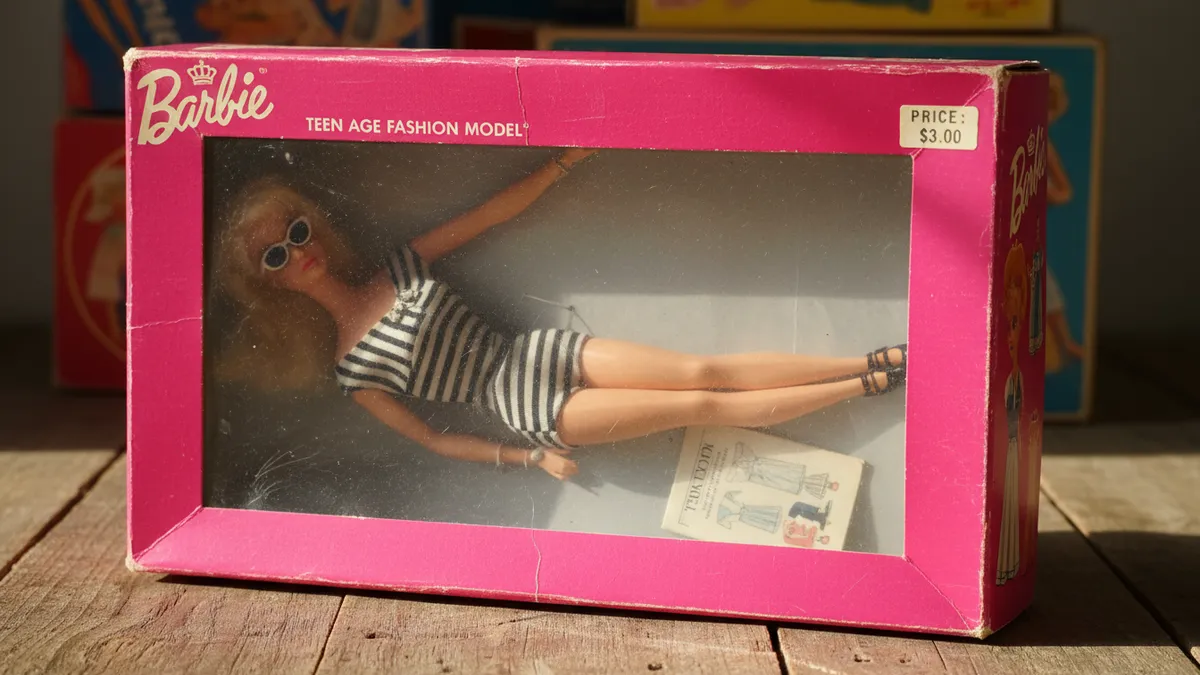
How to Turn Your Selfie Into a Viral AI Barbie Doll Box Portrait in 2026: The Complete Guide to the Barbiecore Glamour Doll Trend on TikTok and Instagram
It starts with the pink.
Not just any pink — that specific, almost impossible Pantone-adjacent fuchsia that has lived rent-free in our collective visual memory since approximately 1959. The shade that makes your thumb stop mid-scroll. When you see an AI Barbie doll box portrait surface on your feed, the very first thing your brain registers isn't the face, the outfit, or the miniature accessories nestled in their plastic tray. It's the color of the packaging. And that tiny detail — the precise calibration of that pink — is the entire reason the AI Barbie box selfie trend is outperforming every other AI portrait format on TikTok and Instagram right now.
The #BarbieBoxChallenge hashtag crossed 2.8 billion combined views in early 2026. The numbers matter less than why they happened. This isn't another throwaway AI filter. This is identity play wrapped in nostalgic packaging, served on the most powerful visual platforms ever built.
Let's talk about what makes it work — and how you get there.
Why the AI Barbie Doll Trend Hits Different
Most AI portrait trends give you a new face. This one gives you a new context.
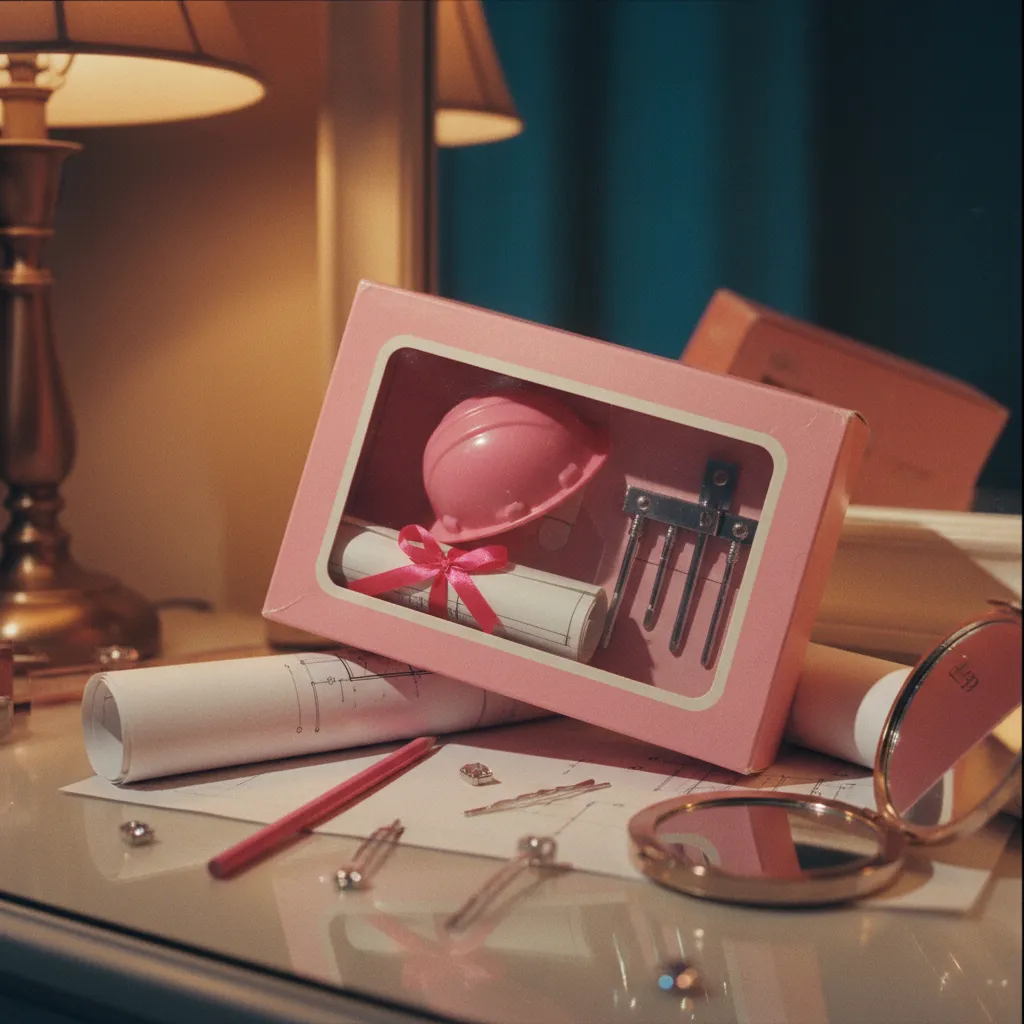
Think about what a Barbie box actually communicates. It's a career. A personality. A lifestyle distilled into a 12-inch rectangle of cardboard and cellophane. When you turn your selfie into a Barbie doll, you're not just glamming up your appearance — you're writing a micro-narrative about who you are. Architect Barbie. Chef Barbie. Podcaster Barbie. The box becomes a frame, and the frame becomes a statement.
That's why engagement on these posts dwarfs standard AI headshots by a factor most creators aren't expecting. Comments flood in about the accessories, the career title printed on the box, the tiny plastic laptop or stethoscope sitting in the molded tray. People don't just look at a Barbie box portrait. They read it.
The Barbiecore Aesthetic: More Than Just Pink
Barbiecore as a visual language has rules, even if nobody wrote them down. Understanding those rules is the difference between a portrait that looks generically "AI-generated" and one that makes someone screenshot it and send it to six friends.
The palette leans heavily into hot pink, bubblegum, and blush — but always anchored by white, metallic gold, or soft lavender. The lighting is studio-flat and shadowless, mimicking the lit-from-everywhere glow of a toy store shelf. The proportions are subtly idealized without entering uncanny valley territory: smoother skin, slightly larger eyes, that distinctly glossy quality that says doll without screaming deepfake.
And then there's the box itself. Transparent front panel. A logo strip across the top. A career tagline. Accessories displayed to the side. The best AI Barbie box generators capture every single one of these elements because they understand that the packaging is the art.
The Prompts That Actually Work
Here's where most guides fail you. They hand over a generic prompt and call it done. But the AI Barbie box selfie lives or dies on specificity — the more intentional your prompt, the more believable the result.
Below are copy-paste-ready prompts refined through dozens of iterations. They work with ChatGPT (GPT-4o with image generation), Gemini, and most open-source image models.
ChatGPT / GPT-4o Prompt
Create a hyper-realistic product photo of a Barbie doll box featuring a person who looks exactly like the uploaded photo. The doll stands inside a transparent plastic Barbie box with hot pink cardboard framing. At the top of the box, include the Barbie logo area with the career title "[YOUR CAREER HERE] Barbie" in elegant white script. The doll wears [DESCRIBE YOUR OUTFIT]. Inside the box, to the right side, include miniature accessories in a molded plastic tray: [LIST 3-4 ACCESSORIES]. The lighting is bright, even, and studio-quality like a professional toy product shoot. Background is a soft gradient of blush pink to white. Barbiecore aesthetic. No text errors.
Gemini Prompt
Generate a photorealistic image of a Barbie-style doll box. The doll inside should match the appearance in my uploaded photo exactly — same face, same hair color and style. The box design uses classic Barbie packaging: hot pink cardboard frame, transparent plastic front, metallic gold accents. Career title on the box reads "[YOUR CAREER] Barbie." The doll is wearing [OUTFIT DESCRIPTION]. Accessories in the packaging tray include [LIST ACCESSORIES]. Toy product photography lighting — bright, even, no harsh shadows. Barbiecore color palette.
Key Variables to Customize
- Career title: This is your hook. "CEO Barbie," "Tattoo Artist Barbie," "Aquarius Barbie" — the more unexpected or personal, the more engagement.
- Outfit: Be specific. "A tailored blush pink power suit with gold buttons" beats "a nice outfit" every time.
- Accessories: Three to four items that tell a story. A tiny espresso cup, a gold MacBook, a miniature French Bulldog. These are the details people zoom into.
The results from these prompts will give you around 80% of the way there. For the final polish — facial accuracy, lighting consistency, that unmistakable Barbiecore glow — tools like PixViva specialize in taking your selfie and producing studio-quality AI portraits that actually look like you, not a vaguely similar stranger.
Creating the Ken Version
The Ken doll box variation is surging just as fast, and the approach is nearly identical with a few aesthetic pivots.
Swap the hot pink for a palette of powder blue, lavender, and metallic silver. Ken boxes in the real world have always leaned cooler — your AI version should follow suit. The career titles work the same way ("Venture Capital Ken," "Plant Dad Ken," "Hot Yoga Ken") and the accessories follow the same rule: specific, personal, slightly funny.
In your prompt, simply replace "Barbie" with "Ken," shift the color descriptions, and specify masculine or gender-neutral styling. Everything else — the box structure, the lighting, the product-photography framing — stays consistent.
Animated Unboxing Reels: The Engagement Multiplier
Static Barbie box portraits get likes. Animated unboxing Reels get shares.
This is the format dominating right now: a three- to five-second clip where the transparent box front lifts away, the "doll" blinks or tilts their head, and the camera slowly pushes in. Some creators add the sound of plastic crinkling. Others use the actual Barbie jingle. The effect is uncanny in the best possible way — it sits in that electric gap between toy and human.
To create this without a video production background, start with your completed static AI Barbie box image. Use a tool like Runway, Pika, or Kling to animate it with a subtle motion prompt: "The plastic front of the box slowly lifts upward. The doll inside blinks once and smiles slightly." Layer in an unboxing sound effect from any royalty-free library, and you have a Reel that structurally demands a replay.
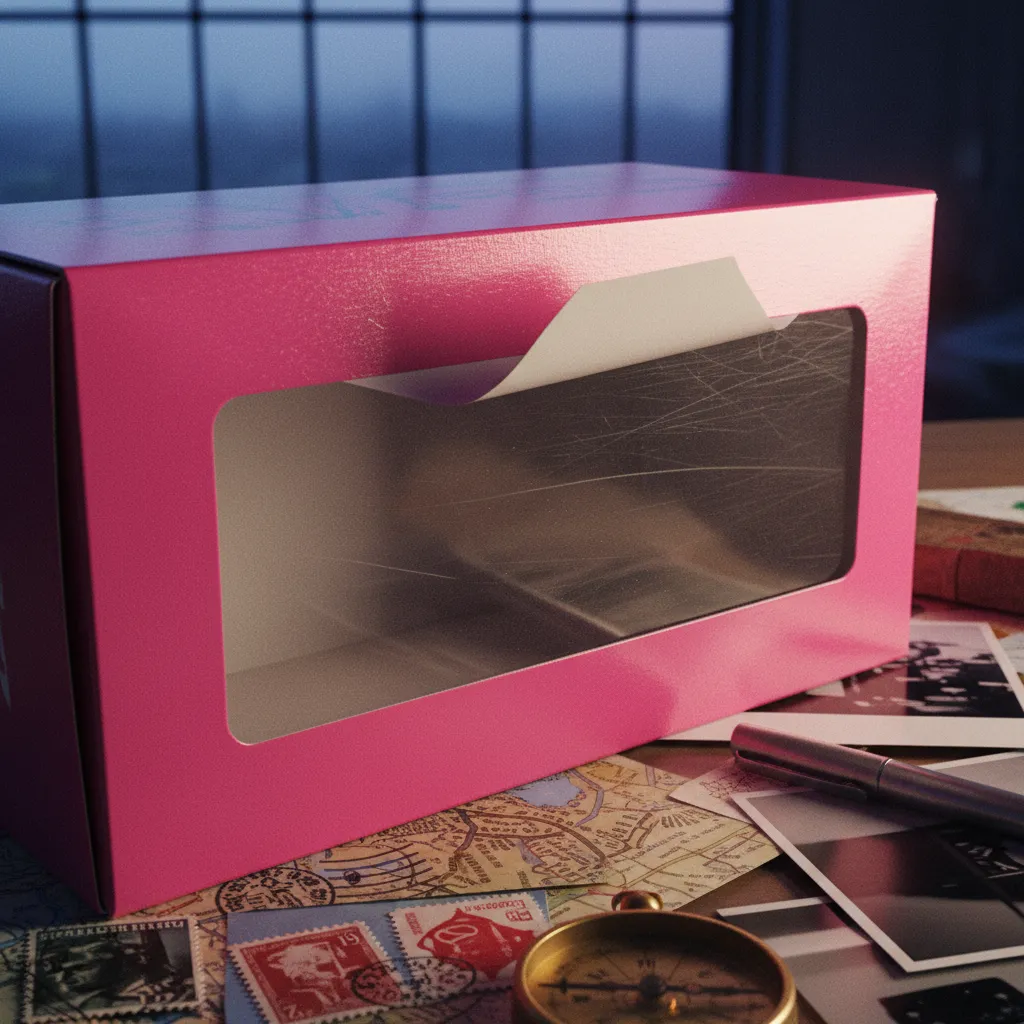
The engagement data backs this up consistently. Animated versions of the AI Barbie doll trend see two to four times the share rate of static posts, primarily because the motion triggers curiosity before the viewer even consciously decides to watch.
Free Tools vs. Premium Quality
You can absolutely create an AI Barbie box selfie using free tiers of ChatGPT, Gemini, or open-source models like Stable Diffusion. The prompts above will work. The results will be fun, shareable, and perfectly fine for a casual post.
But there's a gap — and it's worth being honest about where it lives.
Free tools often struggle with facial consistency. Your Barbie doll might have your hair color and general vibe, but the face drifts. The eyes might be slightly different, the jawline off, the expression generic rather than yours. For a profile picture that actually represents you — or a brand post that needs to look premium — that gap matters.
This is the exact space PixViva was built for. Rather than fighting with prompt engineering for hours, you upload your selfie and get back a polished, accurate AI portrait that preserves your real features while applying the aesthetic transformation cleanly. It's the difference between a fun experiment and a portrait you'd actually use.
Tips for Maximum Virality
A few patterns keep appearing in the Barbie box posts that cross from popular into genuinely viral.
Specificity wins. "Dog Mom Barbie" with a tiny leash and poop bags in the accessory tray outperforms "Fashion Barbie" every single time. The more niche your identity play, the more your audience sees themselves in it.
Carousel formats crush. Post your AI Barbie box portrait next to your original selfie. The before-and-after creates an irresistible comparison that holds attention and drives comments asking "how did you do this?"
Tag the trend. Use #BarbieBoxChallenge, #AIBarbieTrend, and #Barbiecore together. The algorithm currently favors content tagged into this cluster, and discoverability spikes when all three appear.
Post during unboxing hours. This sounds absurd, but evening posts between 7–9 PM local time consistently outperform for this trend, likely because the playful nostalgia resonates when people are winding down, not grinding through their workday.
The Bigger Picture
Zoom all the way out for a moment.
The AI Barbie doll trend isn't really about Barbie. It's about the fact that we've reached a point where anyone with a selfie and a sentence can build a visual identity that used to require a photographer, a set designer, and a retoucher. The Barbie box is just the packaging — literally. What's inside the box is something more interesting: the democratization of self-image.
Every time someone turns their selfie into a Barbie doll and posts it, they're making a small, playful claim about who they are. And that's not trivial. That's culture moving.
So pick your career title. Choose your accessories. Get the pink exactly right. And step into the box — the feed is waiting.
Ready to see yourself in a new light?