

How to Create the Viral AI Inner Child Hug Video from a Selfie in 2026: The Complete Guide
The glossy surface of a 1998 Kodak print catches the light. You trace the faded, scalloped edge. It holds a frozen version of you, suspended in silver halide crystals and magenta dye. Today, that static memory breathes. We are building the AI inner child hug. You have seen this emotional AI video dominating the inner child healing trend TikTok feeds. A modern adult reaches out. Their younger self reaches back. They embrace. It breaks you every time. You want to make your own. You need a current selfie, a childhood photo, and a neural engine that understands the physics of an embrace. Let us strip away the magic and look at the mechanics. I will show you exactly how to hug younger self AI style.
The Architecture of an Emotional AI Video
We are not just slapping two faces together. We are engineering empathy. The inner child healing trend works because it sells an impossible reality. Time travel selfie AI bridges a thirty-year gap in three seconds of rendered video.
Look closely at the viral hits. The best ones share a specific visual language. The lighting matches perfectly. The physical contact feels weighted. The fabric compresses exactly where arms wrap around shoulders. The shadows fall across both faces as if they share the same physical space.
Most people feed random images into a generator and hope for a miracle. We do not hope. We control the variables. We curate the input data. The AI is a brilliant engine, but it is blind. You have to give it sight. You have to give it structure.
Sourcing the Artifact: The Childhood Photo AI Base
Find the box in the attic. Dig out the physical prints. We need high-quality source material for the childhood photo AI to process. A blurry, low-resolution thumbnail will not survive the upscaling process.
Look for a photo where your younger self is looking slightly off-camera. Eye contact with the lens breaks the fourth wall. We want them looking at you, the adult. We want them engaged in the space, not staring at the photographer.
Pay attention to the lighting direction in the old photo. Is the sun hitting their left cheek? Note that. Is it a harsh, direct flash from a disposable camera? Note that, too. We must replicate this lighting environment later.
Scan the photo at 600 DPI. Do not take a picture of a picture with your phone. The glare from the glossy paper destroys the contrast curve. We need clean pixel data. Every scratch, every piece of dust, every glare artifact confuses the diffusion model. Clean data yields clean hugs.
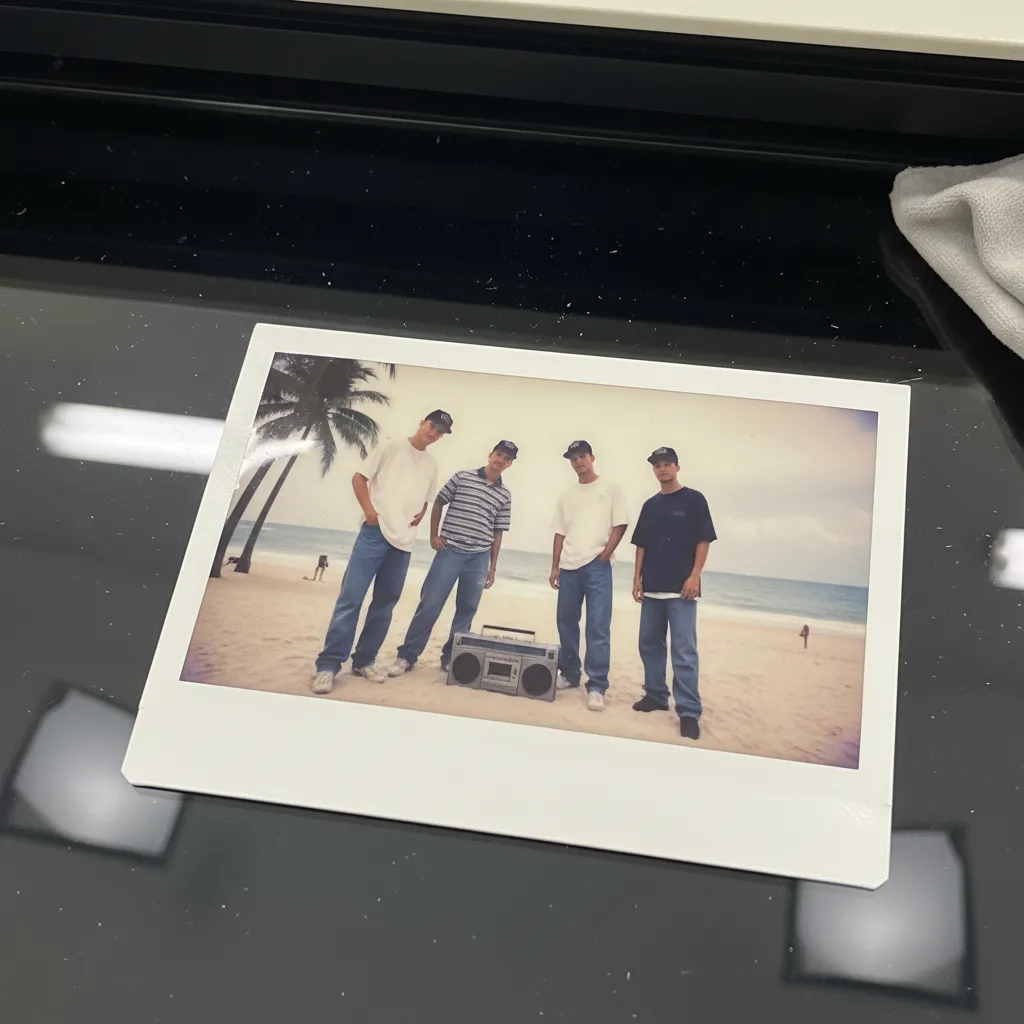
Capturing the Anchor: The Modern Selfie
This is where the time travel selfie AI takes root. You are the anchor in this temporal equation. You must match the environment of your past. The AI cannot fix fundamentally broken lighting logic.
If your younger self is bathed in harsh 1990s flash, you need a hard light source. Turn on your phone flash. Stand against a neutral wall. If they are standing in overcast daylight, stand near a large, north-facing window. Match the direction and the quality of the light.
Think about focal lengths. A 1990s point-and-shoot camera typically used a 35mm lens. Do not use the 12mm ultra-wide lens on your modern smartphone. The perspective distortion will ruin the AI photo merge. Use a standard or telephoto lens setting. Compress the background.
Position your body for the embrace. Leave negative space in the frame. Extend an arm slightly. Drop a shoulder. Give the AI a physical framework to build the hug upon. Shoot in RAW if your phone allows it. We want maximum dynamic range. The neural network needs shadow detail to calculate depth. Flat lighting results in a flat, lifeless hug.
The Synthesis: Merging Timelines in PixViva
Open PixViva. This is where the timelines collide. The engine does not just blend pixels. It calculates skeletal structures. It understands the anatomy of human connection.
Upload your modern selfie as the base layer. Upload the scanned childhood photo as the reference subject. PixViva’s 2026 spatial-temporal engine maps the facial geometry of both images. It builds an invisible 3D mesh.
Select the "Temporal Embrace" motion model from the asset library. This specific algorithm was trained on thousands of hours of human contact. It understands how skin yields under pressure. It knows how hair falls when a head tilts.
Set your prompt parameters. Be clinical and exact. Do not use poetic language. Use physical descriptors. "Two subjects embracing. Left subject: adult, sharp focus, modern digital aesthetic. Right subject: child, vintage film aesthetic, 35mm grain. Arms wrapping, fabric compressing. Soft cinematic lighting bridging both subjects."
Hit generate. Watch the latent space resolve. The noise coalesces into a memory that never happened. The AI maps the textures, calculates the physics, and outputs a seamless embrace.
Advanced Diagnostics: Fixing the Physics
Your first render will have flaws. The AI might hallucinate an extra finger. The lighting might clash at the boundary of the hug. We fix this through relentless iteration. We do not accept the first draft.
Analyze the contact points. Does the adult hand rest naturally on the child's shoulder? If it floats, adjust the negative prompt. Add "floating limbs, disconnected geometry, impossible anatomy" to the exclusion list.
Look at the color grading. A 1990s disposable camera has a distinct color science. High contrast, crushed blacks, elevated greens, magenta shifts in the highlights. Your modern iPhone selfie is clinically perfect. Perfect is boring. Perfect ruins the illusion.
Use PixViva's color-match slider. Pull the slider until the modern digital sharpness softens. We want the adult to step into the child's world, not drag the child into 2026. We bleed the vintage aesthetic across the boundary of the hug. We add synthetic film grain. We match the black levels.

Mastering the Inpainting Tool
When the AI fails, and it will fail, you must know how to perform surgery. PixViva’s inpainting interface is your scalpel. Let’s say the child’s hair merges unnaturally with the adult’s jacket. Do not scrap the whole video.
Select the masking brush. Keep the feathering high—around 40%. A hard edge will look like a bad Photoshop job. Paint over the intersecting boundary. In the localized prompt box, type: "Clear separation, distinct textures, natural shadow falloff." The engine will recalculate only that specific region, preserving the flawless faces while fixing the fabric physics. This granular control separates viral masterpieces from uncanny valley failures.
The Psychology of the Frame
Why does this specific visual hit so hard? The inner child healing trend TikTok phenomenon isn't just about cool tech. It is about unresolved narratives. Every adult carries a version of themselves that didn't get the comfort they needed. When you create an emotional AI video, you are visually closing an open psychological loop.
The framing matters. Do not center the subjects perfectly. Use the rule of thirds. Place the point of contact—the hands, the resting heads—on an intersecting grid line. This creates visual tension. It makes the viewer lean in. The eye naturally seeks the point of connection. Guide it there.
The Micro-Expressions of Healing
A hug is not static. It is a transfer of energy. The face must react. A blank stare during an embrace feels sociopathic. We need micro-expressions to sell the emotion of the AI inner child hug.
Use the expression weighting tool in the advanced settings. Dial up "subtle relief" on the adult face. Dial up "comfort" on the child. We are looking for millimeters of movement.
Watch the micro-movements in the generated preview. The slight closing of the eyes. The heavy exhale. The relaxing of the jawline. This is what drives the massive engagement on social media. This is what makes people stop scrolling. This is what makes them cry.
The AI calculates the muscle tension beneath the skin. When the adult arms wrap around the child, the adult's shoulders should drop. The tension of decades should leave the body. You can prompt for this. "Shoulders relaxing, deep exhale, tension releasing."
Exporting the Time Machine
You have built the perfect AI inner child hug. The geometry is flawless. The lighting is locked. The micro-expressions are devastatingly real. Now, we prepare it for the world.
Export the video at 1080x1920 resolution. This is the native aspect ratio for TikTok and Instagram Reels. Do not upscale to 4K. The vintage illusion relies on a slight softness. Hyper-crisp resolution destroys the nostalgia. We want it to feel like a found memory, not a Marvel movie.
Pair it with the right audio. The audio is fifty percent of the emotional impact. A slowed-down instrumental track. A raw voiceover about healing and forgiveness. The visual does the heavy lifting, but the audio sets the stage. It tells the viewer how to feel before they even process the image.
You just bent time. You reached back through decades of static and offered comfort to a ghost. You built a bridge between who you were and who you are. Now, go share it. Upload it to the #InnerChildHealing trend. Let your healing heal someone else. Watch the metrics climb, but more importantly, watch the comments. You will see a thousand people asking how to do exactly what you just did. And now, you know the science behind the magic.
Ready to see yourself in a new light?