
The Authenticity Paradox: How to Use AI Photo Enhancement to Look More Natural (Not Fake) in 2026
Look at the tiny crease just below your left eye. Not the whole face — just that single line. The one that deepens a fraction of a millimeter when you genuinely smile versus when you pose. A barely-there topographic detail that the people who love you recognize instantly, even if they couldn't describe it. That crease is the entire battleground of AI photo enhancement in 2026.
Because here's the thing nobody in the AI editing space wants to say out loud: the most common complaint about AI-enhanced photos isn't that they look bad. It's that they look too good. Poreless. Symmetrical. Lit like a pharmaceutical ad. And audiences — your followers, your friends, that recruiter scanning your LinkedIn — have gotten remarkably fast at spotting it. The uncanny valley isn't just for robots anymore. It's for selfies.
So where does that leave someone who genuinely wants a better photo? Stuck between a dimly lit bathroom mirror shot and a plastic AI rendering that screams this person doesn't actually look like this?
Not even close. The real opportunity is much more interesting than that.
Why Over-Polished AI Photos Fail in 2026
We trained our eyes faster than the industry expected. Two years of flooded feeds — AI-generated headshots, synthetically smoothed skin, algorithmically widened eyes — gave everyone an involuntary education in detecting artificiality. A 2025 study from the University of Southern California found that social media users now identify heavily AI-altered portraits in under two seconds. Not tech-savvy users. All users.
The backlash wasn't subtle, either. Engagement rates on hyper-polished profile photos dropped measurably through late 2025. Comments shifted from compliments to callouts. The word "fake" became the fastest way to lose credibility on visual platforms.
What replaced the perfection trend? Authenticity. Raw. Textured. Real. The photos that perform now — the ones that build trust, attract followers, land clients — aren't unedited disasters. They're intelligently enhanced. They look like you on your best day, not like a CGI version of someone who vaguely resembles you.
And that distinction? It lives in details most people don't consciously notice but absolutely feel.
What Natural AI Photo Enhancement Actually Means
Here's where the confusion lives, and it's worth untangling before we go further. "Natural AI photo editing" doesn't mean doing nothing. It doesn't mean slapping a filter on and calling it organic. And it definitely doesn't mean only using tools from 2019.
It means using AI to solve the technical problems in a photo — bad lighting, digital noise, color casts from fluorescent bulbs — without altering the human elements that make you recognizable. Your skin texture. The specific shape of your jaw. That crease below your eye.
Think of it like audio engineering. When a sound engineer masters a song, they don't change the singer's voice. They remove the hum from a bad cable. They balance frequencies. They make the voice more itself by eliminating everything that wasn't supposed to be there.
That's the entire philosophy. AI enhancement at its best is subtractive before it's additive. It removes what the camera introduced. It doesn't redesign what your genetics built.
The Details That Keep You Looking Like You
So what does this look like in practice? Not as a step-by-step recipe — more like a way of thinking about what matters and what doesn't when you're evaluating any AI enhancement result.
Lighting That Corrects Without Flattening
Bad lighting is the single biggest reason good faces make bad photos. Harsh overhead shadows, uneven exposure, that sickly orange tint from indoor bulbs at 11 PM. These are technical failures, not personal ones.
When AI corrects lighting well, it redistributes light to approximate what your face would look like under balanced, diffused conditions. The shadows under your cheekbones get softer. The exposure evens out. But — and this is critical — the dimensionality of your face stays intact. Your nose still casts a subtle shadow. Your brow bone still has depth. You still look three-dimensional.
When AI corrects lighting poorly, it floods every surface with equal brightness. Flat. Shadowless. The face looks like a sticker pasted onto a background. You've seen this. You've scrolled past it. You probably felt something was off before you could articulate why.
The difference between those two outcomes isn't about using AI or not using AI. It's about the AI understanding that shadows are information, not errors.
Noise Reduction That Preserves Texture
Digital noise — that grainy, speckled quality from low-light phone cameras — is a legitimate technical problem. Removing it is reasonable. Expected, even.
But noise and skin texture occupy similar visual frequencies. Aggressive noise reduction algorithms obliterate both. The result: that waxy, airbrushed look that has become the universal tell of an over-processed AI selfie. Pores vanish. Fine lines dissolve. Your skin looks like it was rendered in Blender.
Natural skin texture AI — the kind worth trusting — reduces noise selectively. It distinguishes between the random speckle of sensor noise and the structured pattern of actual pores, fine hairs, subtle texture variations. The grain disappears. You don't.
This is one of the areas where PixViva's approach was deliberately built to diverge from the norm. Instead of optimizing for "smoothest possible output," the enhancement models are trained to protect the micro-textures that register as real to the human eye. It sounds like a small technical decision. In practice, it's the difference between a photo that feels trustworthy and one that triggers suspicion.
Color Correction That Honors Your Actual Skin Tone
Color casts are invisible until you correct them. That greenish pallor from office lighting? You don't notice it in the moment, but it's making you look vaguely unwell in every photo taken at your desk. The blue-white blast of a front-facing flash? It strips warmth from every skin tone.
Good AI color correction neutralizes these casts and restores colors to something closer to what your eyes actually perceived. Your skin tone returns to its natural warmth. The background stops competing with your face.
But here's where authentic AI portrait editing earns its name: the correction targets the environment's color problems, not your complexion. It doesn't lighten skin. It doesn't add a universal warm glow that homogenizes every face into the same golden-hour fantasy. It reads the scene, identifies what the artificial light source distorted, and reverses that distortion.
You end up looking like yourself — in accurate color, properly lit, without interference from a bad bulb.
Where the Uncanny Valley Line Lives
You might be wondering: where exactly does enhancement cross into fakery? Is there a bright line?
Not a bright one. But a reliable one.
The line lives at structural alteration. The moment AI changes the geometry of your face — reshaping a jaw, enlarging eyes, narrowing a nose, inflating lips — it crosses from enhancement into fabrication. These are the changes that trigger uncanny valley responses, because the human brain is absurdly calibrated to detect facial proportions. Even a three-percent change in eye spacing registers as wrongness before conscious thought catches up.
Lighting, noise, color? These are environmental. They change from photo to photo depending on where you're standing and what camera you're holding. Correcting them brings a photo closer to reality.
Bone structure, feature size, skin texture patterns? These are you. Altering them moves a photo further from reality, no matter how aesthetically pleasing the result.
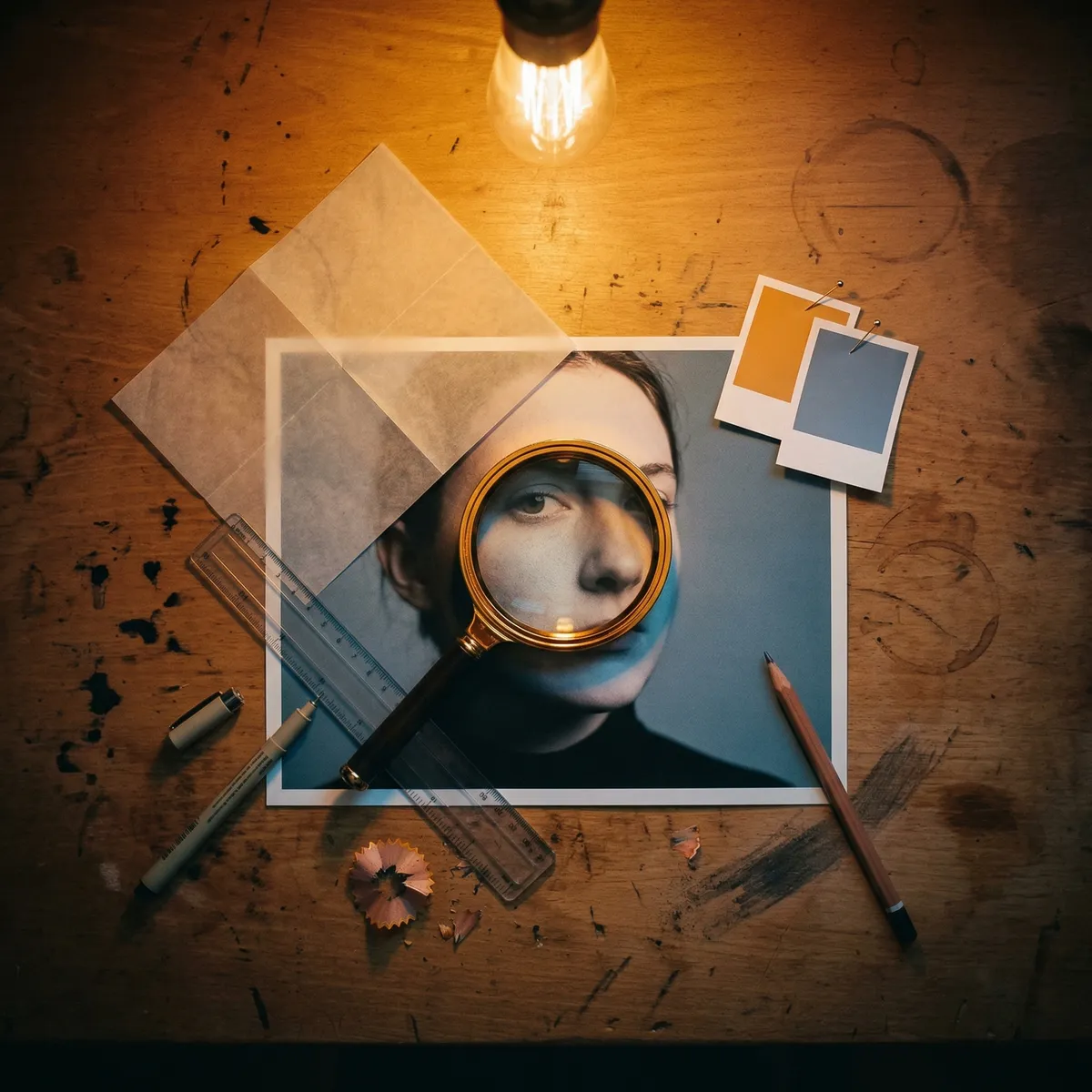
The most useful mental model: if the change would still be visible in a video call, it's fabrication. If the change disappears the moment you step into good natural light, it was legitimate correction all along.
The Confidence That Comes from Looking Like Yourself
Here's the part that gets overlooked in every technical conversation about AI photo enhancement.
When your enhanced photo actually looks like you — just with better lighting, cleaner detail, truer color — something psychological shifts. You can post it without anxiety. You can use it as a professional headshot without worrying about the in-person meeting that follows. You can update your dating profile and know that the person across the table will recognize you immediately.
That's not a small thing. The anxiety of misrepresentation is real and measurable. And the irony of the over-polished AI era was that it made people less confident, not more. Every artificially perfected photo became a promise the real person couldn't keep.
The 2026 authenticity shift isn't just an aesthetic trend. It's a psychological correction. People are exhausted by the gap between their photos and their mirrors.
Why PixViva Was Built for This Exact Moment
PixViva didn't pivot to authenticity because the market shifted. The entire model was built on the premise that AI enhancement should make you look more like yourself — the version of yourself in ideal conditions — not like a composite of trending features.
That means environmental correction without structural alteration. Noise reduction that respects skin texture. Color science trained on diverse, real-world skin tones rather than a narrow band of idealized palettes. The AI enhances the photo. Not the person. The distinction matters more than ever.
When you upload a photo to PixViva, the output should pass the simplest and most important test: does this still look like me?
If the answer is yes — but with better light, less grain, and colors that finally match what you actually saw — then the AI did its job. Invisible enhancement. The kind no one detects because there's nothing artificial to detect.
That tiny crease below your left eye? Still there. Still yours. Still the thing that makes your smile unmistakable to everyone who knows you.
The best AI photo enhancement in 2026 doesn't erase those details. It makes sure the camera finally captures them the way they deserve to be seen.
Ready to see yourself in a new light?