
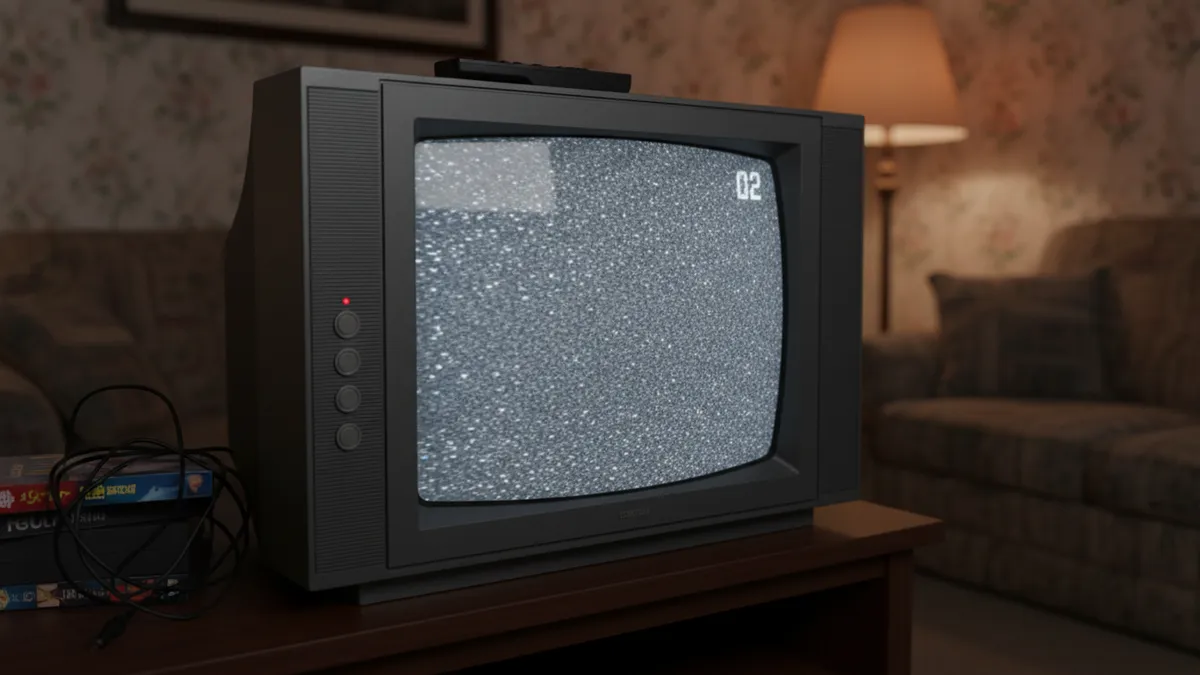
How to Turn Your Selfie Into a Viral 90s Retro Anime Character in 2026
Nostalgia is a liar.
Most people think the 90s anime aesthetic is just big eyes and pastel hair.
They picture a generic, flat cartoon filter slapped carelessly over a selfie.
They are wrong.
True 90s anime is a masterclass in mood and limitation.
It is harsh cel-shading. It is neon bleeding through heavy CRT scanlines.
It is the melancholic, heavy shadows of Cowboy Bebop and the hyper-saturated twilight of Sailor Moon.
Right now, the tiktok 90s anime trend is absolutely dominating your feed.
But look closer. Most of those videos look cheap.
They use a basic ai 90s anime filter that strips away the grit and leaves behind a plastic doll.
You do not want to look like a plastic doll.
You want to turn your picture into 90s anime that actually feels like a lost VHS tape from 1998.
Here is exactly how you do it in 2026.
The Aesthetic Breakdown: Grit Over Grace
Let us establish the baseline.
Studio Ghibli is beautiful. It is soft, watercolor-washed, and safe.
We are not doing Studio Ghibli today.
The vintage anime ai photo you want is sharper.
It requires edge. It requires contrast. It requires a specific kind of attitude.
Think of the midnight cityscapes of Akira or the pastel-grunge of Neon Genesis Evangelion.
The sailor moon ai aesthetic is not just about wearing a pink uniform.
It is about the way the moonlight hits the character’s face at a sharp 45-degree angle.
It is the deliberate, unapologetic lack of gradient shading.
In the 90s, animators painted on physical cels.
Shadows were hard blocks of color. Highlights were stark white geometric shapes.
Your retro anime portrait generator needs to understand this fundamental limitation.
Limitation breeds style.
When you use a modern filter, it tries to blend everything into a smooth gradient.
Blending kills the retro vibe.
You need an engine that respects the hard, definitive lines of the past.
Why Your Current AI 90s Anime Filter Fails
Look at your camera roll.
Look at the last time you tried to turn picture into 90s anime.
Chances are, the AI smoothed your skin until you looked like a featureless egg.
It probably gave you generic, soulless eyes that stare blankly into the void.
This happens because cheap apps train on generic, blended data.
They average out a million faces until nothing unique or interesting remains.
That is not art. That is data processing.
A true ai 90s anime filter does not erase your bone structure.
It translates it.
It finds the sharp angle of your jaw and turns it into a definitive ink line.
It takes the messy volume of your hair and sculpts it into deliberate, gravity-defying spikes.
If your current filter cannot do this, delete the app.
You are wasting your time and ruining your aesthetic.
The PixViva Standard: Engineering Nostalgia
This is where we change the game.
At PixViva, we do not build disposable toys. We build precision tools for aesthetics.
Our retro anime portrait generator was engineered specifically for the purists.
We analyzed the exact color palettes of 1990s broadcast television.
We mapped the specific way ink bleeds on celluloid under hot studio lights.
When you upload a selfie to PixViva, we do not just apply a lazy preset.
We reconstruct your image through the lens of a Tokyo animation studio circa 1997.
The result is a vintage anime ai photo that holds up to intense scrutiny.
The colors pop. The shadows anchor the frame.
The scanlines are subtle but absolutely essential.
This is how you win the tiktok 90s anime trend.
You bring undeniable quality to a platform drowning in mediocrity.
How to Turn Picture Into 90s Anime (The Source Photo)
Do not blame the AI if your input is garbage.
The algorithm is incredibly powerful, but it is not a miracle worker.
To get the perfect sailor moon ai aesthetic, you must start with intent.
Lighting is Everything
Flat, overhead bathroom lighting will give you a flat, boring result.
You need directional light. You need drama.
Stand next to a window. Let the sun hit exactly one side of your face.
Leave the other side entirely in shadow.
This creates the deep contrast the AI needs to build those hard cel-shaded edges.
Without contrast, the algorithm has nothing to anchor the ink lines to.
Next, consider your angle.
Straight-on selfies are for passport photos and driver's licenses.
Tilt your phone. Drop your chin slightly. Look away from the lens.
Give the AI a dynamic, asymmetrical silhouette to work with.
Wardrobe and Architecture
Your clothes matter more than you think.
A plain grey t-shirt will render as a plain grey t-shirt.
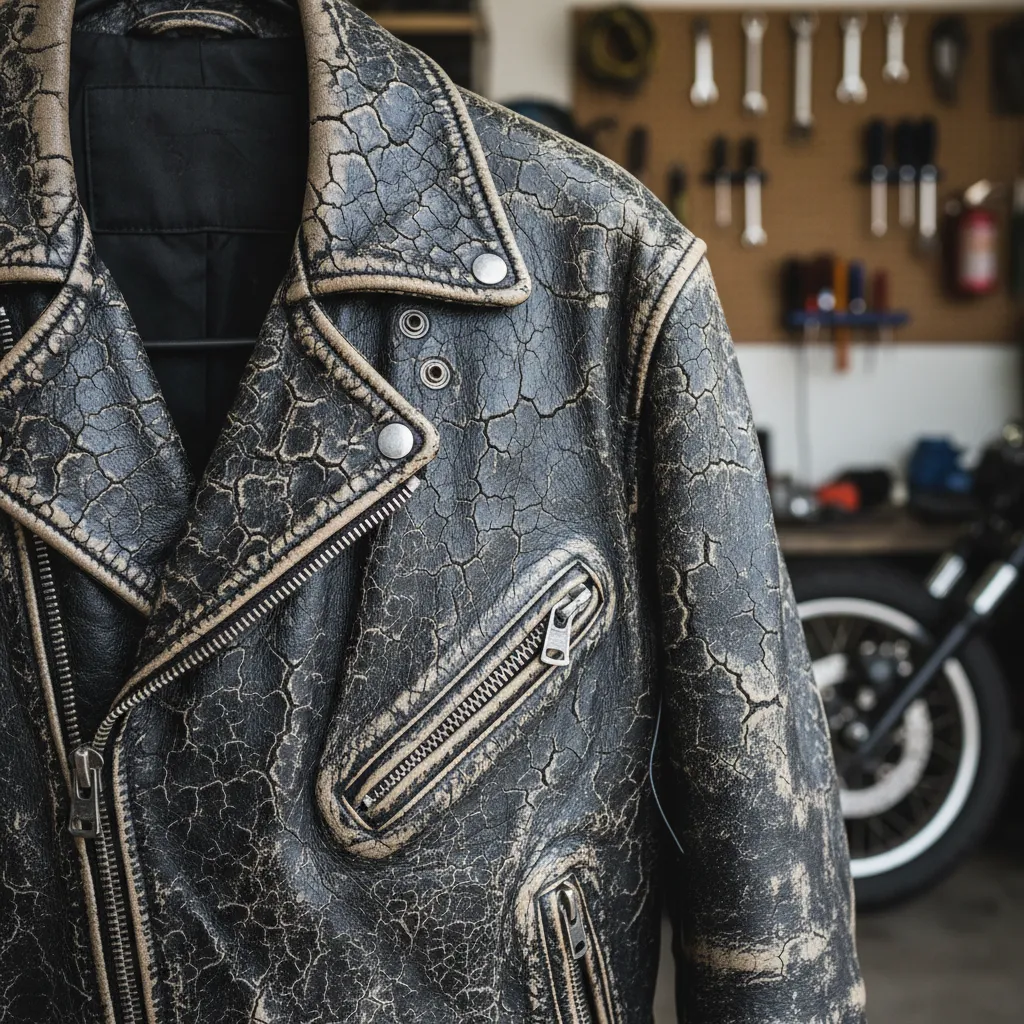
Wear something with structure. A heavy leather jacket. A high, stiff collar.
Accessories are literal cheat codes for this aesthetic.
Chunky over-ear headphones. Tiny, impractical sunglasses. A thick choker.
These physical elements give the retro anime portrait generator specific details to stylize.
They anchor the image firmly in the era.
Let us talk about hair.
The 90s anime aesthetic does not respect physics.
It does not care about your realistic frizz or your flat roots.
It demands volume. It demands sharp, definitive shapes.
When prepping your source photo, mess your hair up.
The AI needs distinct shapes to translate into those iconic, chunky anime hair spikes.
If your hair is perfectly flat, the AI will render it as a smooth helmet.
Do not give the AI a helmet. Give it architecture.
Prompting Like a 1998 Art Director
PixViva allows you to guide the generation. Use this power.
Do not type "make me anime."
That is lazy. Lazy prompts yield lazy, forgettable results.
Type "1990s cel-shaded anime, deep shadows, neon city background, VHS aesthetic."
Specify the exact mood. "Melancholic twilight" or "high-octane cyberpunk."
Tell the AI exactly what to do with the lighting. "Harsh rim light, glowing eyes."
When you use a retro anime portrait generator, you are the art director.
Take total control of the scene.
The difference between a generic output and a viral masterpiece is ten words of specific direction.
The Color Theory of the Sailor Moon AI Aesthetic
Let us talk about color.
Modern digital anime is hyper-vibrant. Every color is turned up to maximum saturation.
The 90s did not work like that.
The colors were slightly muted by the physical film process and broadcast limitations.
The blacks were never pure, absolute black.
They were deep, bruised purples or dark, inky navy blues.
The whites were slightly warm, tinted by the age of the celluloid.
A proper ai 90s anime filter understands this exact palette.
It leans heavily into magenta, cyan, and amber.
It aggressively avoids sterile, bright digital lighting.
If you want the true sailor moon ai aesthetic, you need that specific nostalgic warmth.
It is the visual equivalent of listening to a cassette tape.
There is a slight hiss. A slight imperfection.
That imperfection is exactly where the soul of the image lives.
Dominating the TikTok 90s Anime Trend
Why is this specific look dominating TikTok in 2026?
Because the internet is exhausted by perfection.
We have spent the last five years looking at hyper-realistic, poreless AI generations.
It is boring. It is sterile. It lacks humanity.
The tiktok 90s anime trend is a massive rebellion against that sterility.
People want style over realism.
They want an image that feels hand-crafted, even if an algorithm generated it.
The vintage anime ai photo provides an escape route.
It lets you project yourself into a world that feels simultaneously futuristic and deeply nostalgic.
It is a visual paradox. And paradoxes capture attention.
Furthermore, this aesthetic pairs flawlessly with the audio landscape of the platform.
Think about the trending sounds.
Slowed-down synthwave. Chopped and screwed city pop. Heavy, distorted basslines.
A soft, watercolor portrait looks ridiculous over a heavy synthwave track.
You need a visual that matches the sonic grit.
When you pair a harsh, neon-lit 90s anime portrait with the right audio, it locks in.
It creates a cohesive, immersive audiovisual experience.
That is how you trigger the algorithm. That is how you stop the scroll.
Users do not just watch the video. They save it. They share it.
They flood the comments asking how you achieved the look.
You stop being a consumer and become the tastemaker.
The Final Verdict
Stop overthinking it.
You have the phone. You understand the lighting. You know exactly what makes the aesthetic work.
Go to PixViva.
Upload the photo with the harsh shadows and the strong, asymmetrical silhouette.
Apply the retro anime portrait generator.
Watch it strip away the mundane reality of your bedroom.
Watch it replace it with the neon-drenched drama of a 1998 late-night broadcast.
This is not just about getting a new profile picture.
It is about claiming an aesthetic that commands respect.
It is about standing out in a feed full of predictable clones.
The 90s are never coming back.
But the aesthetic never truly left. It just waited for the right technology to catch up.
We finally have the tools to do it absolute justice.
Do not settle for a washed-out, generic filter.
Demand the grit. Demand the shadows. Demand the cel-shaded perfection.
Turn your selfie into a statement.
Your viral moment is waiting.
Ready to see yourself in a new light?