
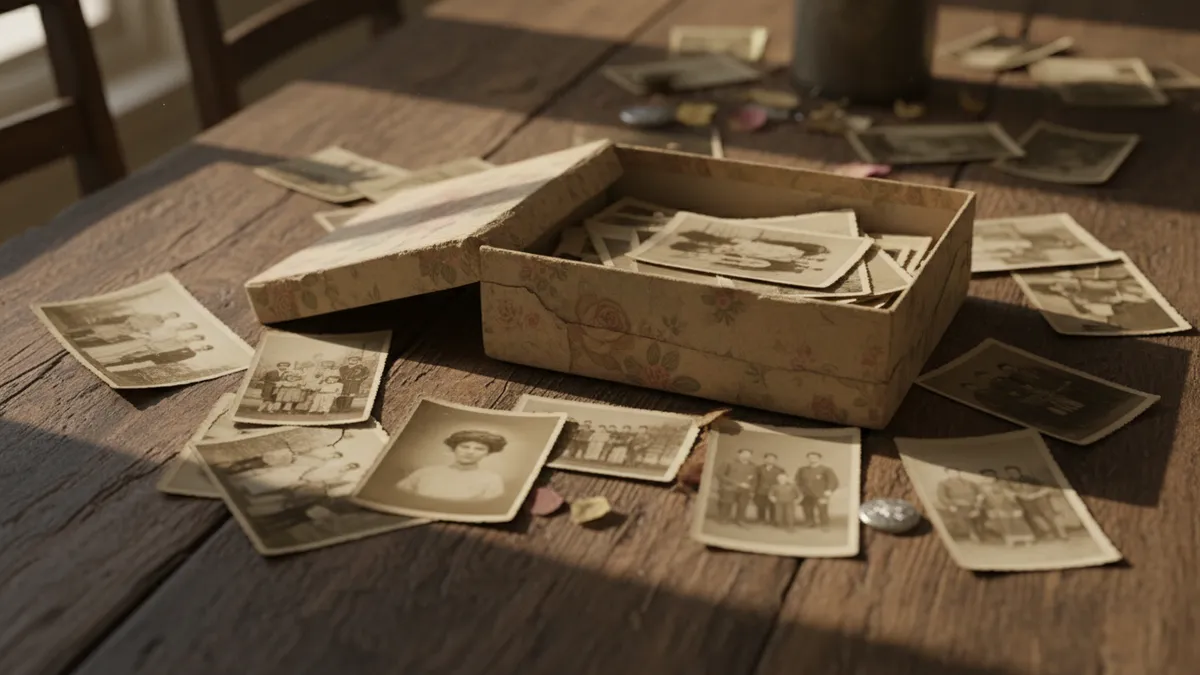
How to Restore, Colorize & Animate Old Family Photos with AI in 2026: The Complete Guide to Bringing Vintage Memories Back to Life
Your grandparents' wedding photo is the most powerful piece of content you will ever own.
Not your latest selfie. Not a studio portrait. Not a curated carousel of golden-hour shots. A faded, cracked, sepia-toned rectangle pulled from a shoebox in someone's attic — that is the image with more emotional gravity than anything a modern camera can produce. And in 2026, AI has finally caught up to what that photograph deserves.
Over 20 million TikTok posts now carry tags related to restoring and animating ancestors' photos. This isn't a niche hobby anymore. It's a cultural movement built on a truth most of us feel but rarely articulate: the past isn't meant to stay frozen. The faces that made your existence possible deserve to breathe again — in color, in motion, in the feeds where the living spend their attention.
This guide covers the entire pipeline. Scan to repair to colorize to animate to share. Not surface-level tips, but a real methodology for bringing old photos to life with the best AI tools available right now.
Why Restoring Old Family Photos Matters More Than You Think
Before the how, the why.
We treat family photographs like passive artifacts — objects to be stored, occasionally displayed, ultimately forgotten when the generation that recognizes the faces passes on. But a photograph is not a relic. It's compressed identity. It's proof that someone stood in a specific place, wore specific clothes, chose a specific person to stand beside, and faced a camera with a specific expression that you can now, decades later, study for resemblance to your own face.
When you restore old family photos, you aren't performing a technical task. You are refusing to let entropy have the final word.
That's why the emotional response to these restorations is so volcanic on social media. A colorized image of a great-grandmother isn't just visually interesting — it collapses the psychological distance between past and present. She suddenly looks like someone you could have known. The black-and-white barrier, the one that whispered this person lived in a fundamentally different world, dissolves.
AI photo restoration in 2026 makes this accessible to everyone, not just Photoshop experts spending forty hours on manual retouching.
Step One: The Scan That Determines Everything
Every great restoration begins with a scan that most people botch.
Do not photograph the photo with your phone in ambient lighting. This introduces glare, perspective distortion, and color contamination that even the best AI will struggle to fully correct. Instead, use a flatbed scanner at 600 DPI minimum — 1200 DPI if the original is small, like a wallet-sized print.
If you genuinely don't have access to a scanner, use your phone's camera in a controlled setup: indirect natural light, the photo flat on a dark surface, the camera held parallel and directly above. Several free scanning apps use multi-frame capture to reduce distortion. They're imperfect, but they're vastly better than a casual snapshot.
Save as TIFF or PNG. Never JPEG at this stage. You're preserving every grain, every scratch, every imperfection — because the AI needs to see the damage accurately to fix it.
Step Two: AI Repair — Erasing Decades of Damage
Here's where the transformation begins to feel like something bordering on magic.
Modern AI old photo restoration tools can identify and repair scratches, creases, water stains, fading, and missing sections with remarkable intelligence. They don't just blur over damage the way older software did. They reconstruct — inferring what should exist in a torn corner based on the surrounding context, the geometry of a face, the pattern of a fabric.
The best results in 2026 come from dedicated restoration models rather than general-purpose image editors. Look for tools that specifically handle:
- Scratch and crease removal without softening facial detail
- Face enhancement that sharpens features while respecting the original bone structure
- Background reconstruction for torn or missing edges
- Noise and grain management that preserves the film-era texture you actually want to keep
A critical principle: restore in stages. Run damage repair first, then face enhancement separately. Stacking too many corrections in a single pass often produces that uncanny, over-processed look that strips a photograph of its soul.
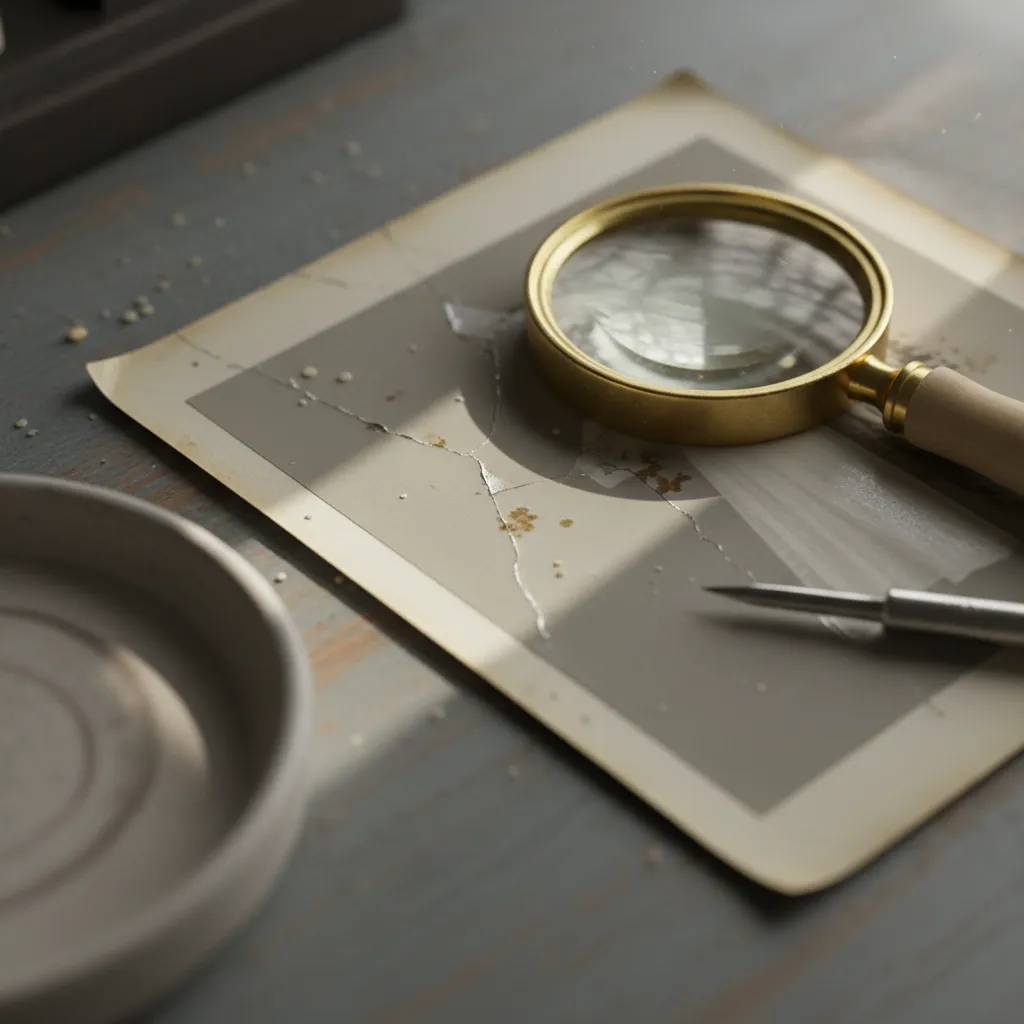
The goal is not to make the photo look like it was taken yesterday. The goal is to make it look like it was perfectly preserved — still clearly vintage, still carrying its era, but finally legible in the way it was meant to be.
Step Three: Colorize Black and White Photos with AI
Color changes everything.
This is not an exaggeration. Psychological research consistently shows that people perceive colorized historical images as more recent, more relatable, and more emotionally immediate than their monochrome originals. When you colorize black and white photos with AI, you are not adding decoration. You are removing an abstraction layer between the viewer and the subject.
2026's colorization models are a generation beyond what was available even two years ago. They understand that skin tones vary, that wedding dresses in the 1940s were often not pure white, that military uniforms had specific regional color variations. The best tools let you guide the AI — suggesting that a dress was blue, that the flowers were red — while the model handles the thousands of micro-decisions about shadow gradation and reflected light that no human could manually specify.
A few hard-won tips:
- Run colorization after restoration, not before. Scratches and stains confuse color prediction models.
- Compare against known references if you have any. Did your grandmother mention the color of her wedding dress? Use that knowledge.
- Accept imperfection. AI colorization is an interpretation, not a fact. Treat it as a beautiful hypothesis about the past, not a documentary record.
The result, when done well, is staggering. A grandparents' wedding photo restoration that suddenly shows rosy cheeks, a blue sky, the warm brown of a wooden church pew. People who see these transformations often cry. That's not hyperbole — scroll through the comments on any viral restoration post.
Step Four: Animate Old Photos with AI
This is the step that turns a family keepsake into a piece of content that stops a scrolling thumb dead.
AI animation tools in 2026 can take a single still photograph and generate subtle, lifelike motion: a slight turn of the head, a blink, a soft smile forming, the gentle rise and fall of breathing. The technology has matured past the eerie deepfake uncanny valley of earlier years. The best outputs now feel less like a trick and more like a window — a three-second glimpse of someone alive.
The emotional payload of an animated ancestor photograph is almost unfairly powerful. A still image says this person existed. An animated image says this person lived. The difference matters.
For grandparents' wedding photos specifically, animation creates moments that never existed on film: the groom turning toward the bride, the bride's expression softening, a breeze suggested in the movement of a veil. These are fabrications, technically. But they feel like recovered moments. And feelings drive shares.
The Viral Pipeline: From Shoebox to TikTok
Here is where heritage preservation meets modern distribution.
The posts that perform best on TikTok and Instagram Reels follow a consistent structure: they show the original damaged photo first, then the restoration stages in sequence, and end with the animated result — usually set to emotionally resonant music. The reveal format is inherently compelling. It's a transformation narrative, and humans are hardwired to find those satisfying.
Some tactical notes for maximizing reach:
- Lead with the most damaged version. The worse the starting point looks, the more dramatic the payoff.
- Keep the video under 60 seconds. The algorithm rewards completion rate, and emotional arcs don't need to be long to land.
- Use text overlays sparingly. "My grandmother on her wedding day, 1952" is more powerful than a paragraph of context.
- Post at community peak hours and use heritage-related hashtags alongside restoration tags.
- Invite engagement. "Should I animate my grandfather next?" generates comments, and comments generate reach.
The demographics here are fascinating. This content resonates with audiences aged 25-65 — a range that almost no other visual AI trend captures. It bridges the generational gap in the same way the photographs themselves do.
Where PixViva Fits in the Story
PixViva exists at an interesting intersection.
While the platform is known for AI-powered portrait transformation — turning modern selfies into stunning headshots and creative visual identities — the same underlying intelligence that understands facial structure, lighting, and photographic aesthetics applies beautifully to heritage work. Understanding what makes a face look right in a photograph is the same skill whether the subject is you today or your great-grandmother in 1938.
If you're exploring AI tools for enhancing, restoring, or reimagining the faces that matter to you — whether they're in your camera roll or your family archive — PixViva's technology is built for exactly that kind of meaningful visual work. Not gimmicks. Not disposable filters. Lasting images of lasting people.
The Real Takeaway
Every family has photographs that are quietly deteriorating in drawers, albums, and attics right now. The damage is ongoing. The memories are fading in a literal, physical sense — pigments breaking down, paper warping, faces becoming unrecognizable.
AI photo restoration in 2026 is not a novelty. It is a rescue operation with a closing window.
The tools are here. They are accessible, affordable, and astonishingly capable. The question is no longer can you bring old photos to life, but whether you'll do it while the people who can still identify the faces — who can tell you the color of the dress, the name of the church, the song that played — are still here to fill in what the AI cannot.
Open the shoebox. Start scanning. The past is waiting to meet the present.
Ready to see yourself in a new light?