
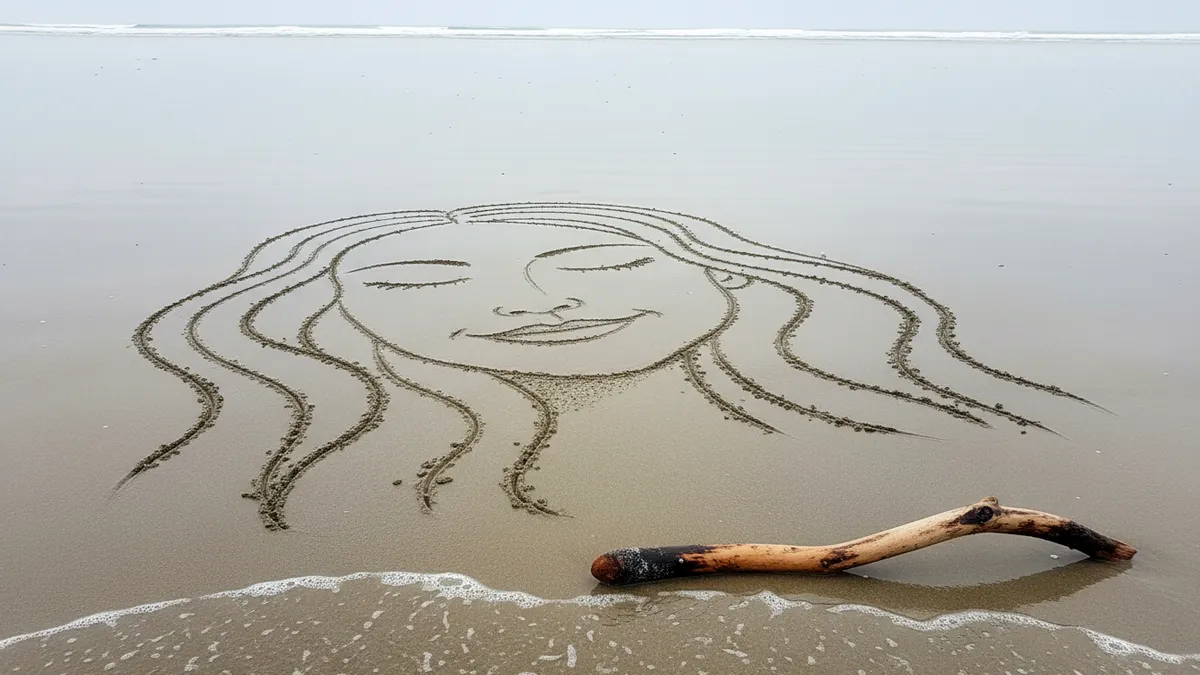
How to Turn Your Couple Selfie Into a Viral AI Beach Sand Drawing Portrait in 2026: The Complete Guide to the Romantic Sand-Sketch Trend on TikTok and Instagram
In 1967, NASA spent roughly $12 million developing a camera that could photograph the lunar surface in enough detail to plan a manned landing — every crater, every grain of regolith mapped with scientific precision. In 2026, you spend zero dollars typing a sentence into ChatGPT, and it draws your face in beach sand so convincingly that your followers swear you hired a seaside artist in Bali. The tools changed. The human obsession with capturing ourselves in dramatic landscapes did not.
The AI beach sand portrait trend is everywhere right now — over 480 million views on TikTok under #SandArtAI, Instagram Reels flooded with golden-hour couple drawings that look etched by ocean wind, and engagement rates that make social media managers weep with envy. If you and your partner have a single decent selfie, you already have everything you need. This guide gives you the exact prompts, the lighting tricks, and the style variations to turn that photo into something that stops thumbs mid-scroll.
Why the AI Couple Beach Sand Drawing Trend Took Over 2026
Most viral formats have a shelf life of about eleven days before the algorithm moves on, but the couple sand drawing AI trend has been building momentum since late 2025, and the reason is structural rather than novelty-driven: the output looks expensive, the input costs nothing, and the emotional resonance is instant. A hyper-realistic portrait of two faces carved into wet sand, waves lapping at the edges, sunset light catching every groove — it reads as effort, romance, and artistry even when the AI did the heavy lifting in nine seconds flat.
Platform data backs this up. Sand art portraits consistently outperform standard AI portrait styles in shares and saves — the two metrics that actually drive reach — because they trigger what researchers call "gift-worthy content." People don't just like them. They tag their partners. They send them in DMs at 1 a.m. with a single heart emoji.
That's the currency.
What You Need Before You Start
The Right Selfie Makes or Breaks the Result
Here's the pain point nobody talks about: most couple selfies are shot in flat indoor lighting with cluttered backgrounds, and AI generators struggle to extract clean facial geometry from low-contrast images, which means your romantic sand portrait ends up looking like a geology textbook diagram. The fix is simple but non-negotiable. Use a photo where both faces are clearly visible, evenly lit, and roughly the same size in the frame — front-facing or slight three-quarter angles work best, avoid heavy sunglasses, and keep hair from obscuring jawlines.
If your best couple photo doesn't meet those criteria, tools like PixViva let you generate a polished, AI-enhanced version of your portrait first, giving you a cleaner base image that sand-art generators interpret far more accurately. Think of it as prepping the canvas before the painting.
Choosing Your AI Platform
Three platforms dominate the AI beach portrait generator space right now: ChatGPT with GPT-4o's image capabilities, Google's Gemini, and dedicated apps like the AI sand art filters circulating on TikTok. Each has trade-offs — ChatGPT offers the most prompt control, Gemini handles photorealistic lighting best, and TikTok filters require zero skill but offer zero customization. For couple portraits specifically, ChatGPT and Gemini produce the most shareable results because you can dictate composition, sand texture, and background elements with precision.
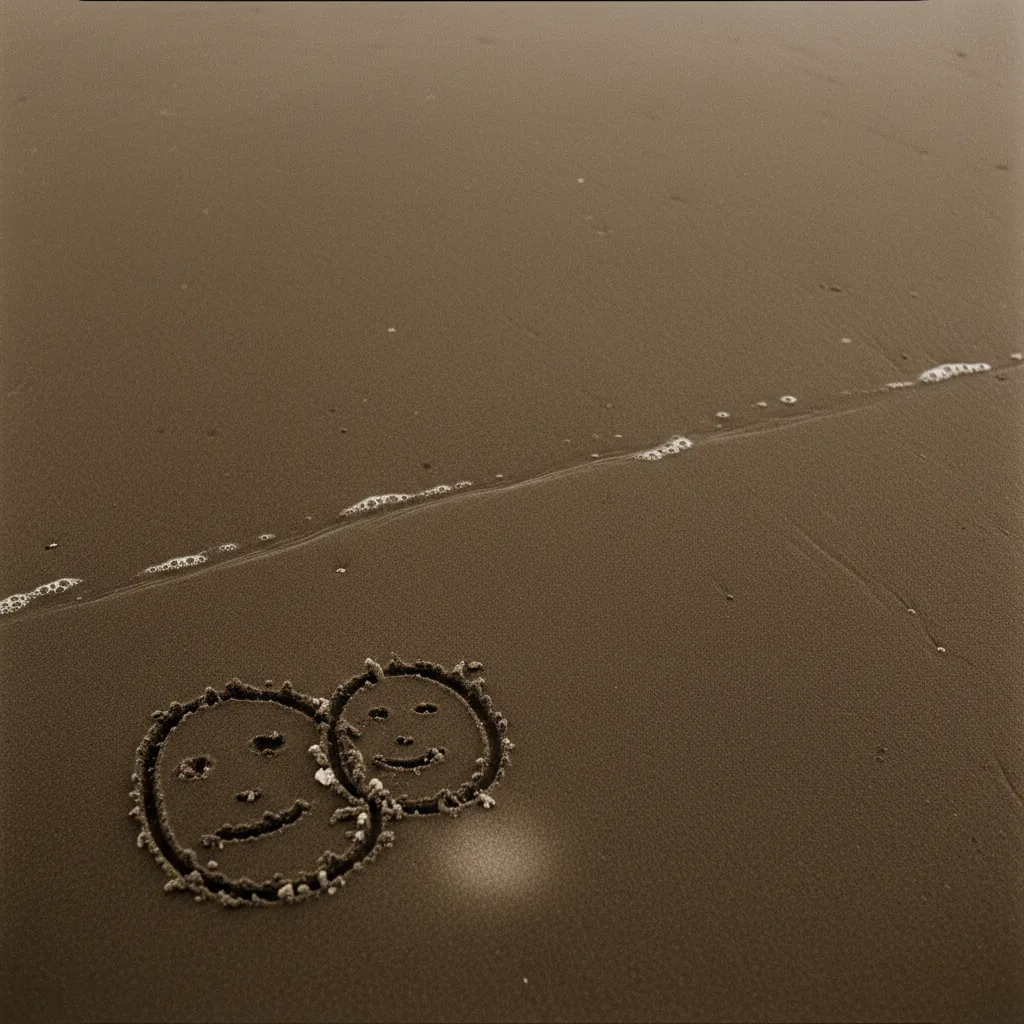
Exact Prompts for Every Sand Art Style
The difference between a portrait that gets 200 likes and one that gets 200,000 shares often comes down to twelve words in a prompt. Here are the proven formulas, tested across hundreds of generations.
Style 1: Carved Face Portrait in Wet Sand
This is the signature look — two realistic faces sculpted into hard-packed sand near the waterline, with shallow surf creeping into the frame.
ChatGPT Prompt:
"Generate a hyper-realistic photograph of a beach at golden hour. In the wet sand near the shoreline, there is an incredibly detailed, hand-carved sand sculpture portrait of [describe both faces — hair, features, expressions]. The carving has realistic depth and shadow. Gentle waves are approaching the edges. Shot with a Canon EOS R5, 35mm lens, warm sunset lighting from the left. The sand texture is granular and photorealistic."
Gemini AI Beach Couple Prompt:
"Photorealistic image: Two portrait faces carved into wet beach sand at sunset. Faces show [specific descriptions]. The sand art looks handmade with visible tool marks and natural imperfections. Ocean waves in the soft background. Golden hour sunlight creates long shadows in the carved grooves. Ultra-high detail, 8K quality."
The critical move: always include "imperfections" and "tool marks" in your prompt. AI tends toward supernatural smoothness, and telling it to add flaws paradoxically makes the result look more real.
Style 2: Names Written in Cursive Sand Script
Less complex, more classic. Two names written in elegant cursive in the sand, often inside a heart outline, with the ocean behind.
ChatGPT Prompt:
"A photorealistic beach scene at sunset. In the foreground, the names [Name 1] and [Name 2] are written in beautiful flowing cursive script in the sand, connected by a hand-drawn heart. The letters have natural depth as if traced by a finger. Soft golden light, gentle waves in the background, shallow depth of field. The sand is a mix of dry and damp textures."
This style performs exceptionally well on Instagram Stories because the names read clearly even on small screens — a detail that sounds minor but drives massive tag-and-share behavior.
Style 3: Heart-Shaped Sand Sculpture With Portrait Inside
The most technically ambitious style and the one that consistently goes viral: a three-dimensional heart sculpted from sand with couple portraits embedded in the surface.
Gemini Prompt:
"Photorealistic photograph of a large, detailed heart-shaped sand sculpture on a tropical beach at golden hour. Inside the heart, two faces are carved in relief — [describe features]. The sculpture sits on pristine white sand with turquoise water behind it. Dramatic sunset sky with orange and pink clouds. Shadows emphasize the 3D depth of the heart. Shot at eye level, professional photography quality."
Pro tip: specify "at eye level" in every prompt. Default AI camera angles tend to be slightly elevated, which flattens sand sculptures and kills the drama.
Matching Lighting for Maximum Realism
The Golden Hour Problem (And How to Solve It)
Every creator wants that warm amber glow, but here's what goes wrong: the AI generates beautiful sunset light on the sand while rendering the carved faces with flat, midday-style shadows, and the mismatch triggers the uncanny valley instantly — viewers can't articulate why it looks fake, but they feel it, and they scroll past. The solution is to specify light direction and shadow behavior explicitly in your prompt. Add phrases like "low-angle sunlight from the left creating long shadows in every groove" or "backlit with sun directly behind the sculpture, rim lighting on the sand edges."
Consistency between ambient light and carved-surface shadows is the single biggest differentiator between amateur and viral-quality AI sand art portraits on TikTok.
Color Temperature Matters
Another underrated detail: specify the color temperature of the sand itself. Wet sand near the waterline reflects sky color, so at sunset it should carry hints of peach and violet, while dry sand further from the water stays warm beige. Mentioning this in your prompt forces the AI to render a more believable gradient across the beach surface, which adds the kind of subconscious realism that makes people double-tap before they even register why.
That's the difference between content and content.
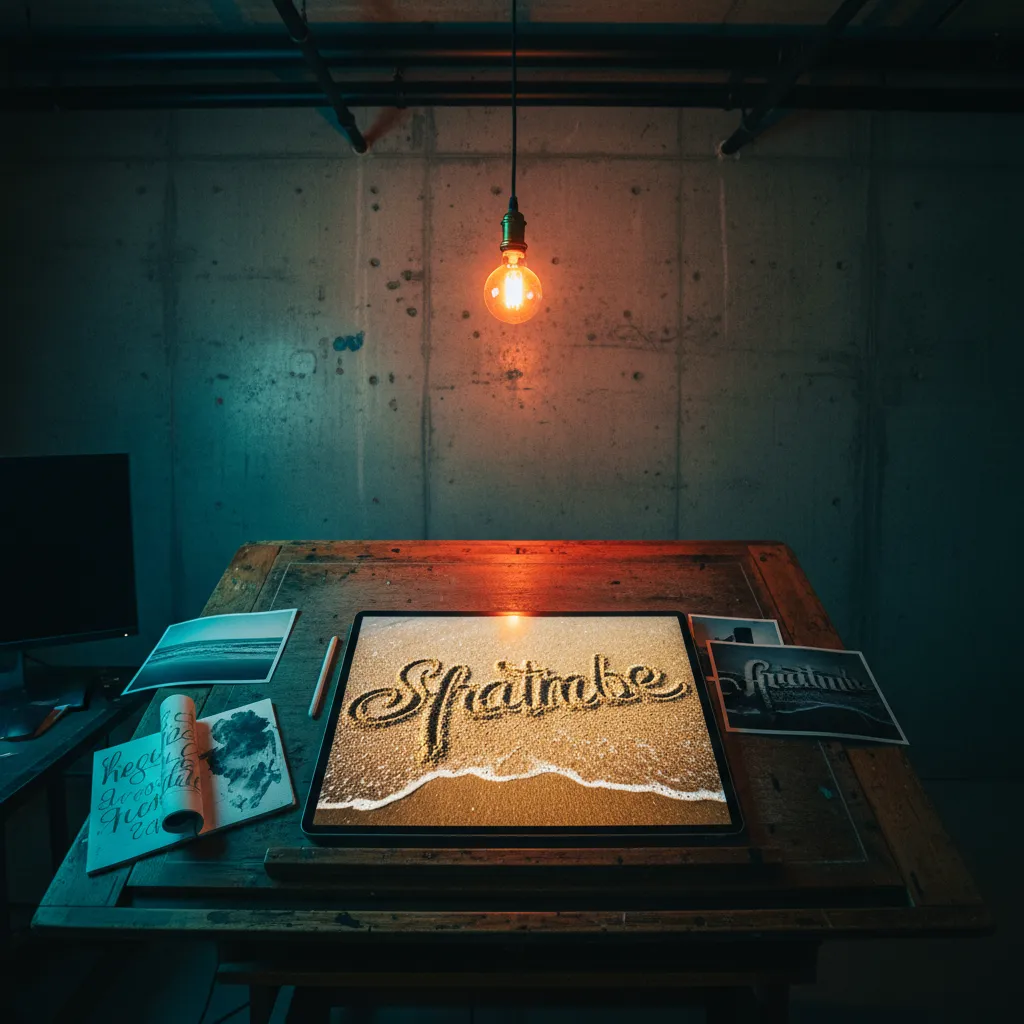
Posting Strategy: How to Make Your AI Beach Portrait Go Viral
Platform-Specific Optimization
The best romantic AI beach photo in 2026 means nothing if it dies in algorithmic purgatory, so format matters as much as the image itself. On TikTok, post as a reveal — start with the original selfie, transition to the sand portrait with a trending sound, keep it under 12 seconds, and use text overlay asking "Should I get this tattooed?" or a similar engagement hook. On Instagram, post the sand portrait as a carousel with the original selfie on the second slide, caption it with a story about your relationship, and tag your partner — the tag triggers a notification, a reshare to their Story, and exposure to their entire follower base.
Hashtag Architecture
Layer your hashtags: two broad ones (#AIart, #CoupleGoals), two trend-specific ones (#SandArtAI, #AIBeachPortrait), and one hyper-niche one you invent and own (#[YourNames]InSand). The invented hashtag gives you a searchable thread if the post takes off, which compounds discoverability across follow-up content.
Common Mistakes That Kill the Magic
Over-prompting detail is the number one error — describing every eyelash and freckle in your prompt causes the AI to overwork the facial features, creating sand portraits that look more like uncanny wax figures than beach art. Real sand carving has soft edges and lost detail. Embrace that.
Ignoring aspect ratio is the second killer. Vertical 9:16 for TikTok and Reels, square 1:1 for Instagram grid posts. Specify the ratio in your prompt or crop afterward — never let the AI default to landscape when your audience is holding their phone upright.
Using group photos as source images almost always produces muddled results. Stick to two faces maximum. If you want to include kids, pets, or friends, generate separate sand elements and describe them as distinct sculptures within the same beach scene.
The Takeaway
The AI beach sand portrait trend works because it merges two things humans are hardwired to respond to: faces and landscapes. It's primal. It's romantic. And with the right prompt — specific about lighting direction, sand texture, and deliberate imperfection — it takes about thirty seconds to produce something that looks like it took an artist three hours on a Maldivian shoreline.
Grab your best couple selfie. Open ChatGPT or Gemini. Paste one of the prompts above, adjust the descriptions to match your faces, and generate. If you want to start with a cleaner, more polished portrait as your base, PixViva can get you there before you ever type a sand-art prompt.
The tide comes in. The sand washes away. But screenshots are forever.
Ready to see yourself in a new light?