
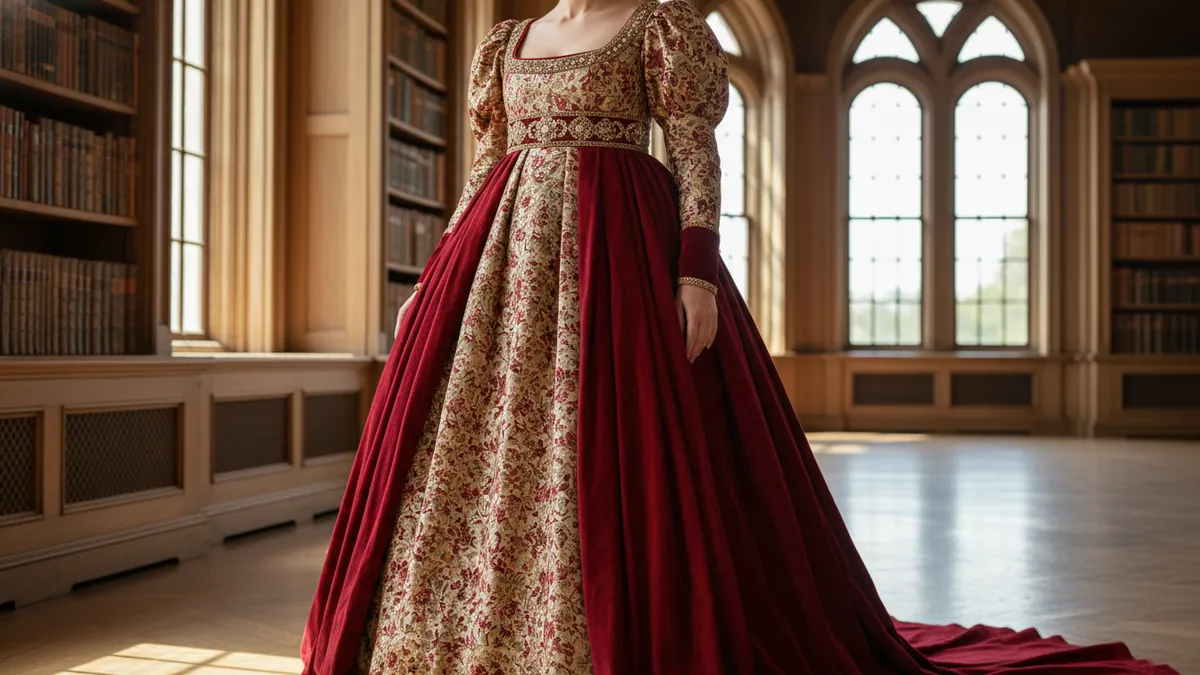
How to Turn Your Selfie Into a Viral AI Regency Royalty Portrait in 2026: The Bridgerton Aesthetic Guide
You have scrolled through your feed, admiring the lavish gowns of the latest historical romance season.
You have probably tried a basic app, uploaded your face, and winced at the plastic-looking result.
The colors were flat, and the tiara looked like it came from a discount party store. You want the sweeping romance of an AI Bridgerton portrait, but you want it to look undeniably authentic.
You crave the heavy velvet, the flickering candlelight, and the quiet power of high society. You want to see yourself not in a cheap costume, but in a completely realized historical timeline.
The good news is that in 2026, technology finally understands the assignment. We are going to move past cheap novelty filters and step into actual digital artistry.
It is no longer about pasting your face onto a stock photo. It is about generating a vivid new reality where you are the diamond of the season.
The Problem with the Plastic Tiara
Every viral image starts with a core truth. To turn your selfie into royalty, we must first understand why the old methods failed so spectacularly.
Older apps functioned by recognizing a face and slapping a flat, two-dimensional overlay on top of it. They treated clothes like cheap stickers on a digital scrapbook.
A true regency era AI filter operates on an entirely different level of comprehension. It understands the physical weight and drape of a vintage gown.
When you use a sophisticated platform like PixViva, the AI calculates how silk falls across a collarbone. It knows exactly how delicate lace catches the soft glow of a ballroom chandelier.
This spatial awareness is the secret to photorealism. It is the difference between looking like you are playing dress-up and looking like you own the grand estate.
Decoding the Bridgerton Aesthetic Photo
True elegance is never an accident. It is a carefully constructed illusion built on three pillars: texture, lighting, and presence.
If you want a historical romance selfie that stops the endless scroll, you must master these elements. We will break them down one by one.
The Weight of the Fabric
The fabric is the foundation of the entire fantasy. If the dress looks cheap, the illusion collapses before the viewer even processes your face.
You must guide the AI to see the specific textures you desire. Broad terms will yield broad, uninspiring results.
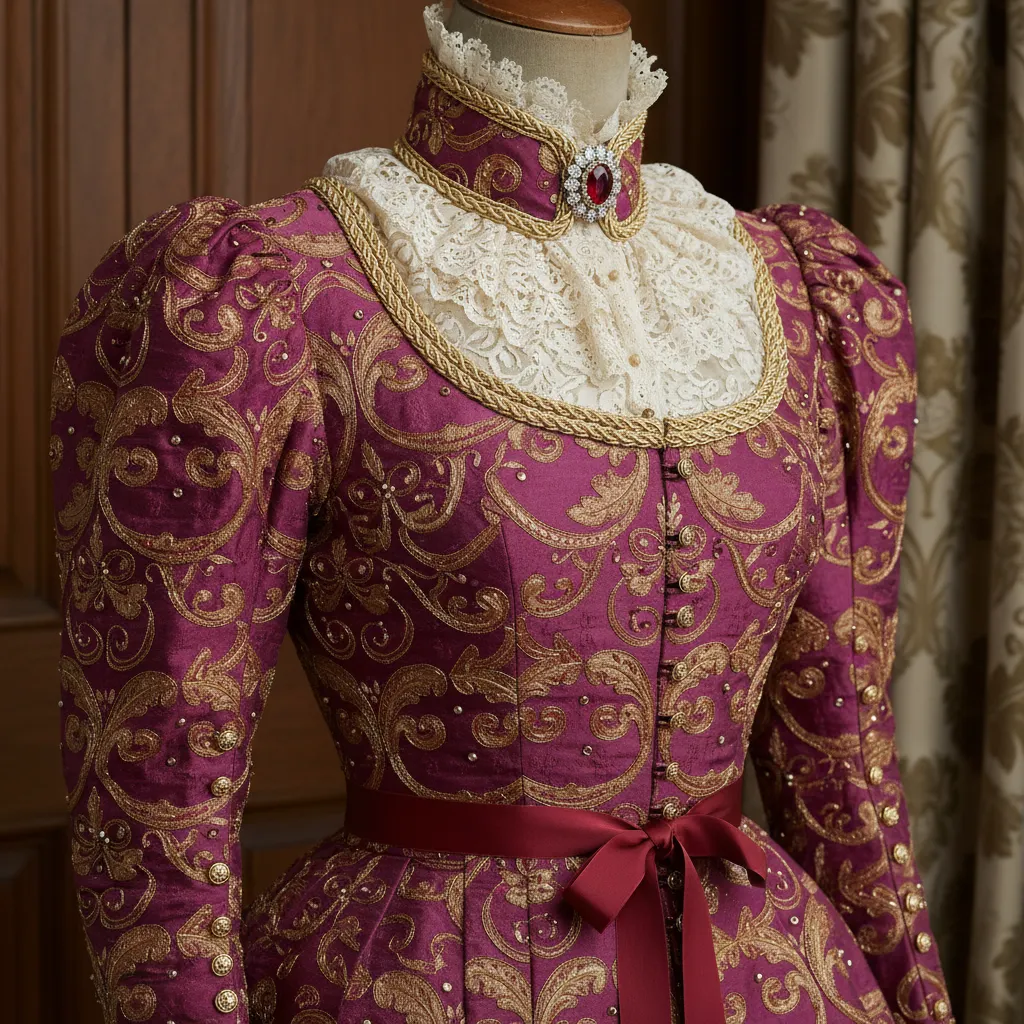
Words like "heavy brocade," "shimmering emerald silk," and "intricate gold embroidery" are your best tools. PixViva excels at rendering these micro-details with stunning precision.
It builds the garment thread by digital thread, calculating how the material naturally folds and creases. This is why your AI vintage gown try-on will look breathtakingly real.
Your audience will swear they can reach through the screen and feel the velvet. That tactile quality is exactly what makes an image go viral.
The Candlelight Glimmer
Great portraits are carved out of shadows. Flat, bright lighting is the absolute enemy of historical romance.
Think of the scenes that make your heart race on screen. They are lit by roaring fireplaces, towering candelabras, and the soft blue wash of twilight.
You want to ask the AI for "chiaroscuro" or "cinematic candlelight." This specific phrasing creates a soft, glowing highlight on your cheekbones.
It leaves the background rich, dark, and full of mysterious depth. This depth separates a quick, throwaway edit from a genuine digital masterpiece.
The Power of Posture
Royalty does not slouch. Your original selfie dictates the final attitude and energy of the generated portrait.
Hold your chin slightly higher than you normally would for a standard photo. Elongate your neck, drop your shoulders, and look softly past the lens.
The AI will map this confident, serene geometry. It will translate your subtle physical pose into undeniable aristocratic grace.
Choosing Your High-Society Color Palette
In the regency era, color was a language of its own. Your choice of palette communicates your character's place in this digital society.
Pastels like icy blue, soft lavender, and pale pink suggest the innocence of a debutante. They work beautifully with soft, diffused morning light.
Jewel tones tell a completely different story. Deep emeralds, rich burgundies, and midnight blues project power, wealth, and a hint of scandal.
Decide which energy you want to channel before you begin. Feed these specific color names into your PixViva prompt to set the exact mood.
Step-by-Step: Your PixViva Transformation
Creating this magic requires a calm, deliberate process. We will build your royal portrait layer by careful layer.
First, start with a clear, well-lit photograph of your face. Natural window light works best, providing a clean, shadow-free canvas for the AI to read.
Pull your hair back away from your face. This allows the AI to seamlessly generate intricate period-accurate hairstyles and tiaras without awkward blending.
Next, upload this foundation image into the PixViva generator. This is the threshold where the translation from modern life to historical fantasy begins.
Crafting the Perfect Prompt
In the prompt box, describe your ideal regency scene in vivid, sensory detail. Be incredibly specific about the environment and the mood.
Do not just ask for a "princess dress." That is how you get a cartoon.
Type something like: "A regal historical romance selfie, wearing an emerald green empire-waist silk gown, standing in an opulent candlelit ballroom."
Add modifiers like "cinematic lighting, 8k resolution, highly detailed, photorealistic regency era AI filter." These technical keywords force the AI into a high-fidelity output.
Refining the Royal Details
Your first generation will likely be beautiful, but patience yields perfection. Look closely at the initial results.
Perhaps the jewelry looks a bit too modern, or the background is slightly too bright. You can adjust your prompt slightly to correct these specific elements.
Add phrases like "period-accurate pearl choker" or "soft, moody background with blurred chandeliers." PixViva will listen and adapt the next iteration flawlessly.
Each generation is a step closer to your final masterpiece. You are literally sculpting the image with your vocabulary.
Crowning Glory: Regency Hairstyles and Accessories
A perfect gown demands perfect hair. The regency era was defined by soft, romantic updos and delicate face-framing curls.
If you leave your modern, sleek blowout in the image, the historical illusion immediately fractures. You must guide the AI to style your hair appropriately.
Use prompt phrases like "intricate regency updo with soft curls" or "hair adorned with small pearls." This tells PixViva to blend your natural hair into a period-accurate style.
Do not forget the power of subtle accessories. A delicate silk ribbon woven through the hair often looks more authentic than a massive, heavy crown.
True royalty does not need to shout. A simple, elegant pearl drop earring catches the candlelight beautifully and frames your face with quiet sophistication.
The Psychology of the Historical Romance Selfie
We are drawn to the aesthetics of the past because they offer a beautiful escape. The modern digital world is chaotic, fast, and often aggressively casual.
A Bridgerton aesthetic photo allows us to pause and inhabit a space of deliberate, unapologetic beauty. It functions as a digital masquerade ball.
By using an AI vintage gown try-on, you are not just following a fleeting social media trend. You are participating in a shared cultural fantasy.
You are claiming a moment of profound elegance for yourself. It is a powerful, highly visual statement of self-worth and creativity.
Avoiding the Common AI Portrait Mistakes
Even with the best tools, it is easy to break the illusion. The most common mistake is over-complicating the prompt.
If you ask for a gown, a tiara, a necklace, earrings, a fan, and a parasol, the AI will try to include them all. The result will look cluttered and chaotic.
True high-society elegance relies on restraint. Choose one or two statement pieces and let the quality of the fabric do the rest of the talking.
Another mistake is ignoring the background. A stunning gown means nothing if you are standing in a blurry, undefined gray void.
Always give the AI a setting. A "grand library with leather books" or a "manicured English garden at golden hour" grounds the image in reality.
Making Your AI Bridgerton Portrait Go Viral
Once you have generated the perfect image, it is time to share your debut with the world. The way you present the photo matters just as much as the generation itself.
Do not just post the image with a basic caption. Lean fully into the historical romance persona you have just created.
Pair your Bridgerton aesthetic photo with a dramatic, slightly mysterious quote. Speak as if you are the elusive author of a society newsletter.
Use carousel posts to show the stunning before-and-after transformation. People are captivated by the stark contrast between a modern t-shirt and an opulent silk gown.
When your followers see the incredible detail PixViva has rendered, they will inevitably ask how you did it. You become the tastemaker, introducing them to the future of digital art.
Claim Your Title in the New Era
The ballroom doors are wide open. The orchestra is already playing the first sweeping notes of the waltz.
You no longer have to wait for a Hollywood studio to cast you in a multi-million dollar period drama. You have the exact tools required to cast yourself.
Take that confident selfie, open PixViva, and begin your digital transformation. It is time to show the timeline your most regal, unforgettable self.
Ready to see yourself in a new light?