
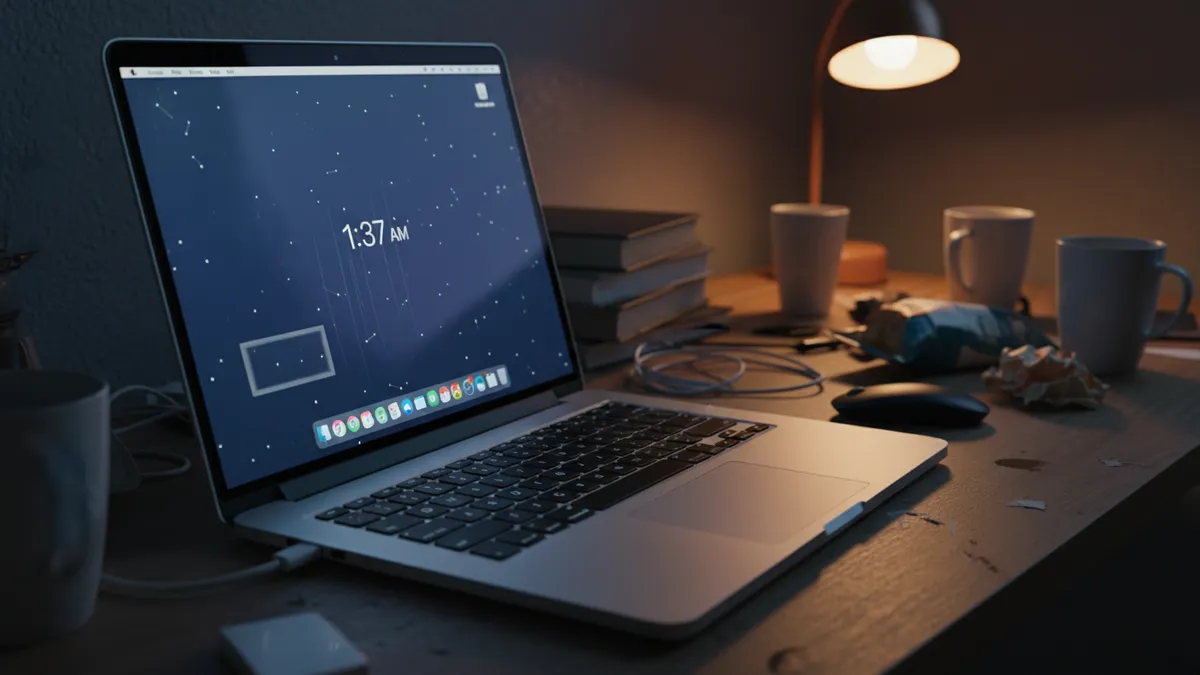
How to Turn Your Selfie Into a Viral AI MacBook Webcam Photo Booth Collage in 2026: The Complete Guide to the 3-Panel Laptop Selfie Trend on TikTok and Instagram
Think about Polaroids. Not the actual chemistry — the nostalgia tax. People pay real money for cameras that produce blurry, washed-out photos on purpose because imperfection signals authenticity. The AI MacBook selfie trend works the exact same way. A grainy, screen-lit, 3-panel webcam collage that looks like you snapped it on a MacBook at 2 AM? That's the new Polaroid. And you don't need a laptop to make one.
The webcam collage AI aesthetic has completely taken over TikTok and Instagram this spring. Millions of posts. That cozy, Y2K Photo Booth energy — slightly unflattering angles, blue-white screen glow on the face, that unmistakable three-panel vertical strip. Except here's the twist: most of the ones flooding your feed weren't taken on a MacBook at all. They were generated from a single selfie using Gemini, ChatGPT, or tools like PixViva. No webcam. No laptop. Just a phone photo and the right prompt.
This is your complete guide to nailing it.
Why the 3-Panel Webcam Collage Blew Up in 2026
Nostalgia is a drug. The webcam selfie trend 2026 is hooked on it.
Here's the timeline I watched play out in real time:
- Late 2025: Y2K revival content peaks on TikTok. Flip phones, low-res aesthetics, MSN Messenger screenshots.
- January 2026: A handful of creators post actual MacBook Photo Booth strips. The vibe hits different — intimate, unposed, almost accidental-looking.
- February 2026: AI image generators get good enough to replicate the look from a single selfie. The floodgates open.
- March–April 2026: The 3-panel webcam collage TikTok trend goes fully nuclear. Everyone from micro-influencers to A-list celebrities is posting them.
The appeal is dead simple. These collages feel real in a world drowning in overproduced content. The grainy texture. The slight green tint. The way the screen light catches your face unevenly. It reads as candid even when it's completely manufactured.
That tension — manufactured authenticity — is exactly why it works.
What Makes the AI Photo Booth Aesthetic Look Right
Before you touch a single tool, you need to understand what you're recreating. I've seen hundreds of attempts that miss because people focus on the grid layout and ignore the texture.
The anatomy of a convincing AI Photo Booth collage from selfie:
- Three vertically stacked panels — same person, slightly different expressions or angles in each frame
- Cool-toned screen glow — that bluish-white light hitting the face from below and straight-on, like a laptop screen is the only light source
- Visible grain and noise — not Instagram-filter grain, but the specific digital noise pattern of a low-light webcam sensor
- Slight color shift — greens and blues are pushed, reds are muted, skin tones lean cool
- Soft focus with harsh micro-detail — webcams compress weirdly, so you get soft backgrounds but strangely sharp facial features
- The crop — tight on the face and upper chest, awkward headroom, like the laptop is sitting on a desk below eye level
- Background darkness — bedroom vibes, maybe a faint lamp or fairy lights in the background blur
Miss any two of these and the whole thing reads as "AI filter" instead of "late-night Photo Booth session." The devil lives in the grain.
How to Create a Webcam Collage With Gemini (Step by Step)
Gemini has become the go-to for this trend. The image generation handles skin textures and lighting nuance better than most alternatives right now. Here's the laptop selfie Gemini prompt workflow I've refined through probably sixty failed attempts so you don't have to.
Step 1: Choose Your Source Selfie
Not every photo works. Pick one with these qualities:
- Front-facing or slight angle — nothing dramatic, think FaceTime energy
- Neutral to soft expression — the Photo Booth vibe is candid, not posed
- Decent resolution — AI needs something to work with
- Simple background — busy backgrounds confuse the generation
Step 2: Craft the Right Gemini Prompt
Here's a Gemini laptop AI prompt that consistently delivers:
"Transform this selfie into a vertical 3-panel MacBook Photo Booth webcam collage strip. Each panel shows the same person with a slightly different natural expression — one neutral, one slight smile, one looking slightly off-camera. Apply realistic low-light webcam aesthetics: cool blue-white screen glow illuminating the face from below, visible digital grain and noise typical of a 720p laptop webcam, muted warm tones, soft green color cast. Background should be dark with faint ambient bedroom lighting. Crop tight on face and upper chest with awkward webcam framing. The overall look should feel like an authentic late-night MacBook Photo Booth session, not a polished portrait."
That's the base. Now the adjustments that separate good from viral.
Step 3: Iterate With Specifics
First generation rarely nails it. Here's what to tweak:
- If the grain looks fake: Add "mimic the specific sensor noise pattern of an iSight camera, not film grain"
- If the lighting is too even: Add "single harsh light source from laptop screen only, no fill light"
- If expressions look too posed: Add "expressions should feel like rapid Photo Booth countdown captures, not deliberate poses"
- If the color is too saturated: Add "reduce saturation by 30%, push blue channel in shadows"
Three to five iterations. That's the typical range before you land something that passes the scroll test.
The ChatGPT Route: Different Tool, Same Destination
ChatGPT's image generation handles this trend differently. Less photorealistic skin by default, but better compositional understanding of the three-panel layout. Some people prefer the results.
The prompt structure stays similar, but I've found ChatGPT responds better to explicit technical language:
"Generate a vertical triptych in the exact style of Apple MacBook Photo Booth webcam captures. Three stacked rectangular frames showing [describe your appearance]. Low-light webcam quality: 720p sensor noise, blue-white LCD screen illumination from below as the dominant light source, compressed JPEG artifacts, slight motion blur on one panel. Cool color temperature around 7500K. Dark bedroom background. The aesthetic should be indistinguishable from an actual 2024 MacBook Air webcam capture in Photo Booth app."
Key difference: ChatGPT tends to over-polish. You'll likely need to add "do not beautify or smooth skin — preserve webcam-quality rendering with all imperfections" as a follow-up.
Free Tools That Speed Up the Process
AI generators get you 80% there. The last 20% is finishing.
- PixViva — Upload your selfie and work with AI-powered generation that's specifically tuned for portrait transformations and trending aesthetics. It handles the heavy lifting of getting lighting and grain right without endless prompt tweaking.
- Photopea (free) — Add final grain overlays, adjust color channels, fine-tune the green-blue cast
- Canva — If your AI output gives you three separate panels instead of a strip, assemble them into the vertical collage format here
- CapCut — For turning your static collage into the animated TikTok format where panels appear one by one with that classic Photo Booth shutter sound
Posting It for Maximum Reach on TikTok and Instagram
Creating the collage is half the game. Distribution is the other half, and I've watched technically perfect collages die at 200 views because of bad posting strategy.
What actually moves the needle:
- TikTok format: Don't post the static image alone. Use the reveal trend — start with your original selfie, then transition to the AI Photo Booth collage with a beat drop. The contrast is the content.
- Audio matters more than the image: The trending sounds shift weekly, but anything with Y2K nostalgia vibes or lo-fi bedroom energy works. Check TikTok's creative center for current trending audio.
- Hashtag stack for discovery: Use a mix — #PhotoBoothAI, #WebcamAesthetic, #MacBookSelfie, #AIPhotoBooth, #3PanelCollage, plus 2-3 broader tags like #AIart or #SelfieTransformation
- Instagram carousel play: Post the original selfie as slide one, the AI collage as slide two. Carousel posts get re-served to non-followers more aggressively than single images.
- Timing: Late evening posts (8-11 PM local) match the "late-night laptop" vibe and catch peak scroll hours simultaneously. Not a coincidence.
- Caption energy: Keep it short. "pov: it's 2am and the photo booth is open" outperforms a paragraph every time.
Common Mistakes That Kill the Vibe
I've made every single one of these. Learn from my wreckage.
- Too much grain — There's a sweet spot. Actual MacBook webcams aren't that grainy in 2024-era models. Dial it back.
- Wrong aspect ratio — Each panel should be roughly 4:3, stacked vertically. Not square. Not 16:9. The Photo Booth app uses 4:3.
- Identical expressions across panels — Real Photo Booth strips capture movement. If all three panels look copy-pasted, it screams AI immediately.
- Warm lighting — This is the number one tell. Webcam screen glow is cool. If your result looks like golden hour, start over.
- Over-retouched skin — Webcams don't smooth skin. They show every pore under harsh direct light. Embrace it.
- Forgetting the Photo Booth UI — Some of the most viral versions include the faint gray border and subtle Photo Booth app frame. Small detail, massive authenticity boost.
The Bigger Picture: Why This Trend Has Legs
Every few months, a new AI selfie trend sweeps through social media and burns out in weeks. The webcam collage is different. It's lasted because it taps into something deeper than novelty — it taps into a specific feeling. Late nights. Quiet rooms. The glow of a screen on your face when nobody's watching.
That emotional resonance is why it keeps evolving instead of dying. First it was standard collages. Then couples versions. Then group Photo Booth strips. Then the animated TikTok reveals. Each mutation extends the trend's lifespan because the core aesthetic — intimate, imperfect, real-feeling — never stops being appealing.
The tools will keep improving. Prompts will get more refined. But the principle stays the same: people crave images that feel like moments, not productions.
So grab your best selfie. Open Gemini, ChatGPT, or PixViva. And build yourself a moment that never technically happened but looks exactly like it did.
That's the whole game in 2026. Make the artificial feel unforgettable.
Ready to see yourself in a new light?