
How to Turn Your Selfie Into a Viral AI Graffiti Wall Mural Portrait in 2026: The Complete Guide to the Street-Art Doppelgänger Trend on TikTok and Instagram
Think about the last time you walked past actual graffiti — not the curated, museum-gift-shop kind, but a genuine spray-painted face staring back at you from a crumbling brick wall. There's something disorienting about seeing a human face rendered in a medium that wasn't designed for permanence. It makes you stop. It makes you look twice. That exact double-take is why the AI graffiti wall portrait trend is currently eating TikTok and Instagram alive, and why your feed is suddenly full of people standing next to impossibly detailed street-art versions of themselves.
The concept is deceptively simple: you upload a selfie, an AI generates a photorealistic mural of your face on a gritty urban wall, and you composite yourself into the scene — or better yet, actually print it and pose in front of it. The result looks like some anonymous street artist decided you were worth immortalizing between a bodega and a parking garage. And people are losing their minds over it.
Let's break down exactly how to do this well (because doing it poorly is extremely easy — and extremely obvious).
Why the AI Street Art Portrait Trend Works So Well
Every viral trend needs a tension — something that doesn't quite make sense until it does. The AI graffiti wall mural trend works because it collides two worlds that have no business meeting: the hyper-curated selfie and the anarchic energy of street art.
Graffiti is unauthorized. Selfies are deeply authorized (you literally approve them before posting). When AI smashes them together — your carefully lit face rendered in dripping spray paint on a weathered wall — the contrast creates something genuinely arresting. It's flattering and raw, polished and gritty.
That's the hook. Now let's talk execution.
Choosing Your AI Graffiti Mural Style
Not all street art looks the same (obviously — but it's worth saying because most people default to one mental image when they hear "graffiti"). The style you choose dramatically changes the vibe, and the prompt you'll need.
Spray-Paint Graffiti Portrait
This is the bold, color-saturated look — think oversized faces with vivid gradients, hard outlines, and that slightly fuzzy edge where paint meets brick. It's the most popular style for the AI wall painting portrait trend right now, and arguably the most forgiving for beginners because imperfections actually help sell the realism.
Banksy-Style Stencil Art
Monochromatic, high-contrast, political-without-trying. The Banksy stencil approach strips your face down to stark black-and-white shapes against a neutral wall. It reads as intellectual and slightly subversive (even if the subject is just — you know — your face). Harder to pull off because the simplicity leaves nowhere to hide bad generation artifacts.
Oil Painting Gallery Canvas
This one bends the "street art" label a bit, but it's exploding alongside the graffiti trend: your portrait rendered as a classical oil painting, mounted on a gallery wall or propped against exposed brick. The juxtaposition of Renaissance technique and urban decay is (annoyingly) effective.
Copy-Paste Prompts That Actually Work
Here's where most guides fail you — they give you a vague prompt and wish you luck. I've tested these extensively (which is a polite way of saying I burned through a lot of generations getting them right). These prompts are optimized for both Gemini and ChatGPT's image generation capabilities as of mid-2026.
Spray-Paint Graffiti Wall Portrait Prompt
"Create a photorealistic photograph of a large-scale spray-paint graffiti mural portrait on an aged red brick wall. The mural depicts [describe your face, hair color, distinguishing features] in a vibrant, colorful street-art style with visible paint drips, overspray texture, and bold outlines. The wall shows natural weathering — cracks, faded older tags partially visible beneath the portrait. Natural daylight, slight shadows from nearby buildings. Shot on a wide-angle lens from about 8 feet away. No people in the frame."
The specifics matter here — mentioning "overspray texture" and "visible paint drips" pushes the AI away from that too-clean digital look. Asking for older tags underneath adds the kind of layered history that makes real graffiti walls feel authentic.
Banksy-Style Stencil Portrait Prompt
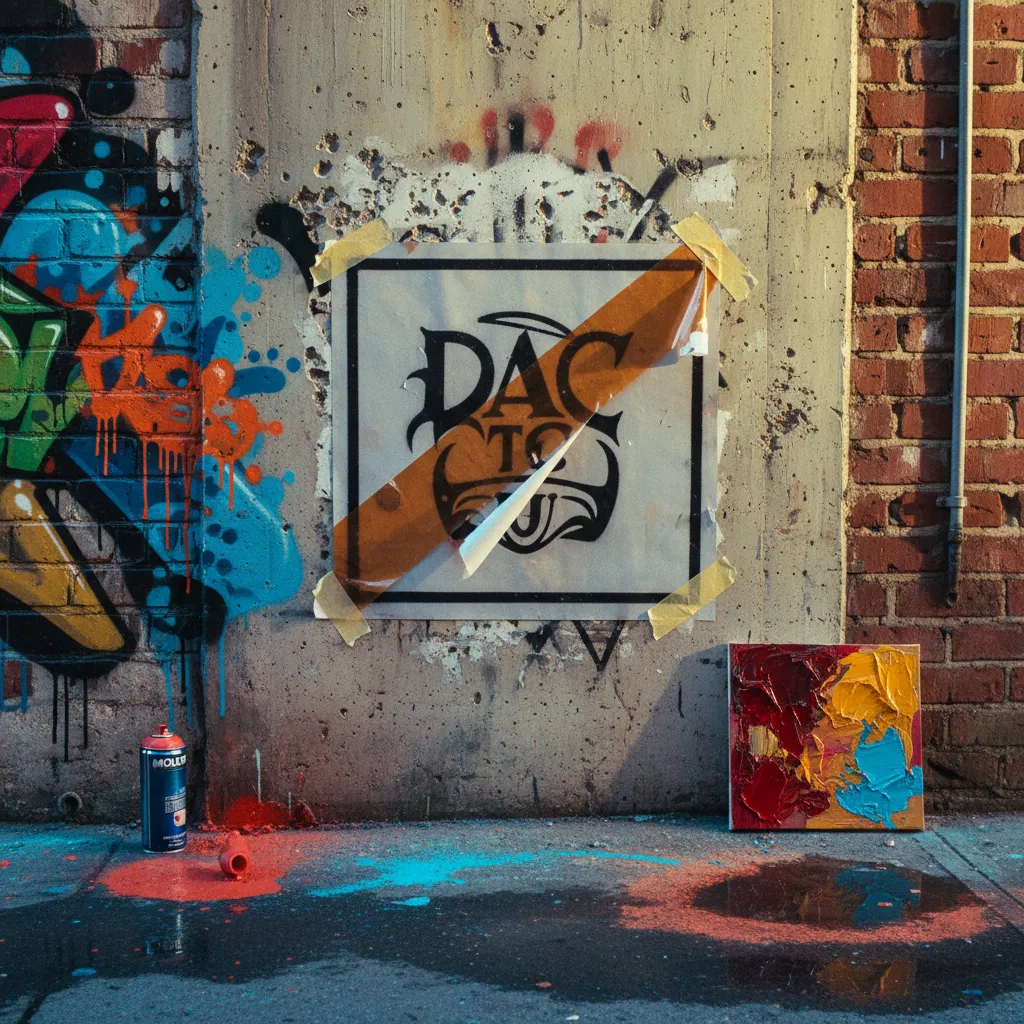
"A photorealistic photograph of a Banksy-inspired black-and-white stencil portrait on a pale concrete wall. The stencil depicts [your features] in high-contrast monochrome with sharp, clean edges typical of multi-layer stencil technique. Slight paint bleed at edges. The surrounding wall has natural urban texture — hairline cracks, a partially torn wheat-paste poster nearby, and subtle water staining. Overcast daylight, flat and even. Photographed straight-on with a 35mm lens."
Oil Painting Gallery Canvas Prompt
"A photorealistic photograph of a large oil painting portrait in an ornate gilded frame, leaning against a raw exposed-brick wall in an urban loft gallery space. The painting depicts [your features] in a classical Renaissance portrait style — rich warm tones, visible brushstrokes, chiaroscuro lighting. Concrete floor with paint spatters. A single warm spotlight illuminates the painting from above-left. Shallow depth of field. Shot on 50mm lens."
Pro tip that took me embarrassingly long to figure out: always specify the camera lens and distance in your graffiti wall portrait prompt. It anchors the AI in photographic reality instead of letting it drift toward illustration.
The Lighting Trick That Separates Amateurs From Viral
Here's the part most people skip — and it's the reason 80% of these composites look fake within two seconds of scrutiny.
When you generate your AI graffiti mural, the image has its own lighting direction: where the sun is, how shadows fall across the brick texture, whether the light is warm or cool. If you then photograph yourself with light coming from the opposite direction and paste yourself into the scene, your brain instantly flags it as wrong (even if you can't articulate why).
The fix is almost stupidly simple:
- Generate the mural first. Note where the light source is — look at shadows on the bricks, highlight direction on the paint.
- Match that lighting when you photograph yourself. If the mural has soft light from the left, stand near a window with soft light from your left.
- Match the color temperature. If the mural scene looks overcast and cool, don't photograph yourself in golden hour warmth.
- Shoot at the same focal length you specified in the prompt. If you said 35mm, use a wide-angle. If you said 50mm, use a standard portrait lens.
This is — honestly — the single biggest differentiator between an AI street art portrait TikTok that gets 50 views and one that gets 500K. People who nail the lighting get accused of actually finding their mural in the wild. People who don't get comments saying "nice Photoshop."
Going Beyond the Composite: Print It for Real
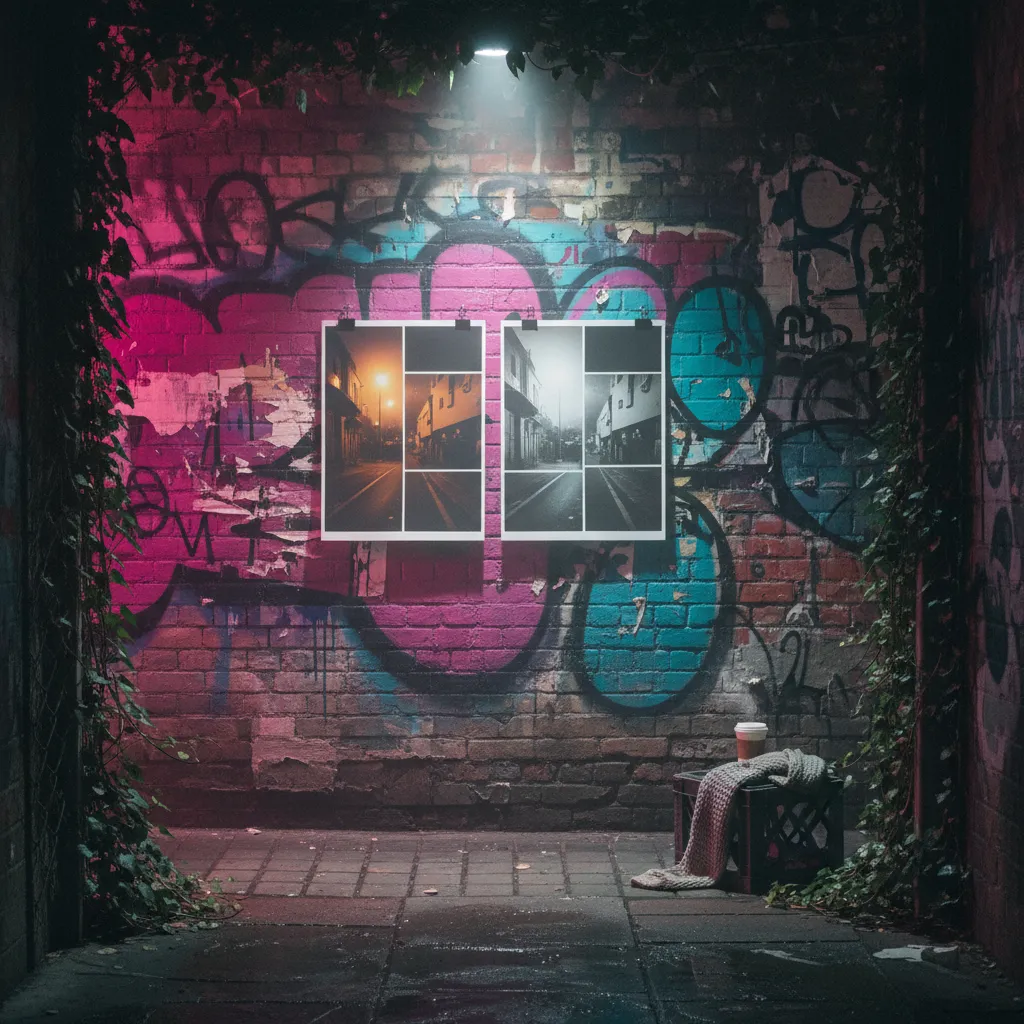
The trend has evolved past purely digital composites. The creators getting the most engagement right now are actually printing their AI-generated murals on large vinyl or poster stock, wheat-pasting them onto real walls (with permission — or at least the appearance of it), and filming themselves "discovering" their own street-art portrait.
The production value jump is significant. Real camera shake, genuine ambient sound, actual depth between you and the wall — these details are nearly impossible to fake digitally and immediately signal authenticity to viewers who've become fluent in spotting AI composites.
Some creators are going even further: printing multiple versions in different styles along a single wall, then walking past them in a single tracking shot. It's theatrical, sure, but the engagement numbers don't lie.
Getting the Source Photo Right
The whole pipeline starts with your selfie, and garbage in means garbage out (a phrase that's been true since approximately the invention of computers and remains annoyingly relevant). A few things that make a real difference:
- Resolution matters. The AI needs detail to work with — especially for the stencil style, which relies on clear tonal separation. Use the highest-resolution camera you have access to.
- Neutral expression outperforms smiles for the graffiti and stencil styles. Street art subjects tend to look contemplative or intense. Save the grin for the oil painting variant.
- Simple backgrounds in your source photo reduce the chance of the AI getting confused about what's face and what's environment. Solid walls, open sky — boring is better here.
This is where a tool like PixViva actually earns its place in the workflow. If your starting selfie isn't quite right — wrong angle, inconsistent lighting, slightly off expression — PixViva's AI portrait capabilities can help you generate an optimized version of yourself as the source image before you even start the mural prompt. It's an extra step that most people skip and then wonder why their AI mural portrait from selfie looks subtly off.
The Algorithm Layer: Posting for Maximum Reach
I've watched enough of these go viral (and enough of them sink without a trace) to notice patterns — because that's what trends are, just patterns wearing leather jackets and pretending to be spontaneous.
The reveal format wins. Don't just post the final composite. Show the original selfie, then the generated mural, then the composite or the real-world print. The transformation arc gives viewers a narrative, and narratives hold attention longer than static results.
Audio choice matters more than you'd think. The AI street art portrait TikTok videos performing best right now use either moody lo-fi beats or — counterintuitively — complete silence with ambient street noise. Trending audio works too, but the genre-specific picks outperform by creating tonal consistency.
Tag specifically. Generic hashtags drown. Use the specific trend tags: #AIGraffitiPortrait, #StreetArtDoppelgänger, #AIWallMural. The algorithm is (still, always, forever) rewarding specificity over breadth.
Where This Trend Goes Next
If history is any guide — and it usually is, trends being cyclical in a way that would depress you if you thought about it too hard — the graffiti wall mural trend will fragment into sub-niches over the next few months. We're already seeing early signs: neon-lit cyberpunk murals, mosaic tile portraits, chalk-art sidewalk versions.
The core appeal won't fade, though. Seeing yourself rendered in a medium you'd never normally inhabit — spray paint, stencil, oil on canvas — taps into something more fundamental than any single trend. It's the same reason people have always commissioned portraits. You just don't need a patron or a painter anymore.
You need a selfie, a well-crafted prompt, and about fifteen minutes of attention to lighting. The wall is waiting.
Ready to see yourself in a new light?