
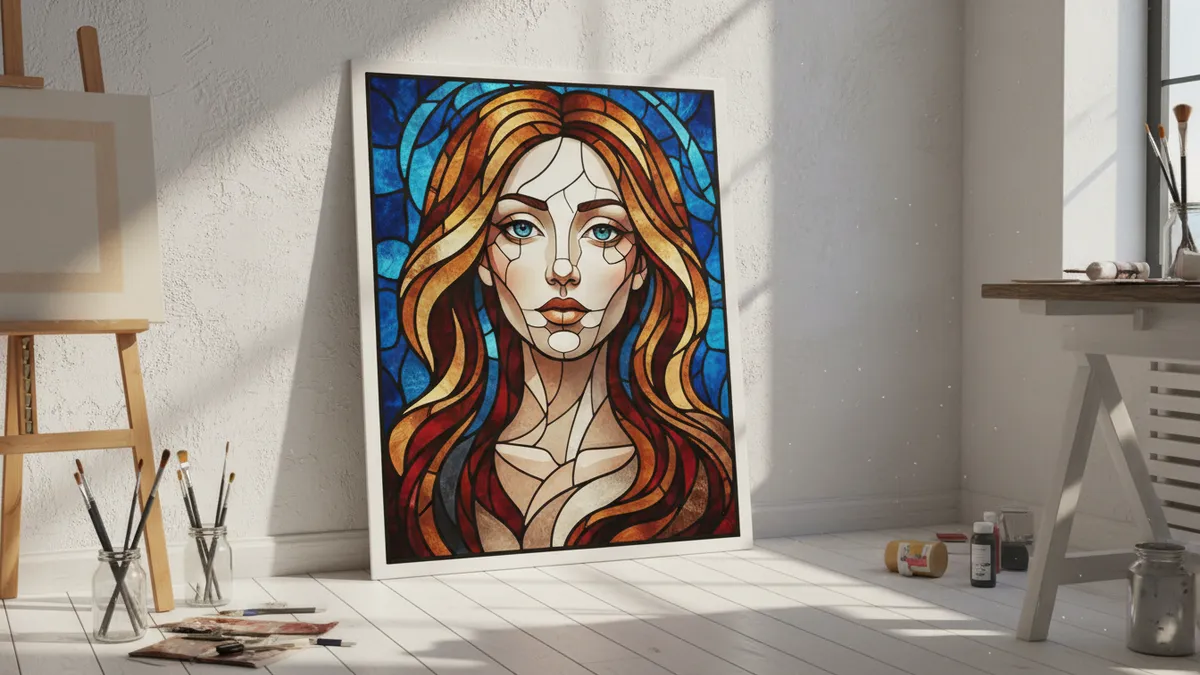
How to Turn Your Selfie Into a Viral AI Stained Glass Window Portrait in 2026: The Complete Guide to the Luminous Cathedral-Art Trend on TikTok and Instagram
Late April 2026. You open TikTok and a face you recognize — maybe a friend, maybe a creator you follow — is glowing in fractured jewel tones, backlit like a saint in a medieval cathedral. The video has two million views. The comments are all some version of the same question: how did you make this? That image is an AI stained glass portrait, and it is the breakout visual trend of the year. Unlike the cartoon filters and anime transformations that came before it, this one produces something people actually want to frame, print, and hang on a wall. It is museum-worthy. It is scroll-stopping. And it starts with nothing more than a selfie.
This guide walks you through every step — from choosing the right source photo to writing the perfect prompt to selecting a color palette that makes the light look like it is genuinely streaming through leaded glass. No shortcuts. No skipped steps. Just a clear path from phone camera to luminous art.
Why the AI Stained Glass Portrait Trend Took Over So Fast
This trend delivers something no other AI portrait style has: perceived physical value.
Cartoon avatars are fun. Watercolor effects are pretty. But stained glass carries centuries of cultural weight — cathedrals, chapels, the quiet reverence of light fractured through color. When people see their own face rendered in that language, something clicks. It does not feel like a filter. It feels like an artifact. It feels like it belongs in a building older than any of us.
Trend trackers at ZSky and ImagineArt both flagged the AI stained glass effect from photo as the fastest-growing visual style of Q2 2026. TikTok creators posting stained glass AI trend content are seeing engagement rates two to three times higher than standard portrait transformations. The reason is simple: these images stop thumbs because they look expensive, intentional, and unlike anything a phone filter can produce.
The dual-use factor seals the deal. A single AI cathedral art portrait works as your new profile picture on Instagram, a printable piece of wall decor at 4000 pixels, and a conversation-starting story post — all from the same file. That kind of versatility is rare.
Choosing the Right Selfie for Stained Glass Transformation
Not every photo translates well into leaded glass — and the difference is almost entirely about light.
Stained glass is, at its core, a medium defined by illumination passing through translucent color. Your source selfie should echo that principle. Photos with soft, directional light — golden hour shots, window-lit portraits, even overcast outdoor light — give AI models the tonal information they need to create convincing luminous depth. Harsh overhead light or direct flash flattens the face in ways that fight the stained glass illusion.
Composition matters almost as much. A centered face with clear separation from the background translates into a clean, readable design when fragmented into glass panels. Think of actual cathedral windows: the figures are bold, frontal, iconic. A three-quarter angle works. A profile works beautifully. A candid shot where your face is partially turned away and obscured by a friend's shoulder does not.
Keep accessories minimal. Hats, sunglasses, and busy patterns confuse the segmentation that AI uses to decide where lead lines fall. A clean neckline, visible facial features, and some breathing room around the head — that is your ideal starting canvas.
The Best Prompts for AI Stained Glass Portraits in 2026
A great stained glass prompt does three things: it names the medium, describes the light, and specifies the color behavior.
Most people type something like "make my photo look like stained glass" and get something flat. The magic lives in the details. Below are copy-paste prompts refined through dozens of iterations across the most popular tools.
Gemini Stained Glass Prompt
Transform this portrait into a realistic stained glass window artwork. Use deep jewel tones — sapphire blue, ruby red, emerald green, and amber gold — separated by dark lead came lines. Light should appear to stream through the glass from behind the subject, creating a luminous backlit cathedral glow. Maintain facial likeness and expression. Background should feature geometric and floral stained glass patterns inspired by Gothic rose windows. Render at maximum detail.
This Gemini stained glass prompt works because it references specific artistic traditions (Gothic rose windows), names exact colors rather than leaving palette to chance, and explicitly requests the backlit luminous quality that separates great results from mediocre ones.
ChatGPT (DALL·E / GPT-4o) Stained Glass Prompt
Create a stained glass window portrait based on this photo. Style: medieval cathedral art with thick dark lead lines separating jewel-toned glass panels. Colors: rich cobalt, crimson, gold, and forest green with warm light glowing through from behind. The subject's face should be faithfully preserved in the stained glass style. Include an arched window frame border. The overall effect should look like a real photograph of light passing through an ancient church window.
The phrase "real photograph of light passing through" is the key modifier here. It pushes the model away from flat illustration toward that luminous, almost three-dimensional quality that makes these portraits so striking.
Free Tool Quick Prompt (for Bing Image Creator, Ideogram, etc.)
Stained glass cathedral window portrait, jewel tones, backlit, lead came lines, Gothic arch frame, luminous glowing light effect, hyper-detailed, based on [describe your appearance briefly if not uploading a photo]
Shorter, but it hits every critical element. Free stained glass portrait generators often have tighter prompt windows, so economy matters.
Color Palette Selection for Maximum Luminous Impact
The colors you choose determine whether your portrait glows or just looks tinted.
Real stained glass achieves its power through a limited palette of deeply saturated, translucent hues. The best AI stained glass portraits follow the same principle. Limit your primary palette to three or four jewel tones. Sapphire and amber is a classic pairing that reads warm and regal. Emerald and ruby creates high contrast and drama. Cobalt and gold is the most universally flattering combination for skin tones rendered in glass.
Avoid pastels. They kill the illusion of light passing through colored glass because pastels suggest opacity, not translucency. Every color in your prompt should be one you could imagine holding a flashlight behind and seeing the beam change hue. That is the test. If you would describe the color as "soft" or "muted," swap it for its deeper, more saturated sibling.
White and pale yellow serve a specific role: they become the brightest points of light in the composition, the spots where the virtual sun hits hardest. Use them sparingly. A halo of warm white light behind the head, or pale gold streaming through a clear glass border panel — these touches sell the illusion completely.
From Digital File to Heirloom Print: Taking Your Portrait Off-Screen
The stained glass style is one of the few AI art trends that genuinely improves when printed.
Most AI portraits look their best on a backlit phone screen and lose something on paper. Stained glass is the exception. Printed on glossy or metallic photo paper, the jewel tones pop with a richness that feels almost physical. Printed on translucent acrylic or backlit film and placed near a window, the effect is breathtaking — actual light passes through and activates the colors the way it would in a real chapel.
This is where resolution matters. If you are generating your portrait through PixViva, the output is already optimized for large-format printing — crisp lead lines, clean color separations, and enough pixel density to hold up at poster size. That bridge between a casual selfie and a piece of art you would actually hang on your wall is exactly what makes this trend different from every AI filter that came before it.
For social posting, export at your platform's recommended resolution. For printing, never go below 300 DPI at your target size. A 12×16 inch print needs roughly 3600×4800 pixels to look sharp.
Styling Your Stained Glass Portrait for Maximum Social Impact
How you post matters almost as much as what you post.
The reveal format dominates on TikTok. Start with the original selfie, hold for two beats, then cut or transition to the stained glass version. The contrast between casual phone photo and luminous cathedral art is what drives shares. Creators using this format on the stained glass AI trend TikTok wave are reporting save rates — the metric that matters most for algorithmic reach — far above their usual content.
On Instagram, the carousel format works beautifully. Slide one: the finished stained glass portrait, full impact, no context. Slide two: the original selfie. Slide three: a detail crop showing the lead lines and color work up close. This structure rewards swiping and keeps viewers in your post longer, which the algorithm interprets as high-quality content.
Caption wisely. Tag the trend. Name the tool you used. Drop the prompt in a comment for people who ask — and they will ask. Generosity with process drives follows. Gatekeeping drives nothing.
Quick Troubleshooting: Common Stained Glass AI Mistakes
If your result looks like a bad Photoshop filter, one of these three things went wrong.
First, the light direction is missing or contradictory. If your prompt does not specify backlit, luminous, light streaming through, the AI defaults to flat, surface-level color — stained glass without the "glass." Always describe the light.
Second, too many colors. Real stained glass windows use restraint. If your prompt lists eight different hues, the result becomes muddy and chaotic. Three to four dominant jewel tones. That is the rule.
Third, the source photo is too busy. Multiple people, complex backgrounds, heavy accessories — all of these fragment the AI's attention and produce messy segmentation. One face. Clean background. Clear features. Start there, and the lead lines will fall naturally.
The Takeaway
The AI stained glass portrait trend is not just another filter cycle. It is the first AI art style that produces something people genuinely want to live with — on their walls, in their homes, as gifts. The tools are accessible. The prompts above are tested and ready to paste. And if you want the fastest path from selfie to luminous, print-ready cathedral art, PixViva is built for exactly this moment.
Upload a photo. Choose your palette. Let the light pour through.
Ready to see yourself in a new light?