
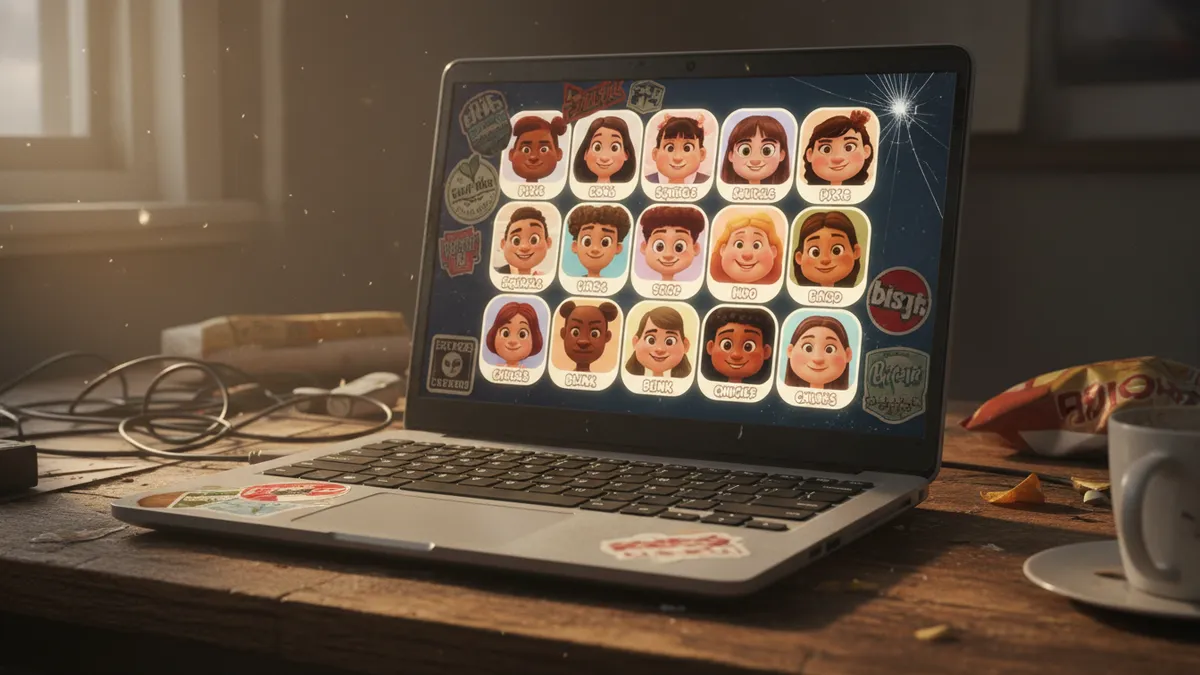
How to Turn Your Selfie Into a Viral AI Pixar 3D Animated Character Portrait in 2026: The Complete Guide to the Disney-Style Cartoon Trend on TikTok and Instagram
Here's what I learned after burning an entire weekend turning my face into a Pixar character across every free tool I could find: most of them get the vibe right but your actual face wrong. And the fix is simpler than you'd think. Here's how I got there.
Why the AI Pixar 3D Filter Is Everywhere Right Now
The Pixar 3D filter trend didn't creep in. It detonated.
Multiple sources are calling the AI Pixar character from selfie trend possibly the most viral filter style of 2026 — and scrolling TikTok or Instagram for even ninety seconds confirms it. The polished CGI look. Those enormous, expressive eyes catching light in ways that feel... impossibly cinematic. Subsurface scattering on skin that makes the render glow like an actual Pixar still frame. It's not the soft watercolor warmth of last year's Studio Ghibli wave. This is different. This is high-gloss, big-studio, Toy-Story-meets-your-actual-jawline energy. And people are using these AI Disney character portraits for everything — TikTok reveals, Instagram carousels, YouTube thumbnails, dating profiles, LinkedIn headers (yes, really).
I wanted in. Obviously.
The Head-to-Head: ChatGPT vs. Gemini vs. CapCut
So I tested three free methods. Same selfie. Same lighting. Same afternoon light hitting the left side of my face with a slight shadow under the chin. I wanted to see which tool actually nailed the turn-photo-into-Pixar-character promise — and which ones just... gestured at it.
ChatGPT (GPT-4o Image Generation)
First up. I uploaded my selfie and used a prompt I'd refined over maybe a dozen attempts. Here's the one that finally worked:
"Transform this photo into a Pixar-style 3D animated character portrait. Maintain exact facial features, face shape, and hairstyle. Use cinematic studio lighting with subsurface skin scattering. Large expressive eyes in Pixar proportion. Soft depth-of-field background. Hyper-detailed fabric texture on clothing."
The result was — honestly — stunning on first glance. The rendering quality was top-tier. Lighting, gorgeous. But my face? It gave me someone else's nose. Narrower. More conventionally symmetrical. The ChatGPT Pixar portrait looked like my more attractive cousin, not me.
I'll come back to why this happens. And how to fix it.
Google Gemini
Gemini surprised me.
The Gemini Pixar prompt I landed on was slightly more directive about preserving specific features. I explicitly called out "keep the exact nose bridge width, eye spacing, and jawline from the reference photo" — and it listened better than I expected. The 3D animated selfie filter aesthetic was there. The likeness was maybe 75% accurate on the first pass, which beat ChatGPT's initial attempt by a mile. The tradeoff? Slightly less polished rendering. Less of that buttery Pixar subsurface glow. More Dreamworks-adjacent if I'm being honest.
CapCut's Built-In Pixar 3D Filter
CapCut is where most people on TikTok are actually encountering this trend. One tap. No prompts. The Pixar 3D filter TikTok creators are using lives right inside the app's effects library.
And look — the convenience is unbeatable. Upload, tap, done. The output is decent. It captures a general cartoon energy and the likeness holds better than you'd expect from a one-size-fits-all filter. But "decent" is doing a lot of heavy lifting in that sentence. The rendering feels flat compared to what a well-prompted AI model produces. The eyes lack that specific Pixar sparkle. The textures are muddy. It's fast food versus a home-cooked meal. Both feed you. One stays with you.
Why Your AI Pixar Character Doesn't Look Like You (And the Fix)
This is the part nobody talks about.
Every AI image model has a gravitational pull toward averaged, conventionally attractive features. When you say "Pixar style," the model hears that plus an implicit instruction to beautify. To smooth. To normalize the geometry of your face toward some mean. Your wider nose gets narrowed. Your asymmetrical smile gets balanced. Your deep-set eyes get — enlarged, rounded, genericized.
The result looks like a Pixar character. Just not a Pixar character of you.
Here's what actually fixed it for me after extensive trial and error:
1. Call out your distinctive features by name. Don't just say "maintain likeness." Say "keep the prominent brow ridge, the slight bump on the nose bridge, the wider-set eyes." Be specific. Be clinical about your own face. The model needs landmarks.
2. Use multiple reference angles. If the tool supports it, upload a second photo — a three-quarter view. This gives the AI more spatial data about your actual bone structure and reduces the hallucination of features it can't see.
3. Iterate with correction prompts. After the first output, say: "The nose is too narrow compared to the reference. Widen it by 15%. The jawline should be rounder, matching the original photo exactly." Treat it like art direction, not a single magic request.
4. Anchor with context. Adding details like your actual ethnicity, age range, and specific hair texture helps the model resist defaulting to a generic template.
After three rounds of refinement with ChatGPT using these techniques? The likeness jumped from maybe 50% to — I'd say 90%. The remaining 10% is just the inherent stylization of the Pixar aesthetic, which is the whole point.
Copy-Paste Prompts That Actually Work
Here are the refined prompts I landed on. Steal them. Modify the bracketed sections for your own features.
For ChatGPT / GPT-4o:
"Create a Pixar-style 3D animated character portrait from this photo. Critical: preserve the EXACT facial structure — [describe your 2-3 most distinctive features]. Large expressive Pixar-proportion eyes that match the original eye shape and color. Cinematic warm studio lighting. Subsurface skin scattering. Soft bokeh background in [color]. Hyper-detailed hair with individual strand rendering matching the original texture."
For Google Gemini:
"Transform this selfie into a high-quality Pixar/Disney-style 3D character render. Maintain precise likeness: same nose width, same eye spacing, same jawline contour as the reference. Style: polished CGI with expressive features, Pixar-level rendering quality, cinematic depth of field, [warm/cool] key light from the [direction]."
These aren't perfect on the first try. Nothing is. But they're dramatically better starting points than "make me look like a Pixar character."
Using Your AI Pixar Portrait for Personal Branding
Here's where it gets strategic.
A polished AI Disney character portrait isn't just a fun trend piece — it's a branding asset. I started using mine as a YouTube thumbnail element and the click-through rate on those videos jumped noticeably. The oversized eyes, the vivid lighting, the slight uncanny-valley-but-in-a-good-way quality — it stops the scroll. That's the whole game.
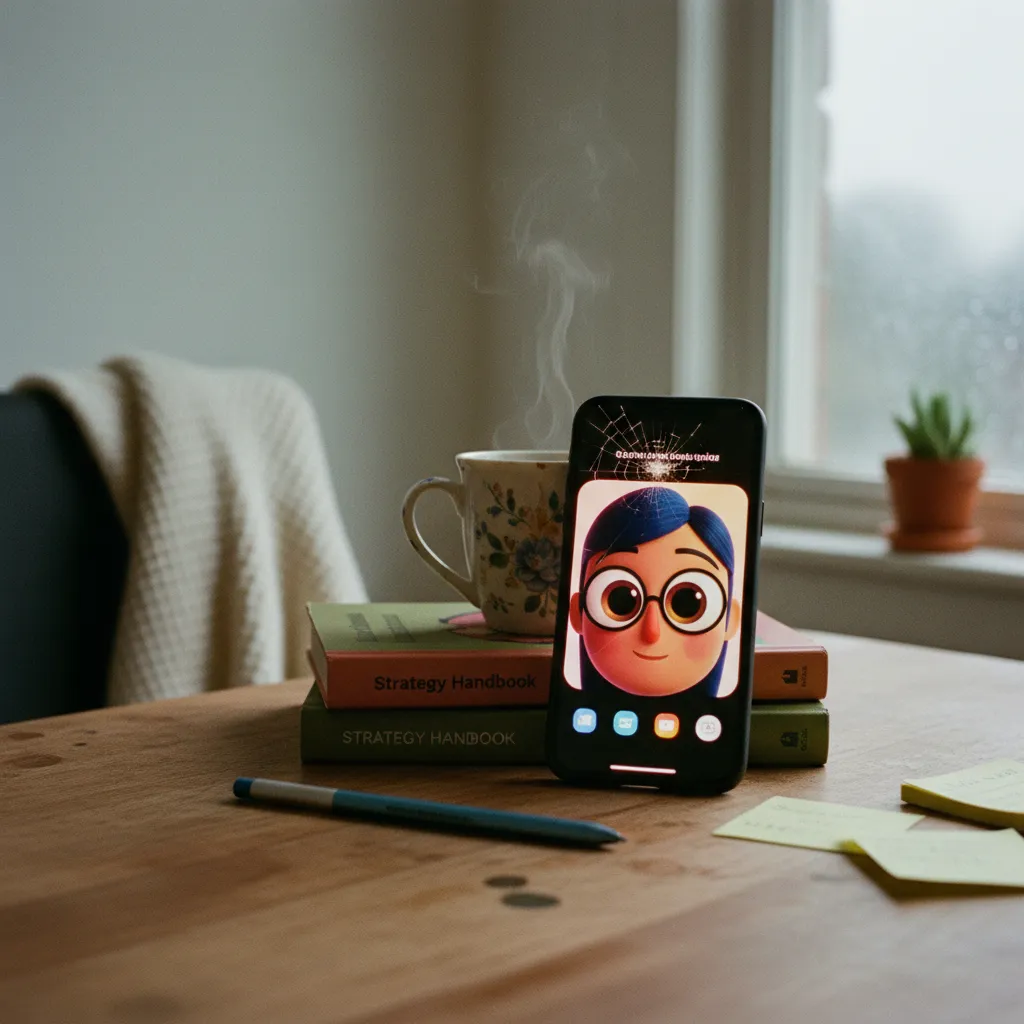
Some ways I've seen creators deploy these effectively:
- Profile pictures across platforms for a cohesive, recognizable visual identity
- YouTube thumbnails — the Pixar aesthetic pops against the typical thumbnail noise
- Instagram carousel covers that establish a branded series look
- TikTok intro frames that hook viewers in the first half-second
- LinkedIn banners — unconventional, attention-grabbing, memorable
The Pixar style AI trend 2026 has legs precisely because the output is versatile. It reads as creative, polished, and intentional. Not gimmicky. Not yet, anyway.
Where PixViva Fits In
If you're looking for consistently high-quality AI-generated portraits without the prompt engineering rabbit hole — that's exactly what we built PixViva for. You upload your photos, choose a style, and the platform handles the likeness preservation and rendering quality that takes dozens of manual iterations to achieve elsewhere. The Pixar and Disney-inspired 3D styles are among the most popular options, and the results maintain your actual features rather than handing you someone else's bone structure.
Not everyone wants to spend a weekend refining prompts. I get it. I enjoyed it. Most people won't.
The Trend's Staying Power
Will the 3D animated selfie filter craze fade? Eventually. Everything does.
But Pixar-style character design taps into something deeper than a passing aesthetic — it triggers nostalgia, warmth, and instant emotional recognition. We grew up with these characters. Seeing ourselves rendered in that visual language feels significant in a way that most AI filters don't. That emotional resonance is why this trend has more staying power than the average viral moment.
The tools will get better. The likeness will get sharper. The one-tap solutions will close the gap with the manually prompted ones.
But right now — today — you have a window where this content still feels fresh, still stops the scroll, still makes people double-tap and share. The prompts are above. The tools are free. The only variable left is your selfie and five minutes of experimentation.
Go make your Pixar self. Then make it actually look like you.
Ready to see yourself in a new light?