
How to Use AI Age Filters on Your Selfie to See Your Future (or Younger) Self: The 2026 Guide to Viral Age Progression Challenges
It's a Tuesday evening and your 75-year-old face is staring back at you from your phone screen. The laugh lines are deeper. The jawline has softened into something gentler, more lived-in, and the eyes — somehow the eyes still look unmistakably like yours, just tucked behind a few more decades of squinting into sunlight and reading late at night. You post it. By morning, it has more engagement than anything you've shared in six months.
That's the scenario playing out millions of times a day right now. The AI age challenge trend isn't new — remember FaceApp in 2019? — but the 2026 versions are operating on an entirely different level of realism. And that realism is exactly what separates a scroll-stopping post from something people swipe past with a mild grimace.
So let's talk about what actually works, what's gimmicky, and how to get results that don't look like someone smeared Vaseline on a wax figure.
The Science Behind How AI Predicts Your Face at 70
Before you feed your selfie into eight different apps, it helps to understand what's happening under the hood. Most AI age progression tools in 2026 use diffusion models or GANs (generative adversarial networks) trained on massive datasets of faces across age groups. The AI isn't guessing randomly. It's learned statistical patterns — how skin elasticity shifts, where fat deposits migrate, how bone structure subtly reconfigures over decades of gravity doing its patient, relentless work.
The better tools incorporate ethnic and gender-specific aging patterns. They account for differences in melanin distribution, collagen density, and bone resorption rates. The cheap ones just add wrinkles like someone dragging a texture overlay in Photoshop, which is why half the AI aging results you see online look like a Halloween costume rather than a plausible future.
This distinction matters more than people realize. A convincing AI age progression selfie preserves your identity across the transformation — your asymmetries, your specific brow shape, the way one eyelid sits slightly lower than the other. The bad ones erase all of that and hand you a generic old person wearing a vague approximation of your hairstyle.
Comparing 8 AI Age Filter Tools on the Same Selfie
I ran the same well-lit selfie through every major option available right now. Same photo, same lighting, same neutral expression. Here's what happened.
FaceApp (2026 update): Still the most recognized name. The aging filter has improved significantly — skin texture is more naturalistic, and the gray hair rendering is genuinely impressive. De-aging remains slightly uncanny, though. Solid B+.
Lensa AI: Better known for its artistic avatars, but the age filters are surprisingly competent. Tends to over-smooth in de-aging mode, which ironically makes the younger version look more artificial than the older one.
FaceMagic: Aggressive aging. At 80 years old, it decided I'd lose most of my hair and develop jowls that could hold spare change. Maybe accurate, maybe dramatic. Points for commitment.
YouCam Makeup: Leans conservative. The aging is subtle, almost too gentle, as if the AI is afraid of offending you. The de-aging to teenage years is oddly convincing.
Snapchat's Time Machine: The viral engine behind half the TikTok age challenge content. Fast, fun, designed for video. Less photorealistic than dedicated apps, but optimized for shareability.
TikTok's native aging filter: Similar to Snapchat's approach — prioritizes entertainment over accuracy. Works well in motion but falls apart in still frames.
Aging Booth / Old Face: The veterans. Functional, straightforward, but the results feel dated compared to newer diffusion-based tools. They add wrinkles. That's about it.
RetouchMe AI Aging: A newer entrant that uses cloud processing for higher-fidelity results. Slower, but the output quality is noticeably richer in skin detail.
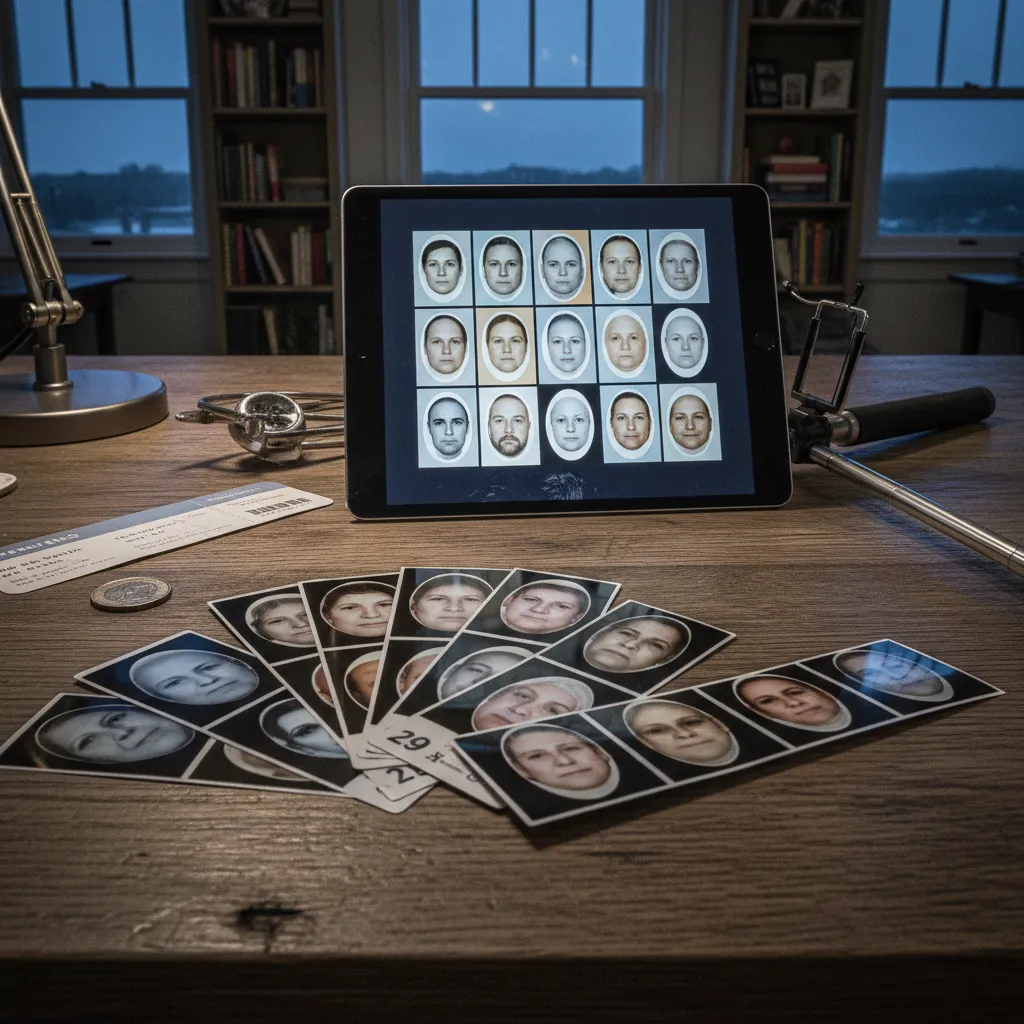
The takeaway from running all eight? Speed and realism sit on opposite ends of the spectrum. The apps designed for instant social content sacrifice nuance. The ones that take thirty seconds longer produce faces that actually make you pause and wonder.
Using ChatGPT and Gemini for AI Age Transformations
Here's where things get interesting for anyone who wants more control. Both ChatGPT (with image generation) and Google's Gemini now accept photo inputs and can generate age-progressed versions through careful prompting.
The trick is specificity. A prompt like "make me look older" gives you garbage. A prompt like this actually works:
"Using this photo as reference, generate a photorealistic portrait of this same person at approximately age 70. Preserve their exact facial bone structure, eye shape, and skin tone. Add age-appropriate changes: deeper nasolabial folds, thinner lips, slight hollowing under the cheekbones, natural gray hair matching their current hair texture. Maintain the same lighting and background."
For de-aging, flip the approach:
"Generate a photorealistic version of this person at approximately age 16. Softer jawline, fuller cheeks, smoother skin with some natural texture remaining. Keep the same eye color, eyebrow shape, and facial proportions. Same lighting conditions."
These text-to-image models give you something the filter apps don't — the ability to iterate. You can adjust specific features, dial the age up or down in five-year increments, or ask for variations. It's slower, absolutely. But the results can be startlingly good when you invest the extra three minutes refining your prompt.
The limitation? Consistency. Run the same prompt three times and you'll get three slightly different faces. Dedicated age filter apps at least give you a repeatable output, which matters when you're comparing results across a group of friends for the challenge.
Why Most AI Age Filters Look Cartoonish (and How to Fix It)
Here's the uncomfortable truth that none of these apps want to advertise. Most AI age filter outputs look about 80% real. That missing 20% — the subtle mismatches in skin grain, the slightly too-smooth forehead, the hair that sits just wrong — is exactly what triggers the uncanny valley response in anyone looking at your post for more than two seconds.
The age challenge content that actually goes viral has an extra step baked in. The creators who consistently get millions of views aren't posting raw filter output. They're refining it.
This is where chaining tools becomes a legitimate strategy. You run your age filter of choice to get the structural transformation — the wrinkles, the gray hair, the shifted proportions. Then you take that output and enhance it through a tool designed for photorealistic quality.
PixViva handles this second step well because it's built to enhance AI-generated portraits specifically. The platform refines skin texture, corrects lighting inconsistencies, and preserves the natural grain that makes a photo feel like it was actually taken with a camera rather than generated by software. Feed it your aged selfie and the output crosses that uncanny valley gap — the face still looks AI-aged, but the photo itself looks real.
That distinction — between a face that looks transformed and a photo that looks real — is the entire difference between something people screenshot and share versus something they scroll past.
Making Your Age Challenge Content Actually Shareable
The format matters almost as much as the filter. The posts getting traction right now follow a few consistent patterns worth noting.
Side-by-side layouts outperform single images by a wide margin. Your current face next to your AI-aged face creates an instant visual hook. Three-panel layouts (young / now / old) perform even better because they tell a complete story in one glance, and stories are what make people stop scrolling.
Video transitions between ages still dominate TikTok. Snapchat's Time Machine and TikTok's native filter are built for this — smooth morphs that look best in motion. For Instagram and static posts, though, high-quality stills with clear age labels win.
Lighting in your original selfie determines everything downstream. Every age filter app performs dramatically better with soft, even, front-facing light. Harsh overhead lighting creates shadows that the AI interprets as wrinkles, skewing your result older than intended. A window at eye level during golden hour — that's the setup that gives every tool its best shot at producing something convincing.
And one more thing nobody talks about: expression matters. A neutral or slight smile ages more realistically than a wide grin. Extreme expressions distort facial geometry in ways that confuse the aging models, producing artifacts around the mouth and eye corners that immediately read as artificial.
The Honest Takeaway
AI age filters in 2026 are genuinely impressive. They're also genuinely imperfect. The gap between raw filter output and something that looks real enough to make your mom text you asking if you're okay — that gap is closeable, but it takes a little intentionality.
Pick your aging tool based on whether you need speed or fidelity. Use specific prompts if you're going the ChatGPT or Gemini route. Start with good lighting. And run your result through an enhancement step — whether that's PixViva or manual touch-up — before you post.
The trend isn't going anywhere. Your future face is waiting. Might as well make sure it looks like it was photographed, not generated.
Ready to see yourself in a new light?