
How to Turn Your Selfie Into a Viral AI LEGO Minifigure Portrait in 2026: The Complete Guide to the Brick-Style Toy Character Trend on TikTok and Instagram
"I just want to look like a little plastic man. Why is this so hard?"
That's the conversation happening — across group chats, Reddit threads, TikTok comments — right now. And it captures something interesting. The AI LEGO minifigure portrait trend isn't hard, exactly. It's specific. The gap between "vaguely blocky cartoon" and "this looks like it ships in a $29.99 collector box" is enormous. And most people are landing on the wrong side of it.
So let's close that gap. Immediately.
What Makes the AI LEGO Minifigure Portrait Trend Different
Forget what you know about AI cartoon filters. This isn't that.
The LEGO AI selfie trend — which erupted across Southeast Asia in early April 2026 before flooding global TikTok and Instagram — produces something uncanny: a portrait of you, rendered as a glossy ABS-plastic minifigure. Cinematic toy-photography lighting. Brick-stud backgrounds. The oversized cylindrical head. The C-shaped claw hands.
The reason it went viral? It doesn't look AI-generated. It looks manufactured. Like LEGO actually released a custom set based on your life.
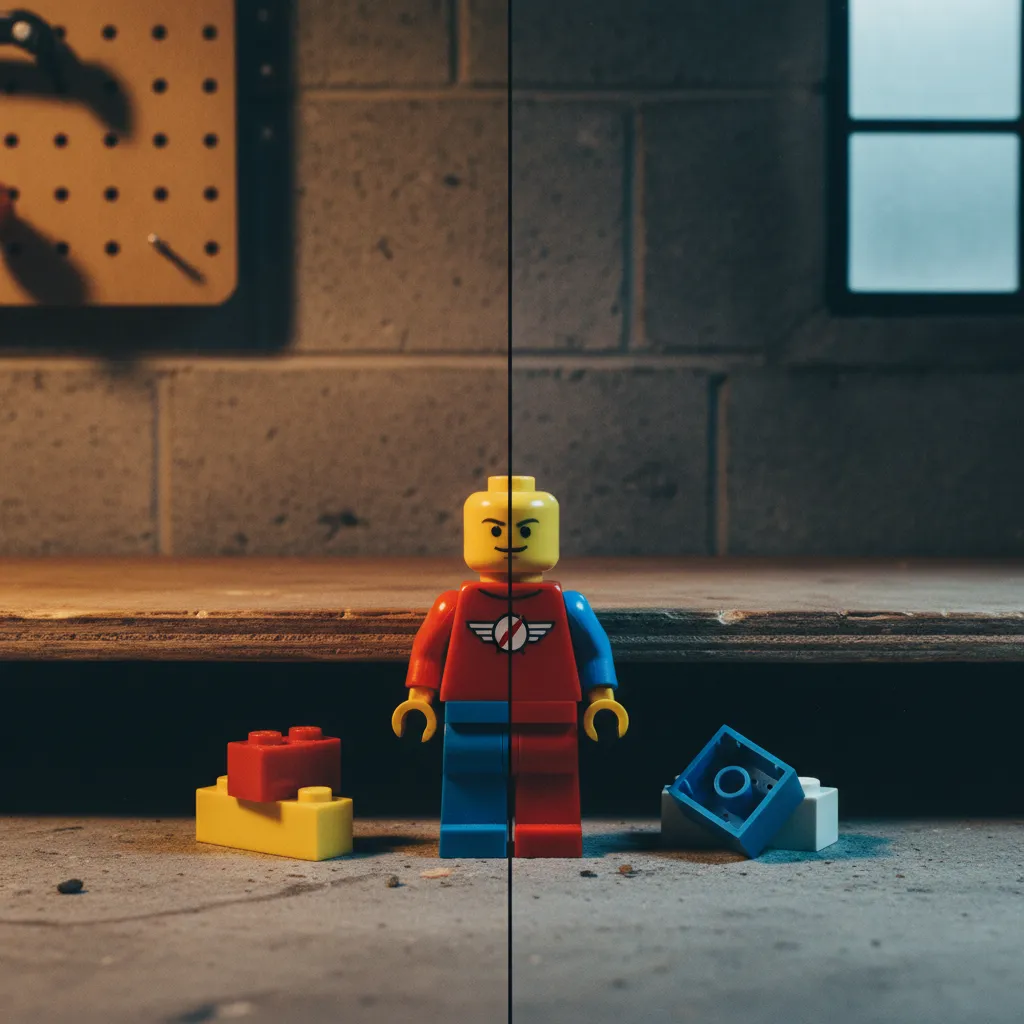
Here's the cause-and-effect chain that matters: the portraits that get millions of views nail three things simultaneously — material accuracy (that specific plastic sheen), proportional fidelity (minifigure anatomy, not just a small person), and environmental storytelling (the background sells the illusion of a real LEGO set). Miss one, and you get a cartoon. Hit all three, and people screenshot it, share it, argue about whether it's a real product.
That argument. That moment of confusion. That's the viral trigger.
The Three Tools That Actually Work (and How They Differ)
"Which app do I use?" Wrong framing. The tool matters less than the prompt. But the tool determines your ceiling.
Let's break it down.
ChatGPT with GPT-4o: The Control Freak's Choice
GPT-4o's image generation — via DALL·E integration — gives you the most prompt-responsive results. It listens. You say "ABS plastic texture with injection mold seam lines," and it renders injection mold seam lines.
The prompt architecture that works:
"Generate a portrait of [description/uploaded photo] as a LEGO minifigure. Glossy ABS plastic skin texture with subtle injection mold lines. Standard minifigure proportions: oversized cylindrical head, C-shaped hands, short legs with visible hip joint. Wearing [your outfit details]. Background is a LEGO brick-stud baseplate with [themed elements]. Cinematic toy photography lighting, shallow depth of field, macro lens perspective. Style: official LEGO product photography."
The phrase "official LEGO product photography" — that's doing heavy lifting. It anchors the AI's reference pool in actual catalog imagery rather than fan art.
Upload your selfie directly. ChatGPT handles face-to-minifigure translation reasonably well. Not perfectly. We'll address that.
Google Gemini: The Surprise Contender
Gemini's image generation capabilities, updated significantly in early 2026, have become a sleeper hit for this trend. The Gemini LEGO prompt that's circulating through Thai and Filipino creator communities is notable for one reason: it handles skin tone translation to plastic better than the alternatives.
Where ChatGPT sometimes over-smooths, Gemini preserves the warmth. The yellow-skin minifigure default gets overridden more naturally.
The key addition to your Gemini prompt: specify "realistic skin-toned LEGO minifigure, NOT classic yellow." Without this, you'll get the traditional LEGO yellow approximately 60% of the time.
Hypic: The Mobile-First Shortcut
Hypic is where the trend arguably started in Southeast Asia. Its AI LEGO portrait generator template removes the prompt-engineering barrier entirely. Upload. Select style. Done.
The trade-off is obvious: less control. The backgrounds tend toward generic. The proportions occasionally drift toward chibi rather than strict minifigure anatomy.
But for speed — for posting within minutes rather than iterating for an hour — Hypic is why this trend scaled.
Anatomy of a Perfect LEGO AI Portrait: The Five Components
"It looks good but something's off." That something is almost always one of these five elements.
1. The Head-to-Body Ratio
Real LEGO minifigures have a head that's roughly 1:1 with the torso. Most AI outputs default to more human proportions — head slightly too small, body slightly too tall. Specify "standard LEGO minifigure proportions" explicitly. If the result still skews human, add "exaggerated oversized cylindrical head."
2. The Plastic Material Read
This is the difference between "LEGO-inspired" and "looks like it came out of a mold in Billund." You need: high-gloss ABS plastic texture, subtle surface reflections, and — this is the detail people miss — the barely-visible parting line from the injection mold process.
One phrase that consistently triggers the right texture: "product-shot plastic sheen."
3. The C-Hands
Minifigure hands are C-shaped clamps designed to hold accessories. If your portrait has five-fingered hands, it's not a LEGO portrait. It's a plastic-textured cartoon. Specify "C-shaped clip hands holding [accessory]." Give the AI something to grip — a coffee cup, a camera, a phone — and the hand shape locks in.
4. The Brick-Stud Background
The background is half the illusion. A plain gradient screams "AI filter." A baseplate with raised circular studs, themed environmental pieces — maybe a tiny brick-built desk, or a miniature streetscape — that screams "product photography."
5. The Lighting
Toy photography has a specific lighting signature: soft, diffused, slightly warm. Shallow depth of field with the figure tack-sharp and the background gently blurred. Adding "macro lens, f/2.8, studio product lighting" to your prompt gets you there.
The Prompt Template That Gets It Right First Try
"Just give me the prompt." Fair. Here it is — optimized across dozens of iterations:
"A LEGO minifigure portrait of [you/description]. Glossy ABS plastic texture with injection mold seam lines and product-shot sheen. Standard LEGO minifigure proportions with oversized cylindrical head, printed facial features on smooth plastic surface, C-shaped clip hands holding [accessory]. Wearing [detailed outfit]. Standing on a LEGO brick-stud baseplate with [themed brick-built environment]. Shot in macro toy photography style: shallow depth of field, f/2.8, warm studio lighting, official LEGO product catalog aesthetic. 4K, photorealistic rendering."
Adapt the bracketed sections. Keep everything else. The specificity isn't optional — it's what prevents the AI from improvising in directions you don't want.
Why This Trend Hit Different Than Minecraft or Pixar Styles
A question worth pausing on. We've had AI cartoon trends before. The Pixar-style portrait. The Minecraft skin. The anime conversion. None of them sustained virality the way the LEGO minifigure trend has in April 2026.
The reason — and this is the analyst in me mapping the chain — is physical plausibility.
Pixar portraits look like fan art. Everyone knows Disney didn't make a movie about you. But a custom LEGO minifigure? LEGO literally sells personalized sets. They collaborate with every franchise imaginable. The AI-generated portrait sits in a credibility sweet spot: unusual enough to stop scrolling, plausible enough to generate genuine "wait, is this real?" engagement.
That confusion converts to comments. Comments convert to algorithmic reach. Reach converts to trend.
Common Mistakes (and Their Fixes)
Too cartoon-like: You're missing the material specification. Add "photorealistic ABS plastic texture" and "product photography lighting."
Yellow skin when you wanted realistic tones: Explicitly state "realistic human skin tone rendered in glossy plastic, NOT classic LEGO yellow."
Proportions too human: Add "strict LEGO minifigure anatomy — no articulated elbows, no knees, cylindrical head with no visible ears."
Background looks AI-generated: Specify actual LEGO elements. "Brick-built" is your keyword. Not "a city" but "a brick-built miniature city with visible studs and plate connections."
Hands have fingers: Specify C-hands. Give them something to hold. The grip triggers the shape.
Taking Your LEGO Portrait to the Next Level
The creators getting the most traction aren't stopping at the portrait. They're building the full product fantasy.
That means: generating the minifigure inside a LEGO-style box. Complete with set number, piece count, age rating, themed series branding. The box art version consistently outperforms the standalone portrait in engagement. Because it completes the illusion. It answers the implicit question — "what if I were actually a LEGO set?" — with full commitment.
Add to your prompt: "Displayed inside official LEGO-style product packaging with set number, series name, piece count, and clear plastic window showing the minifigure."
That's the version people share. That's the version that goes viral.
At PixViva, we've been watching AI portrait trends evolve from novelty into genuine creative expression — tools that let anyone see themselves through a new visual lens. The LEGO minifigure trend is a perfect example: playful, personal, and surprisingly artful when executed well. If you're exploring AI-powered ways to reimagine your photos, that intersection of fun and quality is exactly where things get interesting.
The Takeaway
The AI LEGO minifigure portrait trend rewards precision. Not artistic skill — specification skill. The people getting the best results aren't better at art. They're better at describing what they want.
Five components. One well-structured prompt. The right tool for your patience level.
That's it. That's the whole game. Now go turn yourself into a $29.99 collectible.
Ready to see yourself in a new light?